1-10
Operating Your Computer
Ref Component Description See Also
o
Hard Disk Drive Inside is the hard disk drive.
p
Stylus
(optional)
Serves as the input device by tapping on
the touchscreen to make selections and
enter information.
P. 2-10
q
Tether Hole Stylus tethered to this hole. P. 1-3
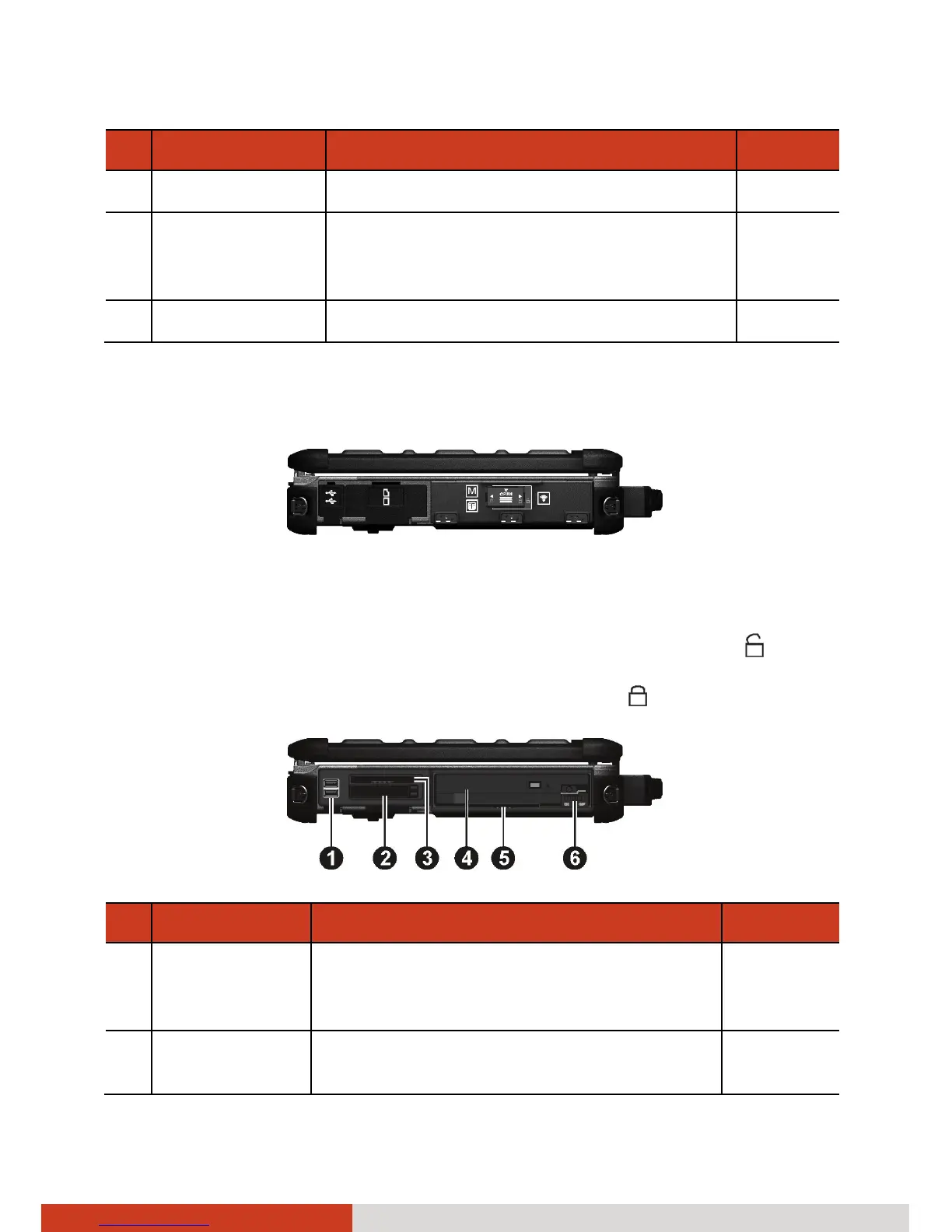
Left-Side Components
To access a connector, open its protective cover by pushing down the tab.
When closing, push the tab upward so it clicks into the locked position.
To access a device bay, slide the latch toward the right to unlock (
) and
then push down the latch to release the cover. When closing, engage the
latch and then slide the latch toward the left to lock (
).
Ref Component Description See Also
n
USB Port Connects a USB device, such as a USB
flash disk, printer, digital camera,
joystick, and more. There are two ports.
P. 4-5
o
PCMCIA Slot Accepts a PC card for additional
functions. There are two slots.
P. 4-8



 To Next Page