Operating Your Computer 2-25
Using the Bluetooth Feature
(Optional)
Depending on your model, your computer may incorporate the Bluetooth
capability for short-range (about 10 meters) wireless communications
between devices without requiring a cable connection. With Bluetooth
wireless technology, data can be transmitted through walls, pockets and
briefcases as long as two devices are within range.
The status of the Bluetooth connection is indicated by the Bluetooth icon
located in the taskbar. (You need to tap
on the taskbar to show the
hidden icons.)
Status Icon
Off
(blue with red logo)
On
(blue with white logo).
Connected
(blue with green logo)
You can use the Bluetooth Utility to configure Bluetooth wireless connection
settings and transfer files.
Turning On/Off the Bluetooth Radio
To turn on the Bluetooth radio:
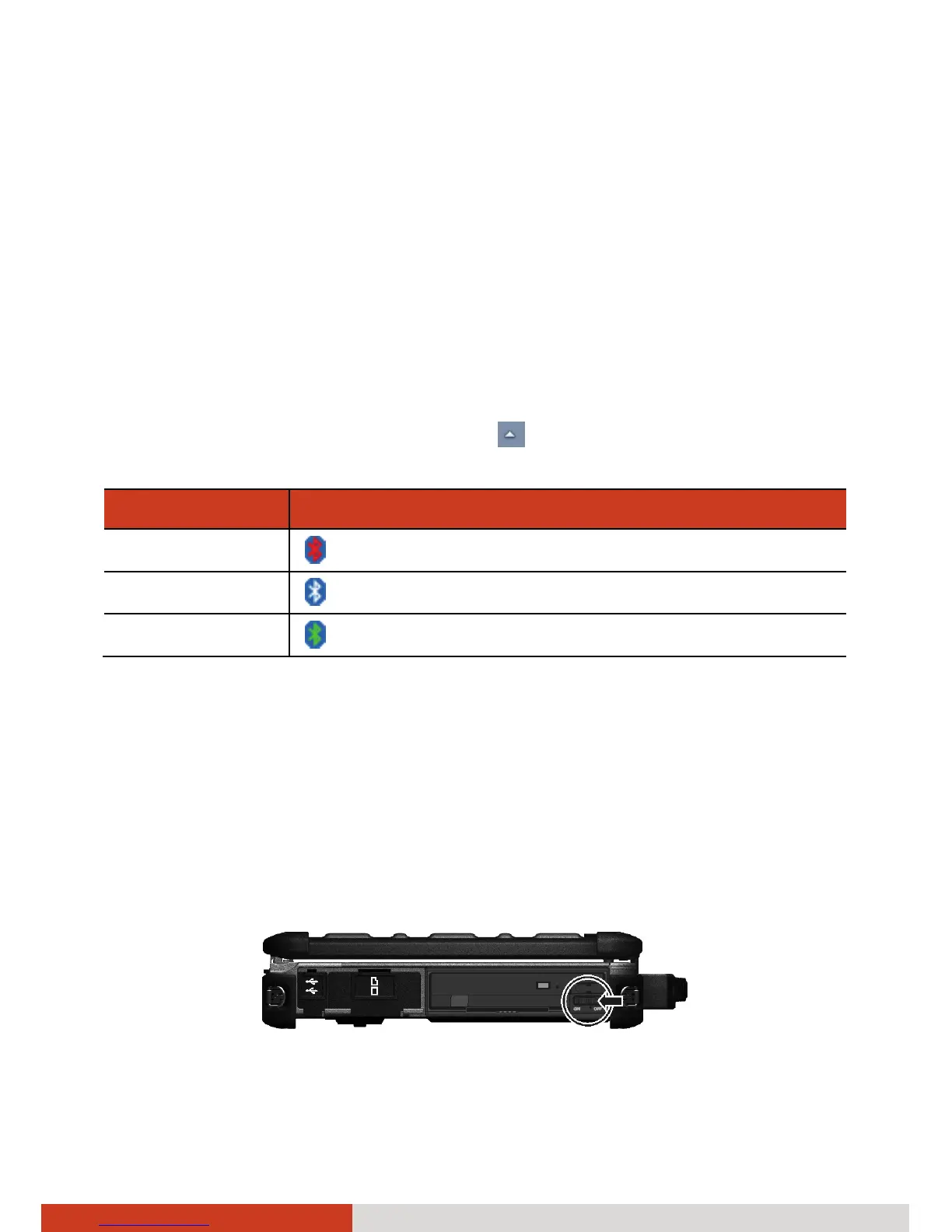
1. Make sure that the RF switch is at the ON position. (Open the cover to
access the switch.)



 To Next Page