Using Special Utilities 6-15
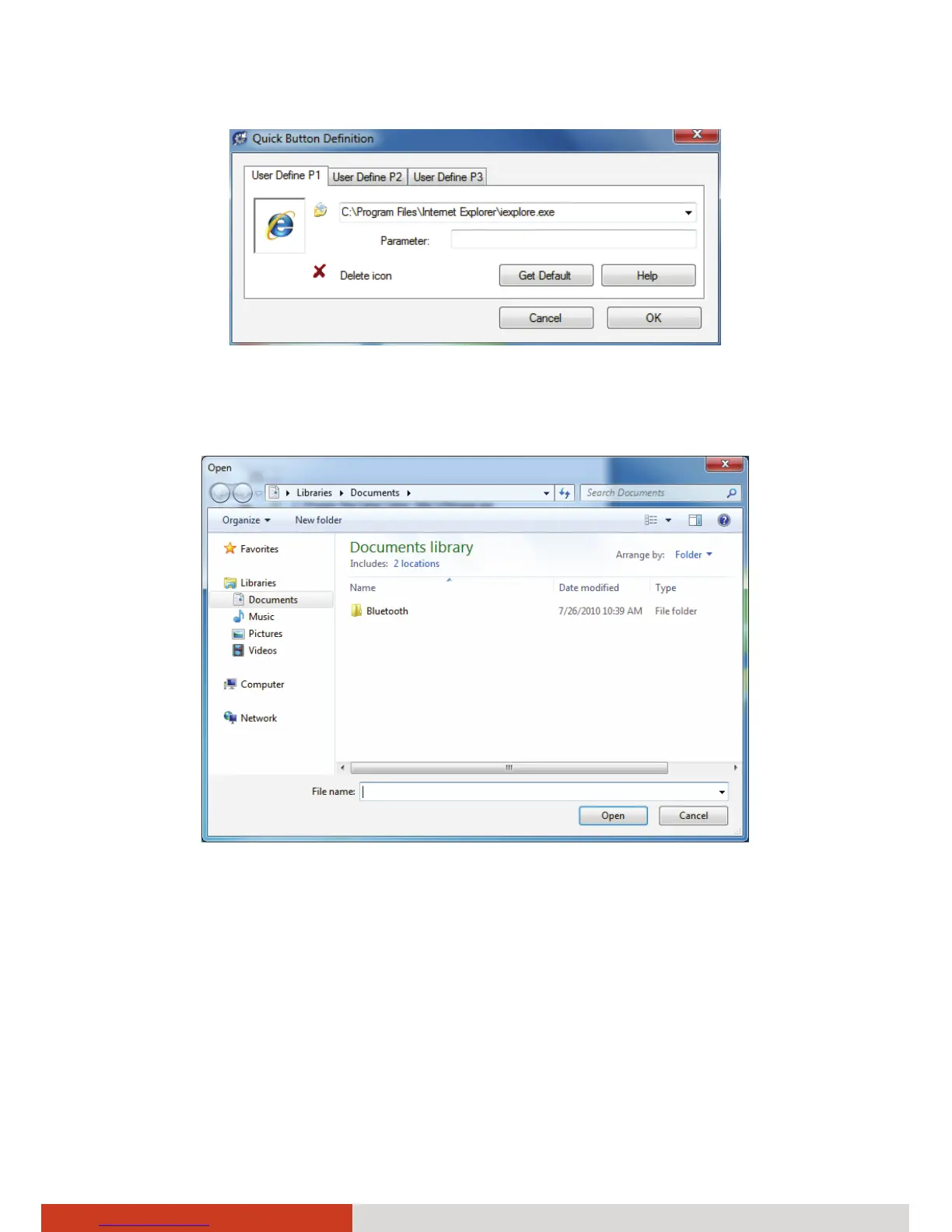
4. In the Open dialog box, browse to the destination folder, select the
desired file, and click Open.
5. A matching program icon will appear in the settings window. Click OK.
NOTE: You can restore to the default settings by clicking Get Default.
6. Continue with steps 5 to 7 in the previous “Selecting from the Available
Options” section.



 To Next Page