4-12
Expanding Your Computer
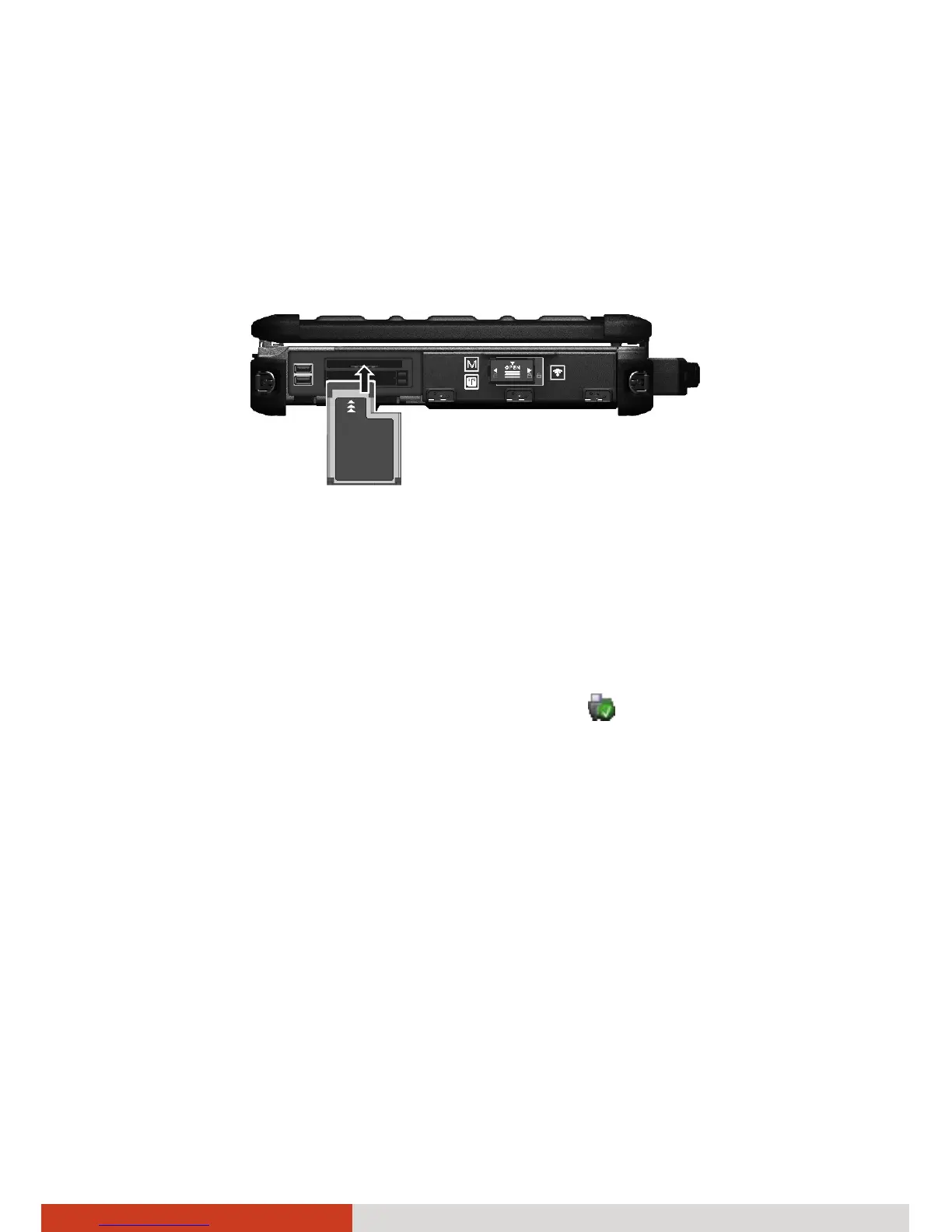
To insert an ExpressCard:
1. Locate the ExpressCard slot on the left side of the computer and open
the protective cover.
2. Slide the ExpressCard, with its label facing up, all the way into the slot
until the rear connectors click into place.
3. Close the cover.
4. When a new card is seated, the computer will detect it and try to install
the appropriate driver. Follow the on-screen instructions to complete the
process.
To remove an ExpressCard:
1. Double-click on the Safely Remove Hardware
icon found on the
Windows taskbar and the Safely Remove Hardware window appears on
screen.
2. Select (highlight) the ExpressCard from the list to disable the card.
3. Slightly push the card to release and then pull it out of the slot.
4. Close the cover.



 To Next Page