5-12
Using BIOS Setup and System Recovery
3. A message appears asking if you want to start. Type Y to start.
4. A warning message appears asking if you accept the terms as shown on
the screen. Type Y to continue.
5. Type Y again when the next message appears asking for confirmation.
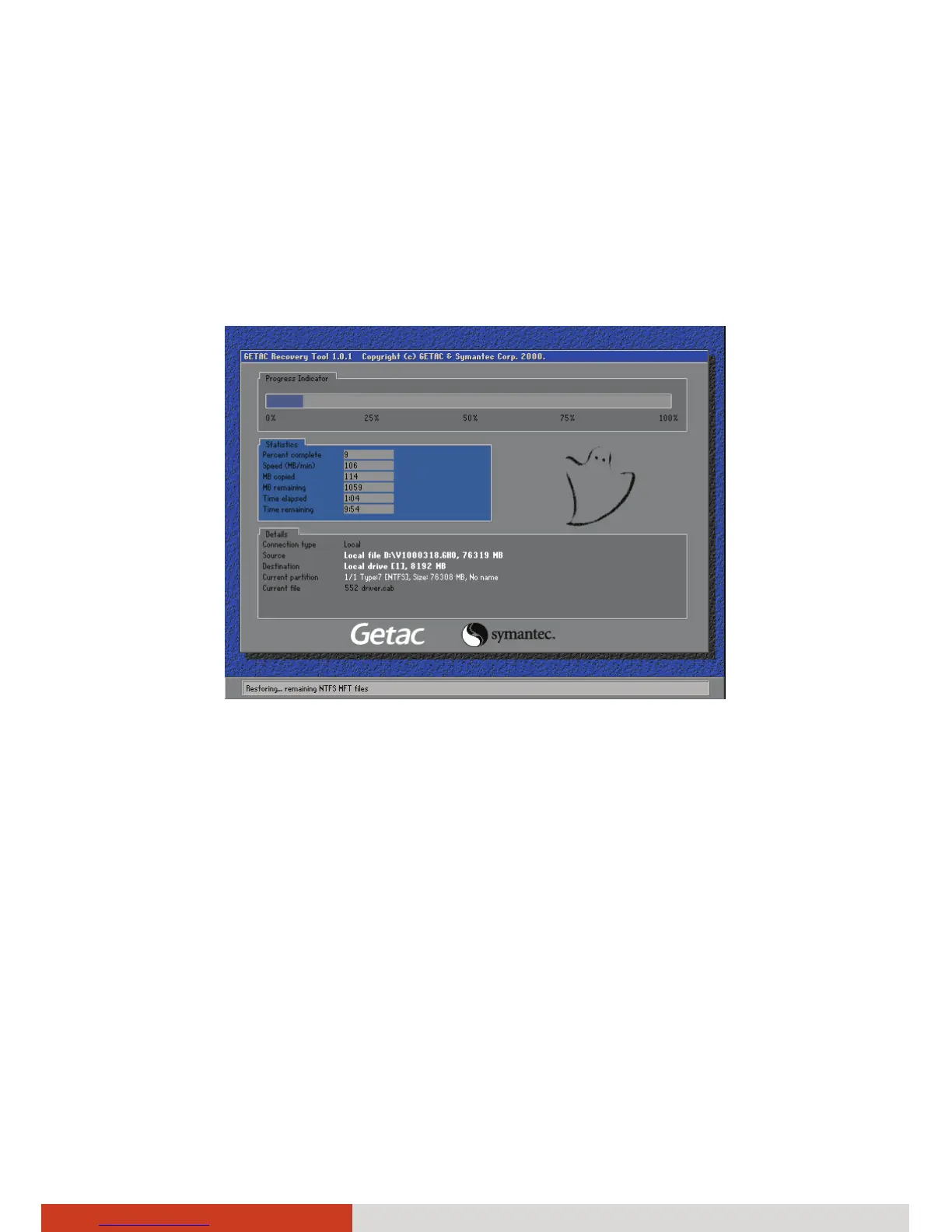
6. The recovery process starts. The screen as below appears.
7. Wait till the process completes. A message will appear asking you to
press any key to continue. Press any key for the system to restart.
8. The Windows setup wizard starts. Follow the onscreen prompts to
continue.
9. When the system restarts, the installer screen as below appears. The
installer will perform system hardware detection and driver installation.



 To Next Page