GKB 4CH/8CH VFire Server
21
4.2 Login And Logout
There are three preset password levels in the system, including Administrator
(highest), Supervisor, and Operator (lowest). Besides, the system also provides
Customized password level. If the user does not login the system, he/she will be
treated as “Guest” and can only view live video display.
The system allows up to 18 user accounts. The administrator can set up the login
name and password for each user. (Please refer to Section 6.7 for Password
Setup.)
The Operator can operate live video display, the Supervisor live video display,
image playback and archive, and the Administrator everything.
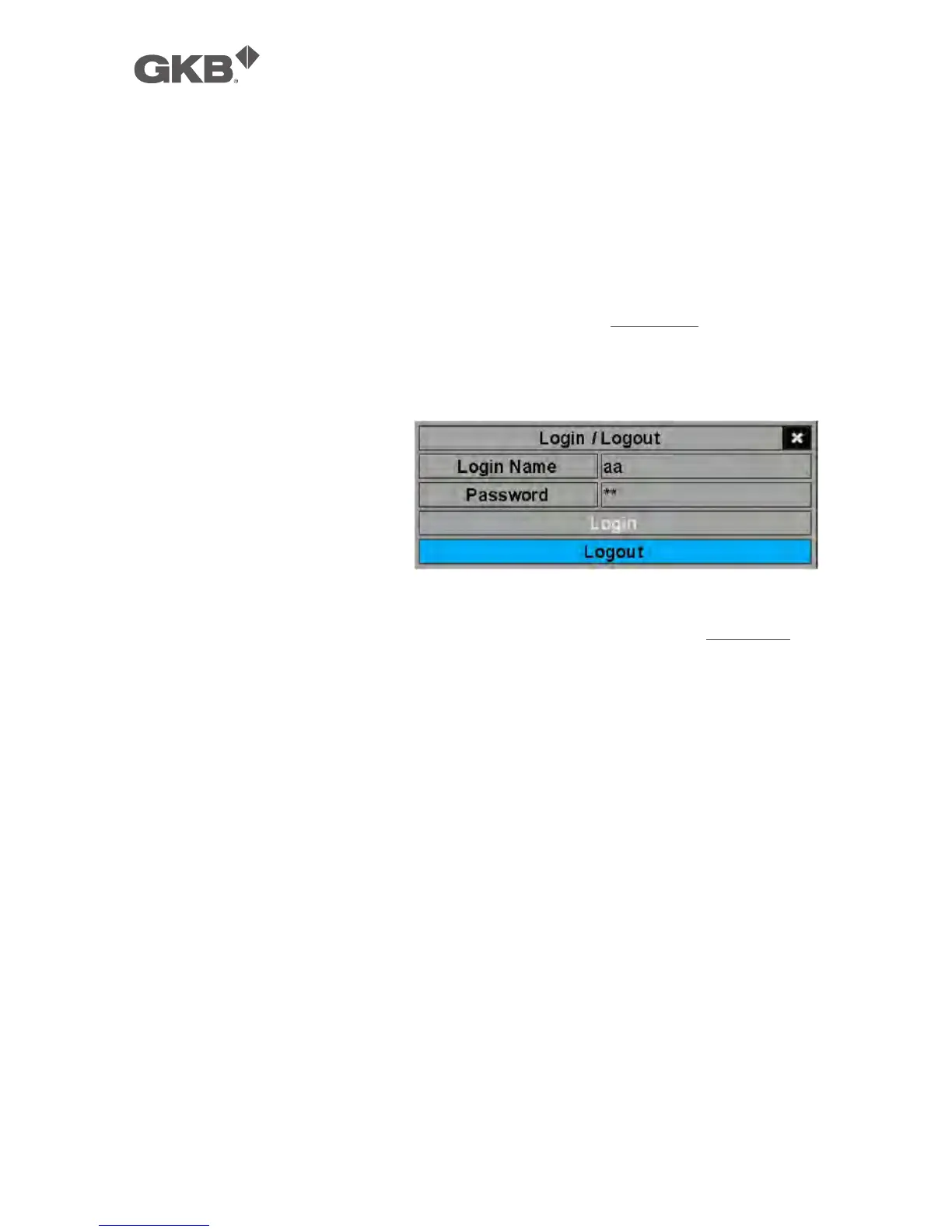
To login/logout the system,
press MENU in split-window
display to call up Menu
display, and then press
ENTER when the highlighted
option is Login/Logout to
enter Login/Logout display as
shown.
In Login/Logout display, follow the Text Input method described in Section 4.1 to
enter the Login name and Password, press ▲▼ to highlight and select Login
option, and then press ENTER to login the system. If the user wants to logout the
system, just press ▲▼ to highlight and select Logout option, and then press
ENTER. Press ESC to exit without making changes.
There is one factory-preset login name/password aa/11 at Administrator level.
The user can use it to login the system for the first time.
Should the user have forgotten all the administrator-level passwords, please
contact the local dealer or installer to recover from it.



 To Next Page