GKB 4CH/8CH VFire Server
112
Appendix D – MS-Windows HEM Utilities
There are several MS-Windows utility programs in the bundled CD, including CMS,
CMS Player, Keyboard Control Simulator, H.264 to AVI/MP4 Conversion Utility, and
DVR/NVR Browser Utility. Please insert the CD in the CD-ROM or DVD-ROM drive in
your PC, and then double click on CMS/Setup.exe in the CD to install CMS, and
Utilities/Setup.exe to install the utility programs. Please follow the instructions on the
screen to install the software in the default directory “Program Files\Hyper Electronics
Mappers” or the directory entered by the user. For CMS, please refer to the manual
for HEM. For the other utility programs, please refer to the following paragraphs.
Please note that for DVR/NVR Browser Utility on Windows XP or 2003, user needs to
run dotnetfx_x86.exe to install .net frame work in the PC.
HEM Player
Before running HEM Player in your PC, please make sure the followings:
1. DirectX
®
End-User Runtime 9.0 or above has been installed in your PC successfully.
If not, please logon to http://www.microsoft.com to get the free download of it.
2. Please go to Start->Setup->Control, select Display->Settings, and set the Screen
Resolution to at least 1024x768 and Color to 32-bit.
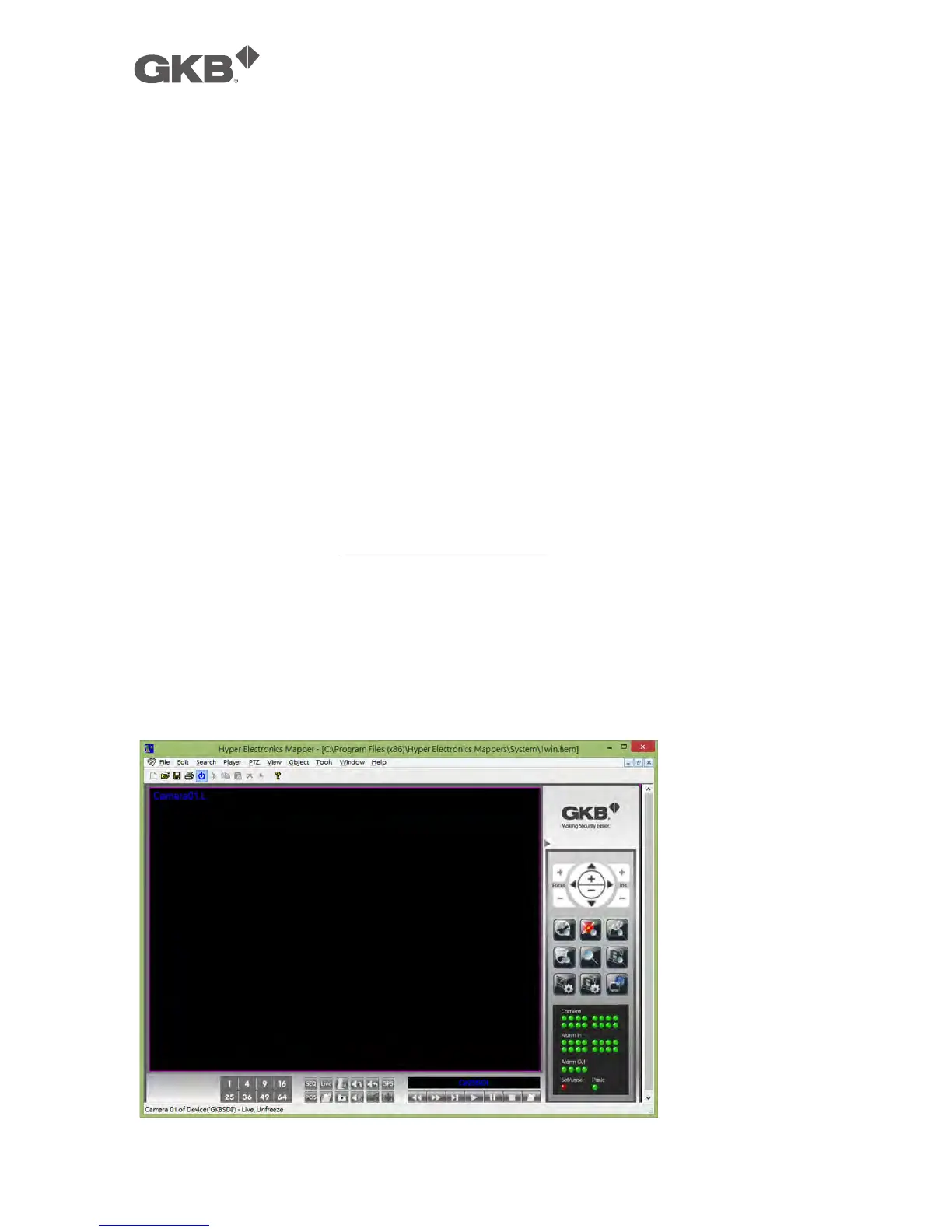
To run the HEM Player under MicroSoft
®
Windows
®
XP or Windows
®
2000, please
select Start->Programs->Hyper Electronics Mappers->HemPlayer, and the screen will
be shown as below.



 To Next Page