GKB 4CH/8CH VFire Server
33
5.7 System Shutdown (Administrator)
In Menu display, press ▲▼◄► to change the highlighted option to Shutdown,
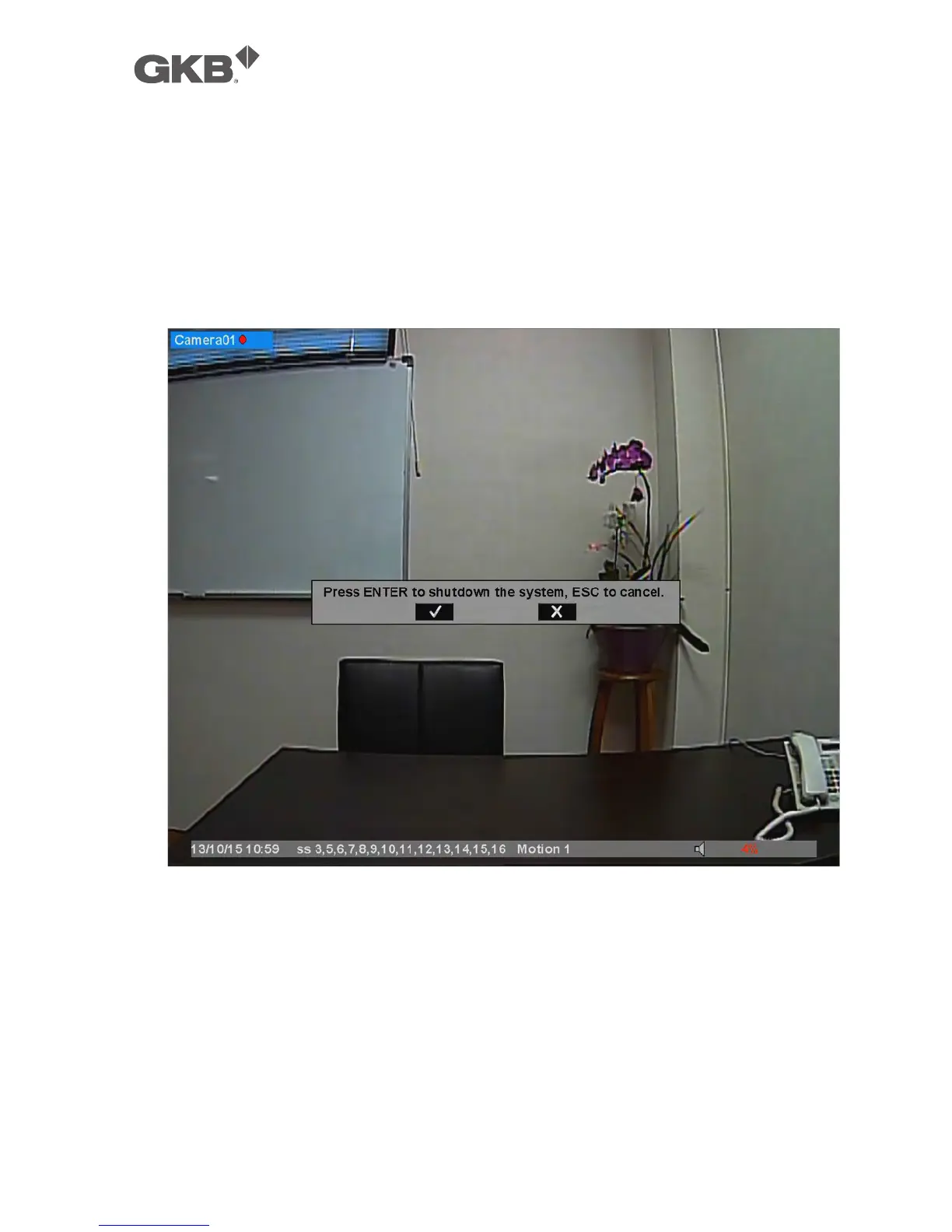
and then press ENTER (Mouse: Left click) to shutdown the system. A confirmation
dialog will be shown on the screen, press ENTER to confirm the shutdown. The
system will save all the files and all the states, and then display a power-off
message in the rolling screen message area. The user may power off the system
safely when the power-off message is shown.



 To Next Page