GKB 4CH/8CH VFire Server
81
8. Search/Playback/Archive (Administrator,
Supervisor)
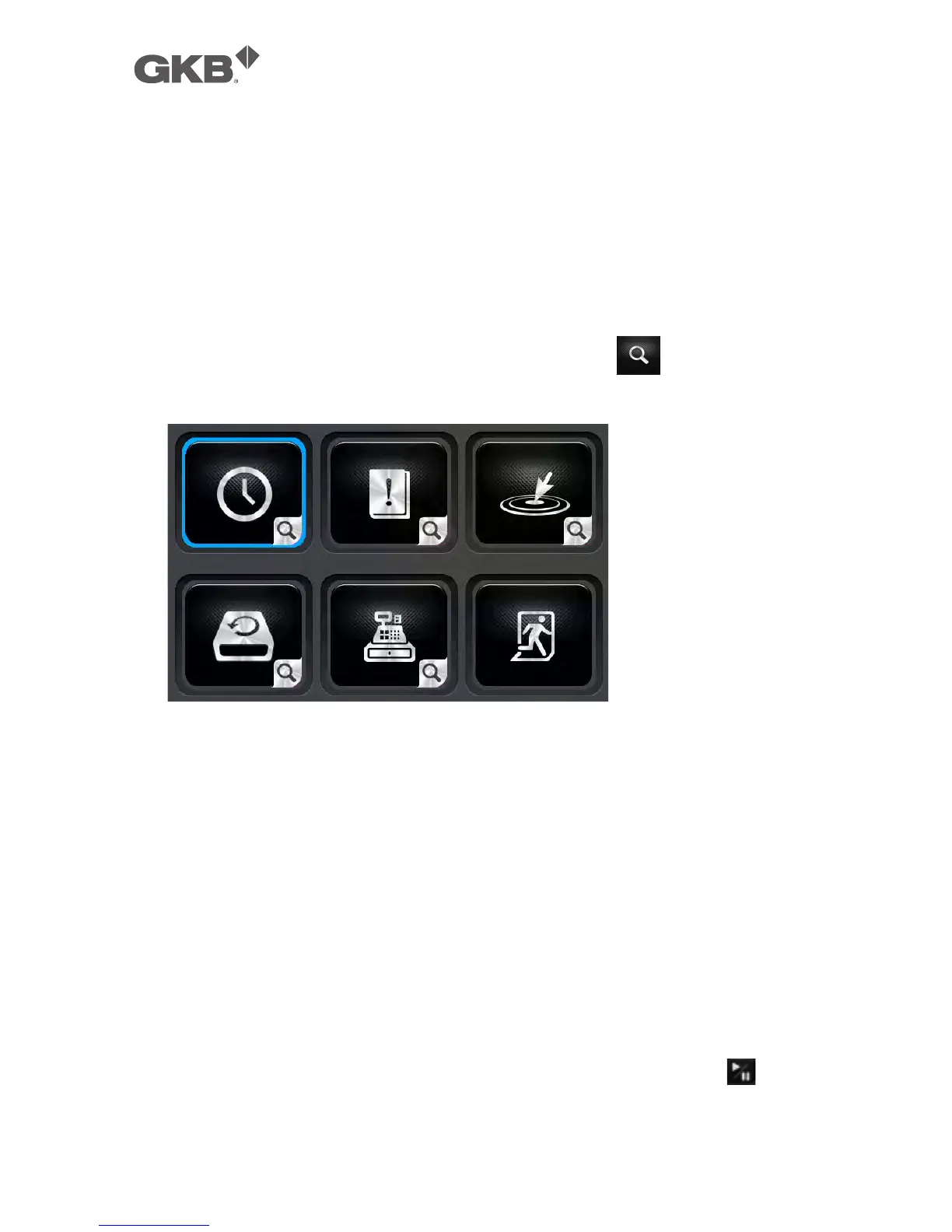
There are five ways to search the recorded video/audio for playback:
(a) Search by time,
(b) Search by event,
(c) Search archived files, and
(d) POS search.
In split-window display, press SEARCH button (Mouse: ) to call up Search
Menu display as shown.
The user’s operations are described as the followings:
n ▲▼◄►
Press these buttons to change the highlighted item.
n ENTER (Mouse: Left click)
Press this button to enter the corresponding Search display of the highlighted
item. The Search displays and their operations are described in the following
sections, followed by the playback operations of the searched video/audio.
n ESC (Mouse: Right Click)
Press this button to escape from Search Menu display, and return to
split-window display.
Note: In split-window display, the user can press PLAY button (Mouse: ) to call
up Instant Playback Menu, and then select the time for instant playback.



 To Next Page