GKB 4CH/8CH VFire Server
34
6. Setup (Administrator)
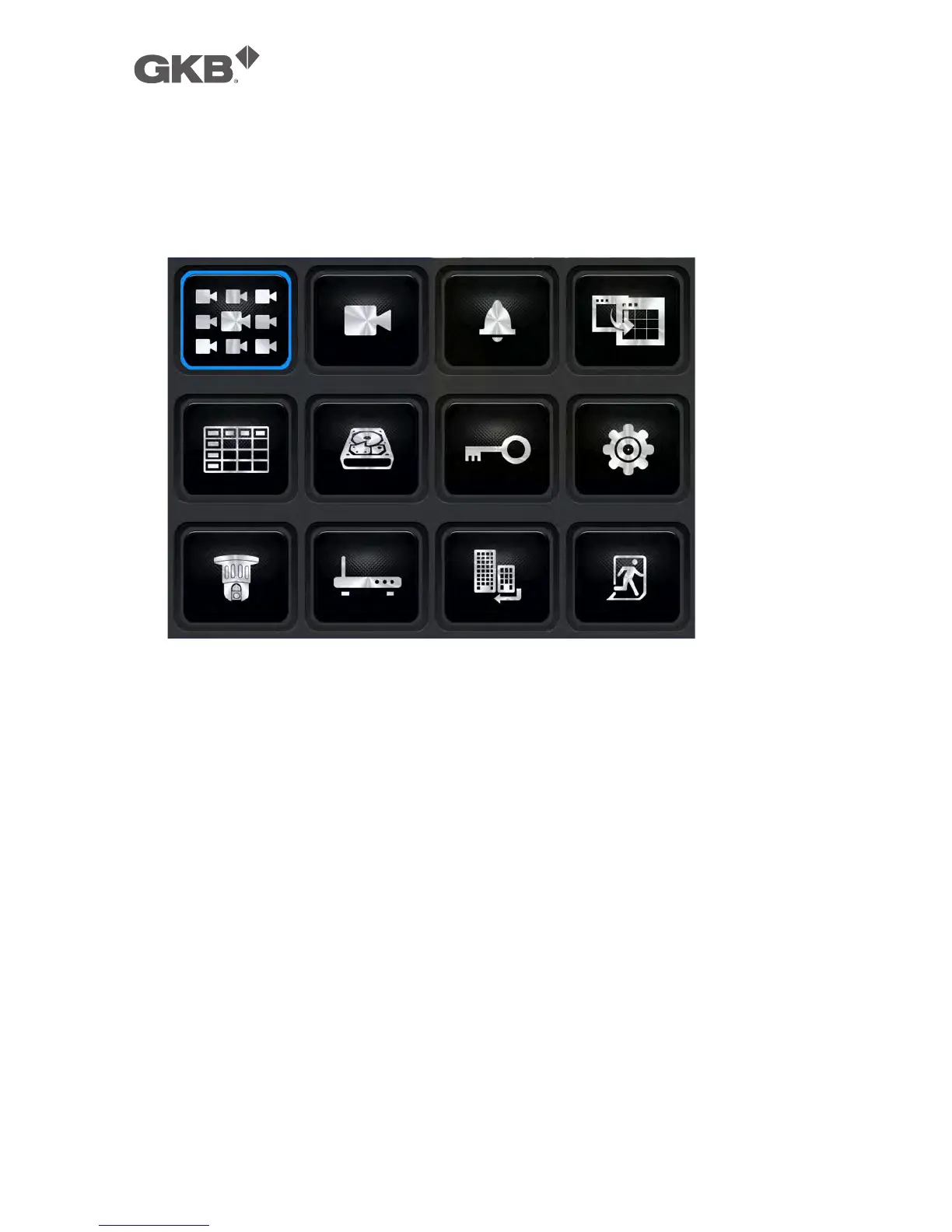
In Menu display, press ▲▼◄► to change the highlighted option to Setup, and
then press ENTER to call up Setup Menu display as shown. (To enter Setup Menu
display of the system, please login as Administrator first.)
The user’s operations are described as the followings:
n ▲▼◄►
Press these buttons to change the highlighted item.
n ENTER (Mouse: Left click)
Press this button to enter the setup of the highlighted option. For the details
of each option, please refer to the following sections.
n ESC (Mouse: Right Click)
Press this button to escape from Setup Menu display, and return to Menu
display.
If the user wants to reset all the settings to factory default values, he/she may
press ▲▼◄► to change the highlighted option to Factory Defaults, and then
press ENTER. A confirmation dialog will be shown, press ENTER again to make
the changes, ESC (Mouse: Right Click) to not do it.



 To Next Page