GKB 4CH/8CH VFire Server
25
5. Menu Display
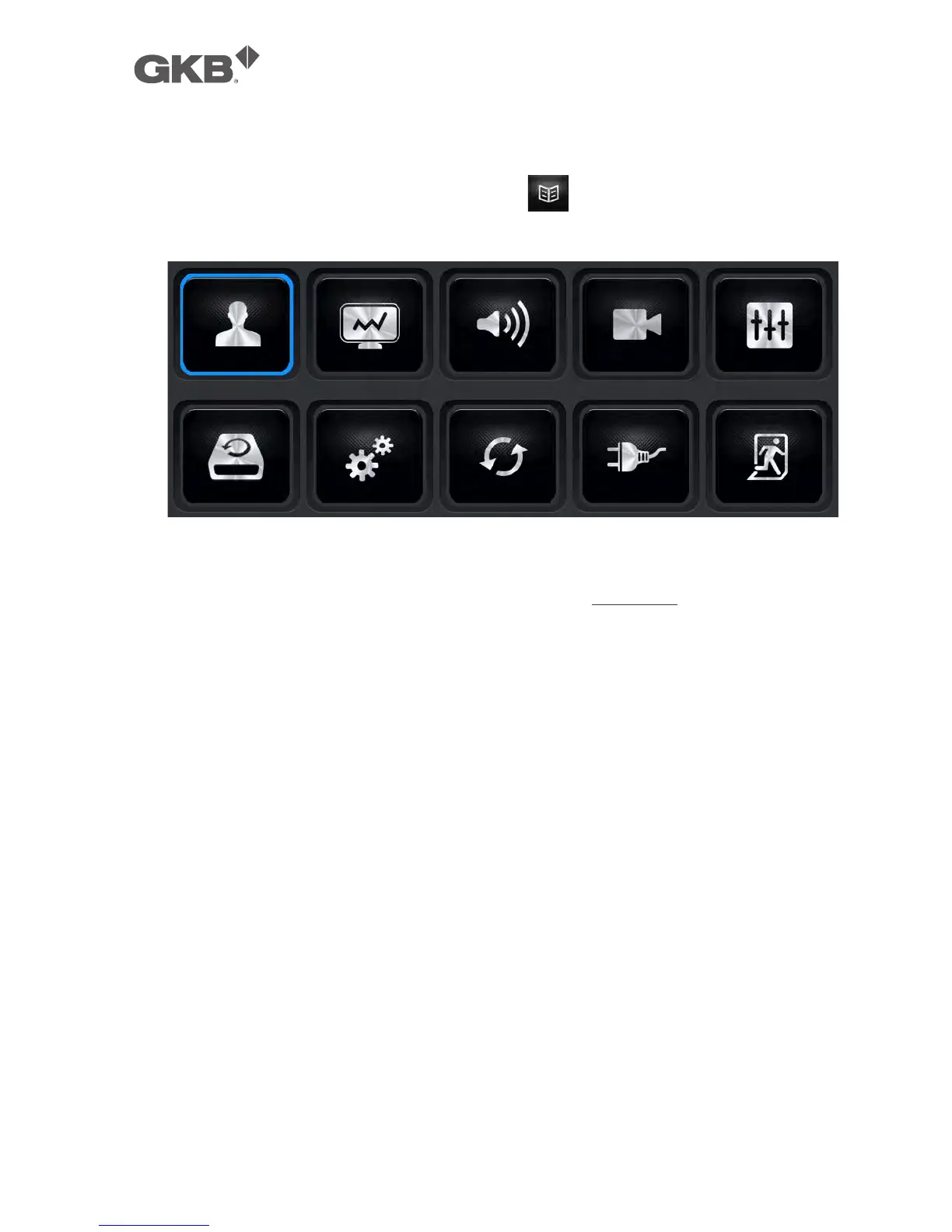
In split-window display, press MENU (Mouse: ) to call up Menu display as
shown.
There are a variety of displays under Menu display. In Menu display and all the
subsequent displays, the items enabled are shown in black-colored text, and
those disabled in white-colored text. Please refer to Section 4.2 for Login/Logout
display.
The user’s operations are described as the followings:
n ▲▼◄►
Press these buttons to change the highlighted item.
n ENTER (Mouse: Click in the menu item)
Press this button to enter the detailed display of the highlighted option. For
the details of each option, please refer to the following sections.
n ESC (Mouse: Right Click)
Press this button to escape from Menu display, and return to split-window
display.



 To Next Page