GKB 4CH/8CH VFire Server
67
6.9 RS-232/485/IR Setup
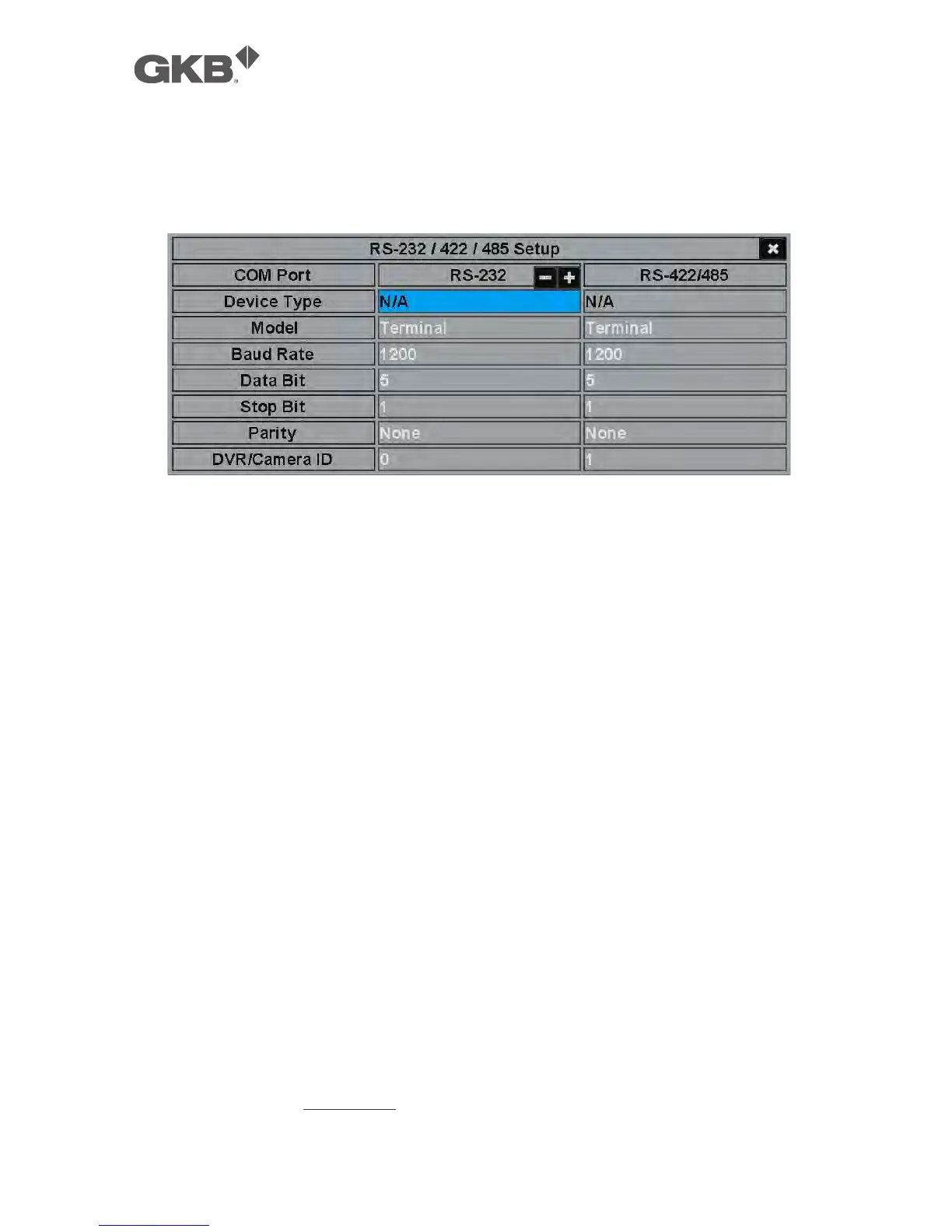
In Setup Menu display, press ▲▼◄► to change the highlighted option to
RS-232/485/IR, and then press ENTER to call up RS-232/485/IR Setup as shown.
The RS-232/485/IR Setup allows the administrator to setup RS-232/RS-485 control
port and NVR ID for IR remote. Please refer to the manuals for the connected
devices - PTZ cameras or keyboard controllers – to set the items in RS-232/485
Setup.
The general operations are as below:
n ▲▼◄► (Mouse: Left click)
Press these buttons to select the items.
n ESC (Mouse: Right Click)
Press this button to escape from this screen, and return to Setup Menu display.
If the Save dialog is shown, press ENTER to exit and save, ESC (Mouse: Right
Click) to exit without saving.
Following is a brief description for each item and its specific operations:
n Device Type – PTZ, Keyboard, GPS, POS, PTZ+Keyboard or N/A (Not Available).
Press +/- buttons to change the type.
n Model – PTZ model (for PTZ and PTZ+Keyboard), Keyboard model, GPS
protocol, or POS printer type of the connected devices. The PTZ models
supported include Pelco D protocol Dome, SamSung SCC-641P, Kalatel Cyber
Dome, PIH-series, Dynacolor, Bosch AutoDome, Video Trek, etc. The
Keyboard models supported include Terminal (EX. VT-100) and Control Protocol.
For Terminal type, please use the corresponding ASCII characters for code as
described in Appendix-C. The GPS protocol supported is NMEA0183. The



 To Next Page