GKB 4CH/8CH VFire Server
113
Since this utility is a free player utility for the archived files, from USB backup or remote
backup, some of the functions are disabled. The mouse cursor will change to “Hand”
type if it’s on those enabled function icons. The operations and their descriptions are
the same as in Chapter 9. Remote Access.
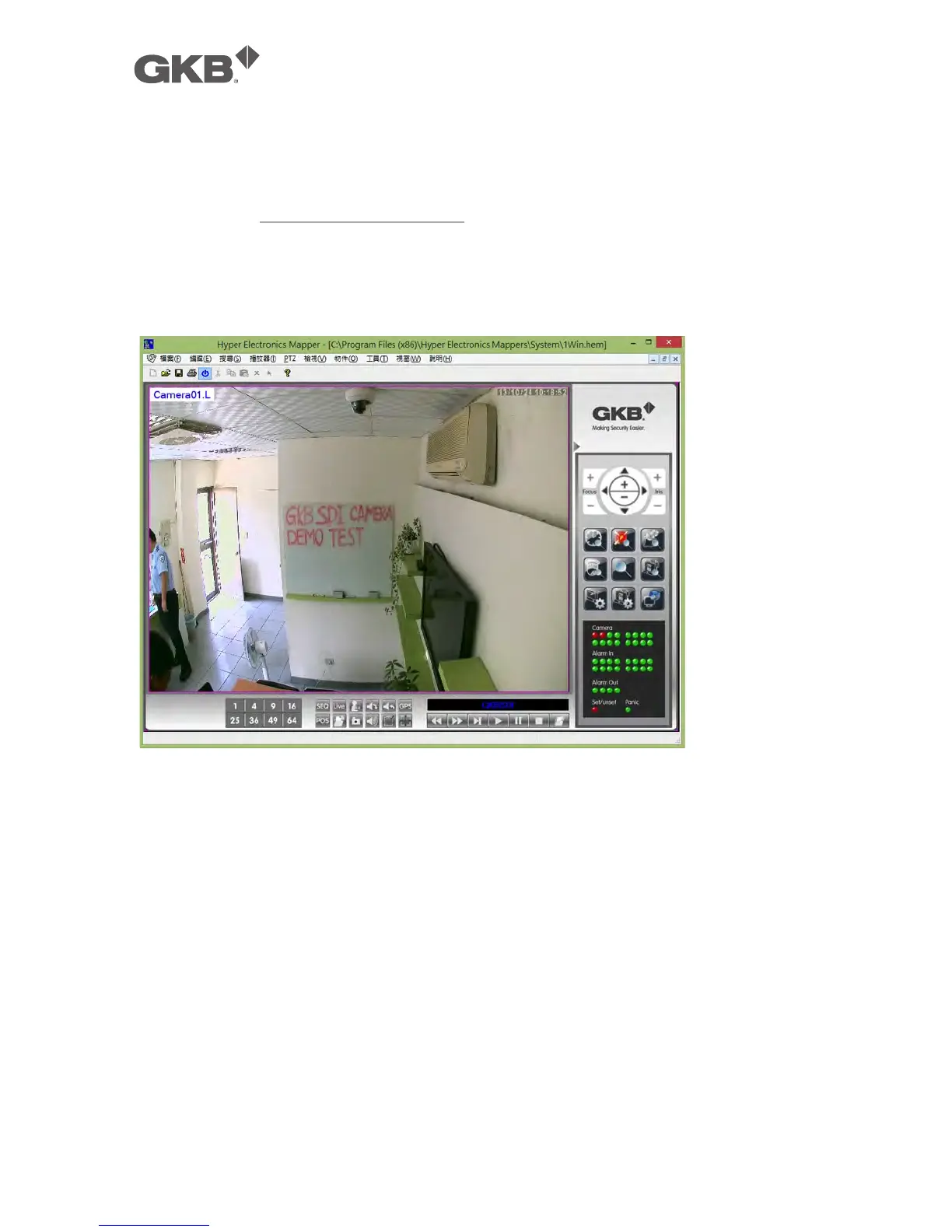
To select an archived file for playback, please click on File menu, and then select Open.
After an archived file is opened, the user may click on the player buttons to play the
file. The following diagram shows the screen after the Play button is pressed.
The user may print the whole player screen (including the current video image) or the
current video image by selecting File menu, and then select Print or Print Video
respectively.



 To Next Page