GKB 4CH/8CH VFire Server
50
n Main Display Called By Event – to switch the main monitor to the video of the
event camera or not.
n Total Pages – total pages for this SEQ Display Type. The maximum number
varies according to the display type. Press +/- buttons to select the desired
number from the available list.
n Dwell Time – the dwell time (3 ~ 60 seconds, discrete) for each page of this
display type. Press +/- buttons to change the value.
n Page Settings.. – used to set the camera in each viewing window for each
page of this SEQ Display Type. Press ENTER (Mouse: Left click) to call up
Display Page Setup as shown.
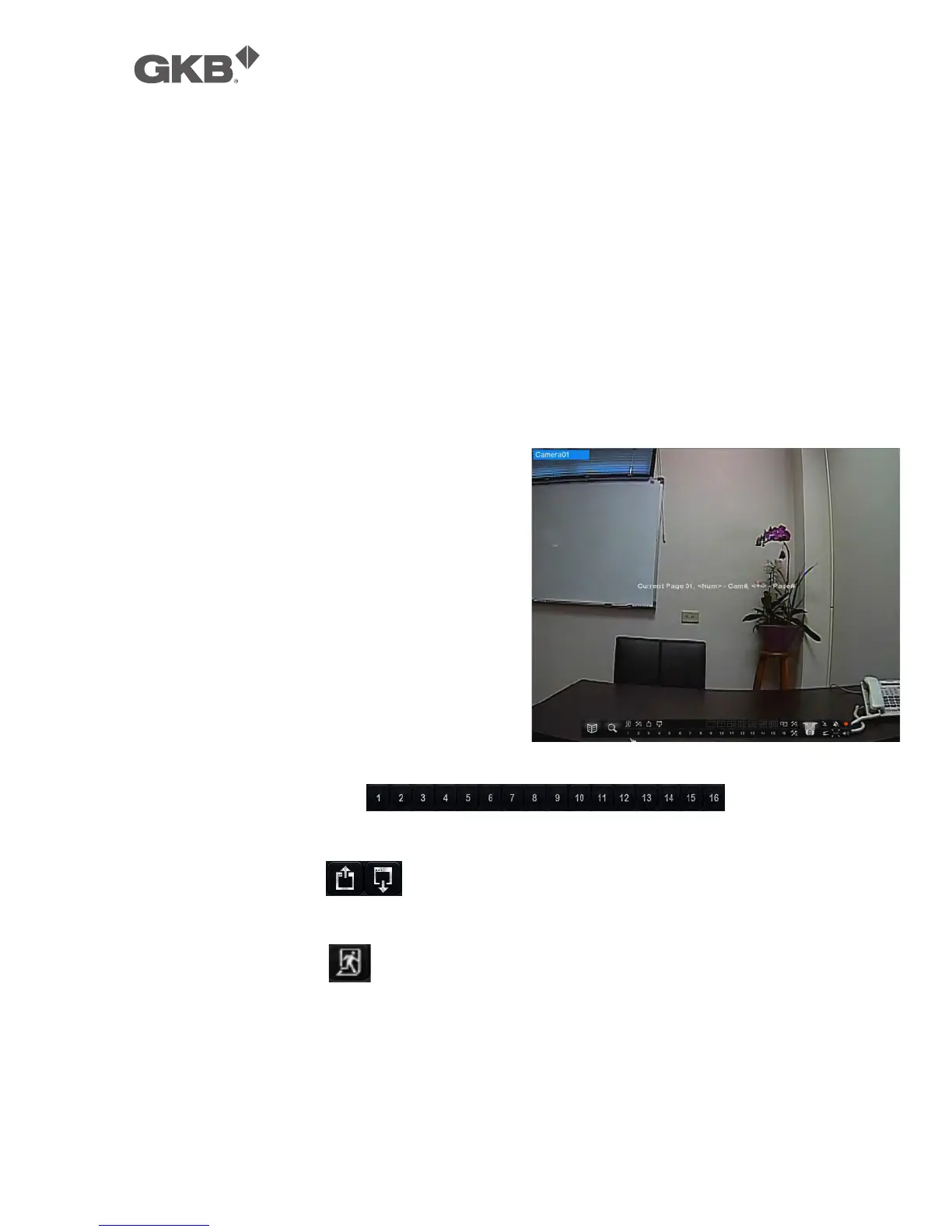
In Display Page Setup, the split window
display for the current page is shown.
And the title of the camera for the focus
window is highlighted. Following is a
brief description for the operations:
n ▲▼◄► (Mouse: Left click)
Press these buttons to move the
focus window.
n Numeric (Mouse: )
Press these buttons to change the camera for the current page.
n +/- (Mouse: )
Press these buttons to change the current page for this SEQ Display Type.
n ESC (Mouse: or Right Click)
Press this button to escape from Display Page Setup, and return to SEQ
Display Setup.



 To Next Page