GSK CNC Equipment Co., Ltd.
46
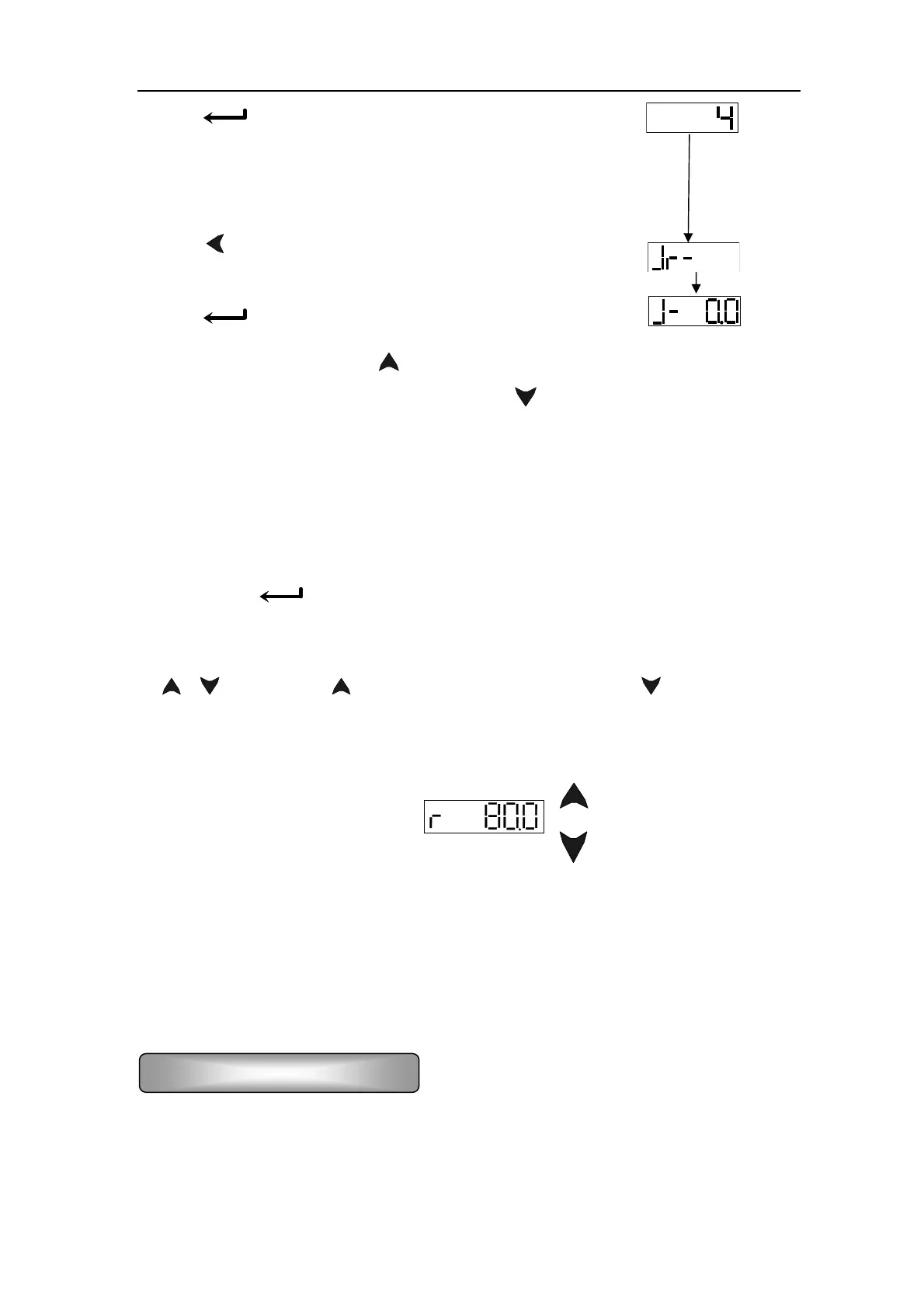
Press‘⑼ ’key to confirm the setting of the No.4 parameter,
it displays
i.b., set the PA21 parameter ⑽ to the motor speed required,
i.e. the JOG speed
Press ‘⑾
’key to back to the first main menu layer to
find the JOG mode
Press‘⑿
’key, it displays
Set ON for the enabling, press‘⒀ ’key and hold it on, the motor runs by the setting speed,
release the key, the motor running stops; press‘
’key and hold it on, the motor runs
reversely by the setting speed, release the key, the motor running stops with zero speed.
6.2.3 (Sr-) trial run
Change the value in PA-4 by 3 according to the JOG running steps above; select “Sr-” in the
first layer, press
‘ ’key to enter into trial run mode. The prompt for speed trial run is “r”,
and its unit is 0.1r/min. The system is in a speed control mode and the instructions of speed
are provided by keys operation. C, the motor runs by the speed instructions changed
by
‘ 、 ’key. Pressing ‘ ’key increases the speed, and pressing‘ ’key decreases the
speed. While the speed displayed is positive number, the motor runs forward; and negative
number for backward.
6.2.4 Speed control run
There’re two kinds of running control for speed. One is the analog speed instruction input,
the other is internal speed instruction. Details are as follows:
1) Input the control signal by the Fig.6.2 wiring diagram block: OFF for servo on (SON),
ON for CCW drive stop (FSTP), ON for CW drive stop (RSTP).
2) Set the analog voltage instruction for 0 V, ON for servo on (SON), the motor is activated
Analog speed instruction input



 To Next Page