GSK CNC Equipment Co., Ltd.
36
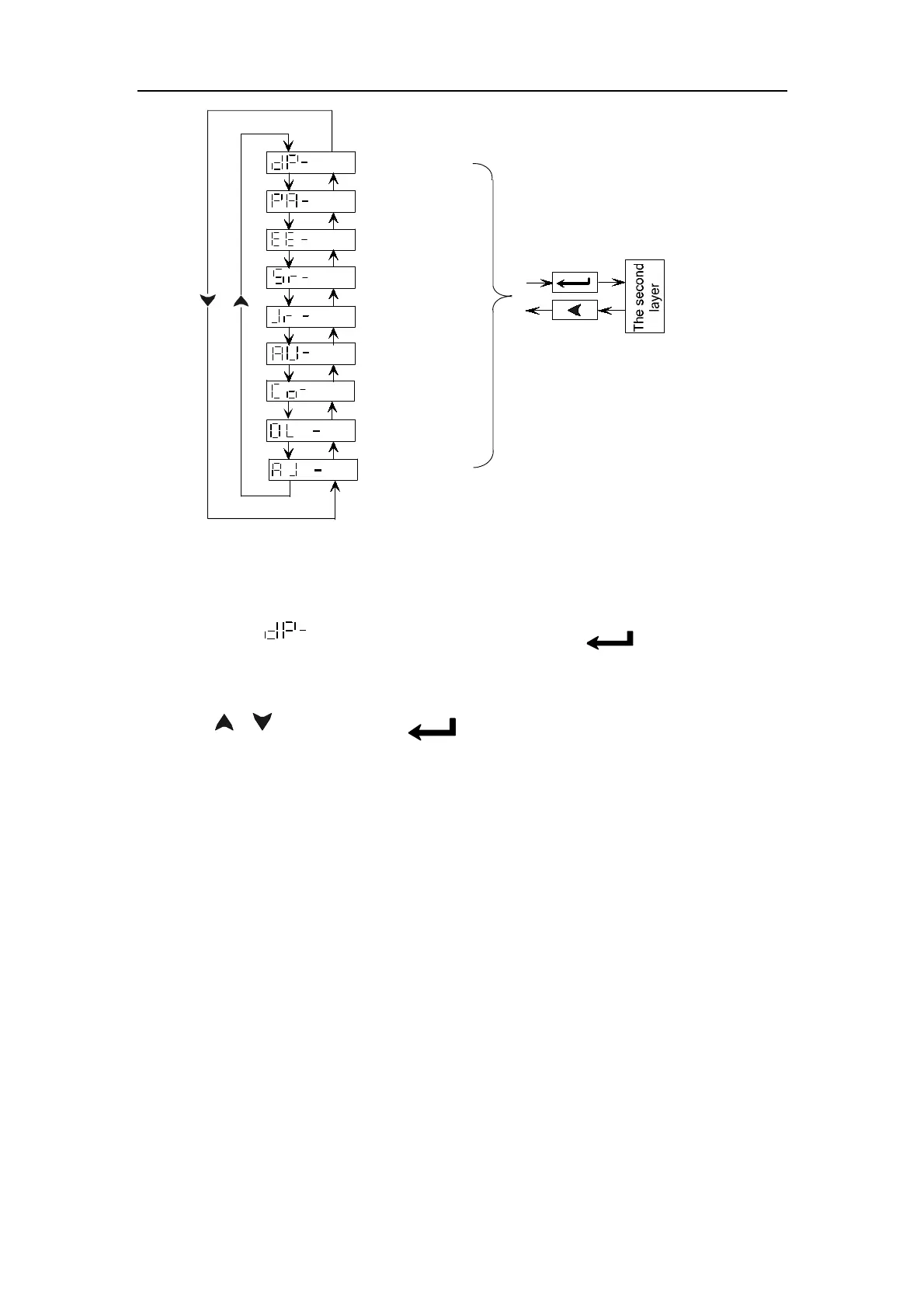
Analog zero-
adjusting
Encoder zero-
adjusting
JOG run
Speed trial run
Parameter
management
Parameter setting
Monitor mode
Fig. 5.1 Diagram block of main menu
5.2 Monitoring mode
① Select “ ”in the main menu and press ‘ ‘ key to enter into
monitoring mode.
② There’re 21 display modes in monitoring mode. Select the desired display mode
by
‘ 、 ’keys, then press to enter into monitoring mode.
‘ ’



 To Next Page