39
I
O
!
I
O
!
Edge sanders
HS 950
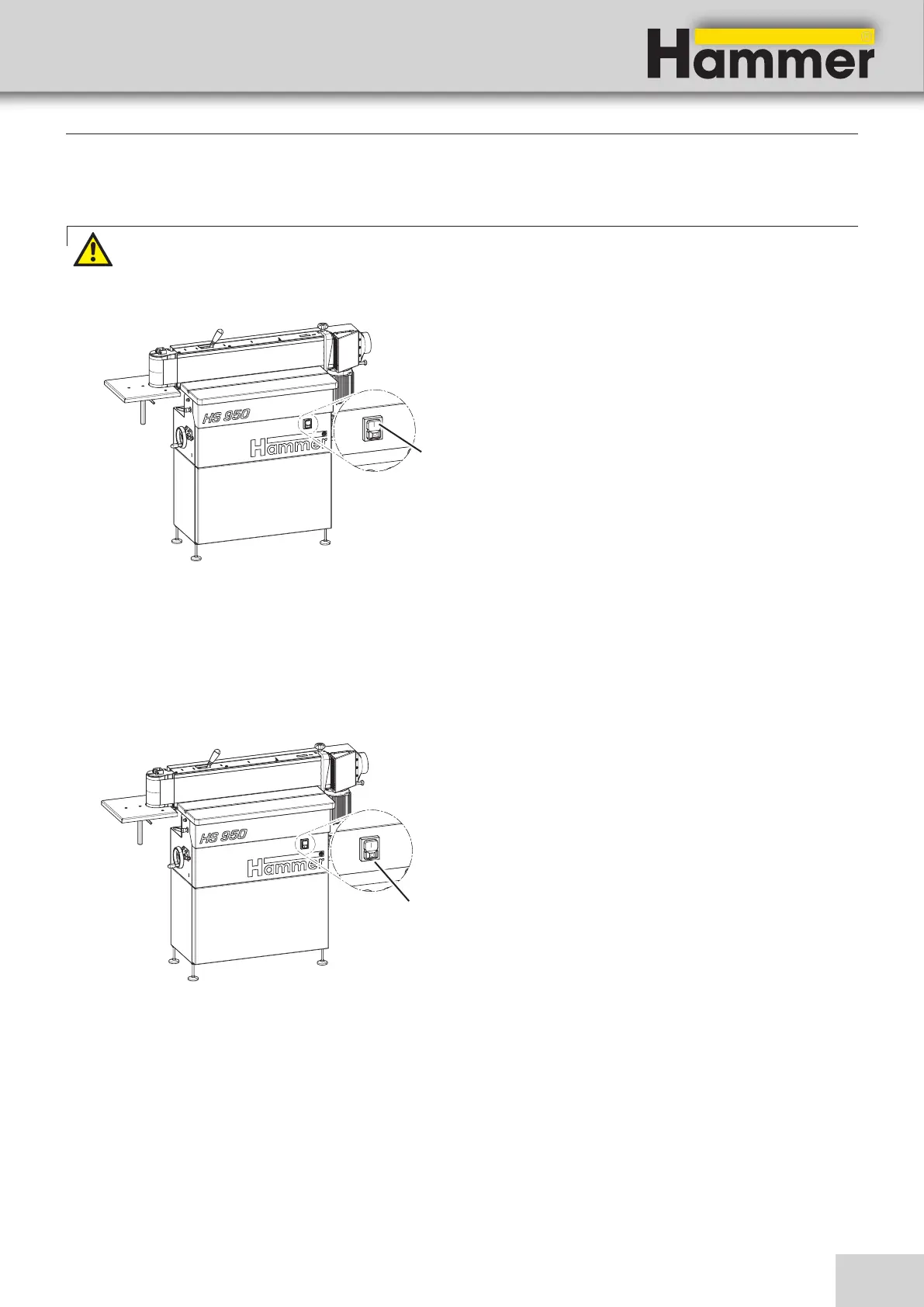
1. Connect the machine to the main power supply.
2. Press green push button on the control panel and
release.
! Green push button - ON
1. Press and release the red push button.
The machine is stopped automatically.
2. Wait until the sanding belt has come to a complete
stop.
3. Disconnect the machine from the main power supply.
! Red push button - OFF
9.2 Switching on the machine
Warning!: Risk of injury due to insufficient preparation!
It is only permitted to switch on the machine if, for the work at hand, the required preconditions are fulfilled
and any preliminary work is completed. Therefore, the adjusting, fitting and operating instructions (see the
corresponding chapters) must be read before switching on the machine.
9.3 Switching off the machine / Emergency-stop
Operation
Fig. 9-1: Switching on the machine
Fig. 9-2: Switching off the machine / Emergency-stop



 To Next Page