102_ AI search viewer
AI search viewer
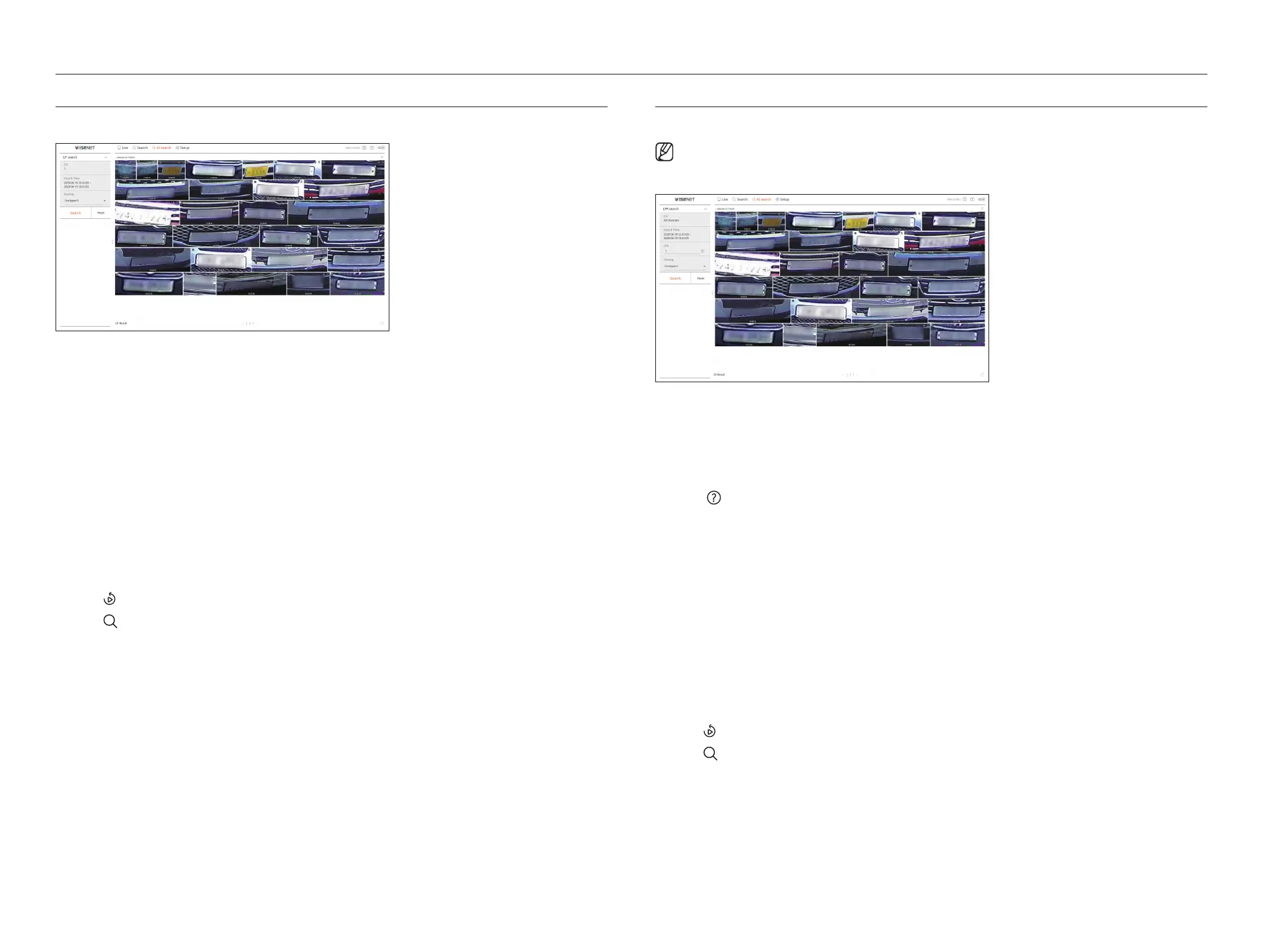
LP SEARCH
You can search for vehicle license plates from the recorded data.
1. Select <LP search> in the <AI search> menu.
2. Select a channel to search.
3. Select the date and time to search.
4. Select the overlap.
It will be displayed when there is overlapped data in one channel by changing the time or time zone at the selected
time.
5. Click the <Search> button.
●
CH : Displays the recorded channel.
●
Camera name : Displays the camera name.
●
Time : Displays the start time of the recorded video.
●
Playback : Plays the recorded video with an instant viewer.
●
Bookmark : Specifies a bookmark to the recorded video.
6. Click <
> in the search list to display the instant viewer.
7. Click <
> to go to the playback screen.
LPR SEARCH
You can search for the license plate number recognized in the recorded data.
■
LPR search is only available on recorder models that support AI recognition.
1. Select <LPR search> in the <AI search> menu.
2. Select a channel to search.
3. Select the date and time to search.
4. Enter the license plate number to search.
■
Click < > to see the search guide for license plate number.
■
The option of license plate number entry field is only available on recorder models that support LPR search.
5. Select the overlap.
It will be displayed when there is overlapped data in one channel by changing the time or time zone at the selected
time.
6. Click the <Search> button.
●
CH : Displays the recorded channel.
●
Camera name : Displays the camera name.
●
LPR : Shows the identified license plate number.
●
Time : Displays the start time of the recorded video.
●
Playback : Plays the recorded video with an instant viewer.
●
Bookmark : Specifies a bookmark to the recorded video.
7. Click <
> in the search list to display the instant viewer.
8. Click <
> to go to the playback screen.



 To Next Page