88_ live viewer
live viewer
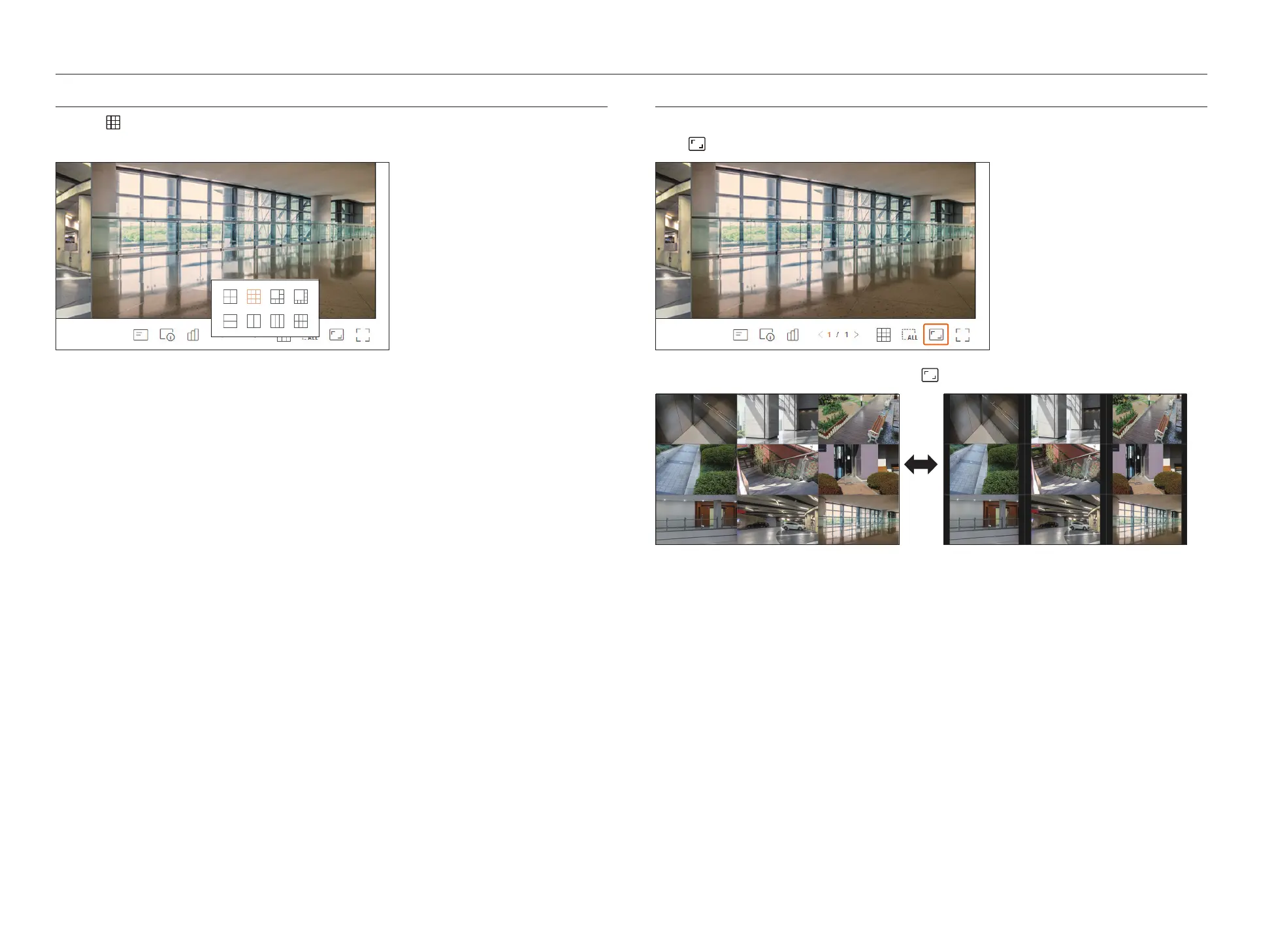
CHANGING THE PATTERN OF SPLIT SCREEN
Click the < > button and select the desired split screen.
The selected split screen is applied to the video window.
CHANGING OVERALL CHANNEL ASPECT RATIO
Video screen ratio for all channels can be changed in live split screen mode.
Click <
> at the bottom of the screen. It changes to the actual proportion of the video.
If you want to go back to the previous screen ratio, click < > again.



 To Next Page