52_ setup
setup
Setting Camera Password
You can change the passwords of all registered cameras at once.
You can register the camera’s ID and password.
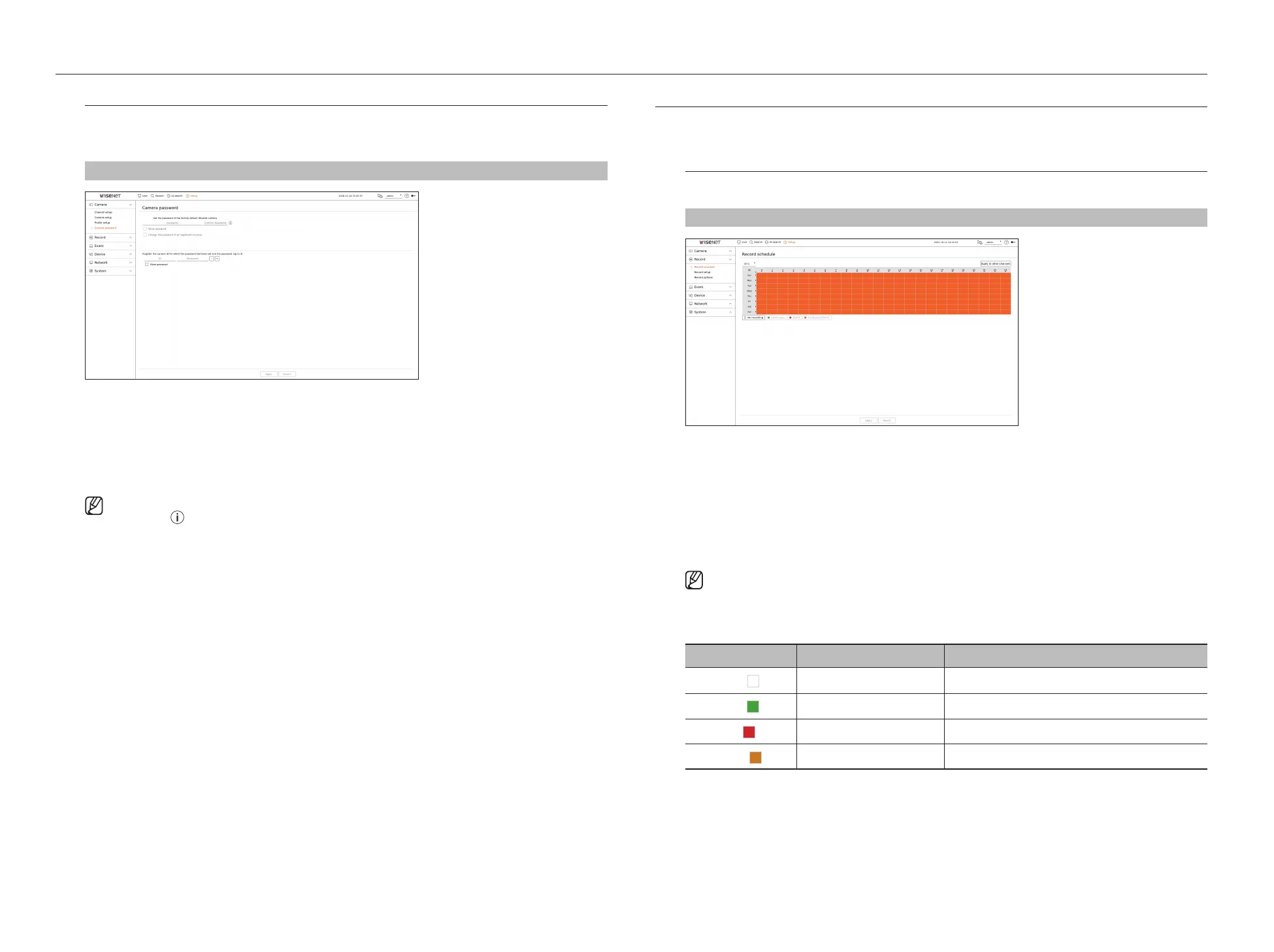
Setup > Camera > Camera password
●
Password : Enter the new password for the factory default camera according to the password setting rules.
The initial password for the camera must be entered.
●
Confirm password : Input the new password again.
●
ID : Enter the ID of the camera whose ID and password are set.
●
Password : Enter the password of the camera whose ID and password are set.
■
When the password is in factory reset, it can be changed and managed in a batch.
■
If you click < >, a basic guide for password setup is displayed.
■
If you select <Show password>, the current password is displayed as the actual input characters.
■
If you check the <Change the password of all registered cameras>, the passwords of all cameras are changed with the entered
password.
■
Up to 3 sets of camera ID with password and password can be registered.
You can use the registered camera ID/PW to automatically discover and register the camera from the "Channel setup > Auto detect"
screen.
■
A camera password registered with ONVIF and RTSP cannot be changed.
SETTING THE RECORDING
You can setup scheduled recording, event recording and other recording related settings.
Record schedule
If you set a recording schedule for a specific date and time, the recording will start at that specific time.
Setup > Record > Record schedule
●
Channel : Select the channel you want to set.
●
All : The entire time range (Monday through Sunday including holidays, AM 0~ PM 23) will be reserved with the
same recording schedule.
●
Apply to other channels : If you select <Apply to other channels>, “Apply to other channels” confirmation
window will appear.
After selecting channels that the settings will be applied to, click on <OK> to apply them to the selected
channels.
■
Event recording and scheduled recording starts about 3 seconds prior to the event/schedule for guaranteed recording.
Record setting by the color
Color Function Description
White (
)
No recording No schedule / event recording
Green (
)
Continuous Scheduled recording only
Red (
)
Event Event recording only
Orange (
)
Continuous/Event Both scheduled / event recordings
●
Each press of a selected cell will cycle through <No recording>-<Continuous>-<Event>-<Continuous/
Event>.



 To Next Page