English _51
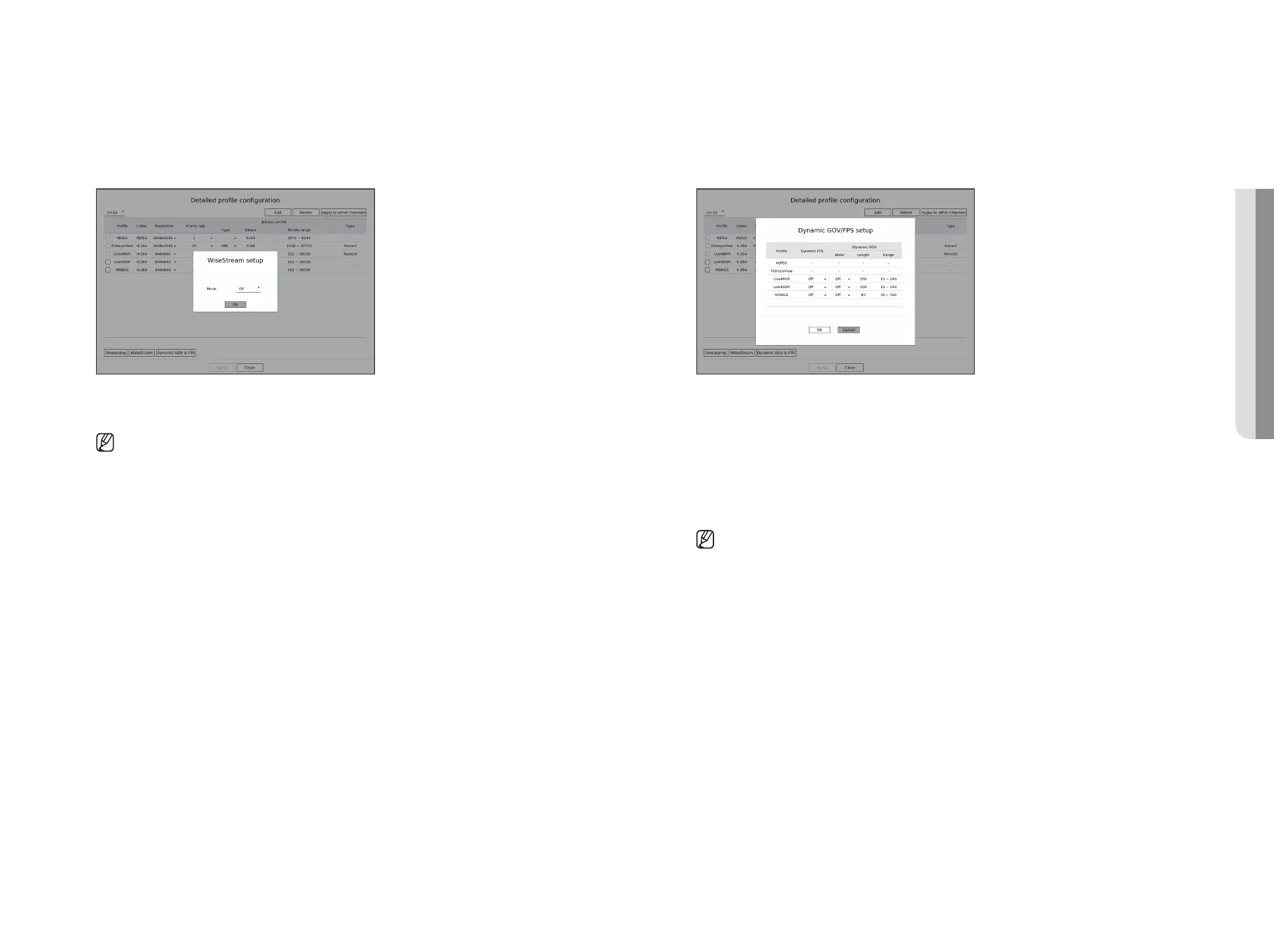
Dynamic GOV/FPS setup
Dynamic GOV can be used to automatically change the length of GOV depending on the video condition. For
details, refer to the camera's help or the product's user guide.
At the bottom of the <Detailed profile configuration> screen, press the <Dynamic GOV & FPS> button to
open the dynamic GOV/FPS setup popup for the channel.
●
Profile : Shows the video profile of the connected camera setting.
●
Dynamic FPS : Automatically adjusts the frame rate (frames per second) based on the video conditions.
●
Dynamic GOV
– Mode : Set the GOV length to change automatically.
– Length : Enter the maximum GOV length value to be applied when there is no motion in the video.
Minimum GOV value can be set on the camera web page.
– Range : The range of the input value of <Length> is displayed.
■
Any profile not supported with the dynamic GOV/FPS setting is marked with '-'.
How to set WiseStream
Function to analyze the complexity of the video and effectively reduce the data size while maintaining the
quality. For details, refer to the camera's help or the product's user guide.
Press the <WiseStream> button at the bottom of the <Detailed profile configuration> screen to go to the
WiseStream setup popup window for the channel.
●
Mode : You can choose the degree of video compression. You can choose <Off>, <Low>, <Medium>, or
<High>.
■
WiseStream setup cannot be executed if there is no camera registered in Recorder that supports WiseStream.
• SETUP



 To Next Page