English _57
Event Rule Setup
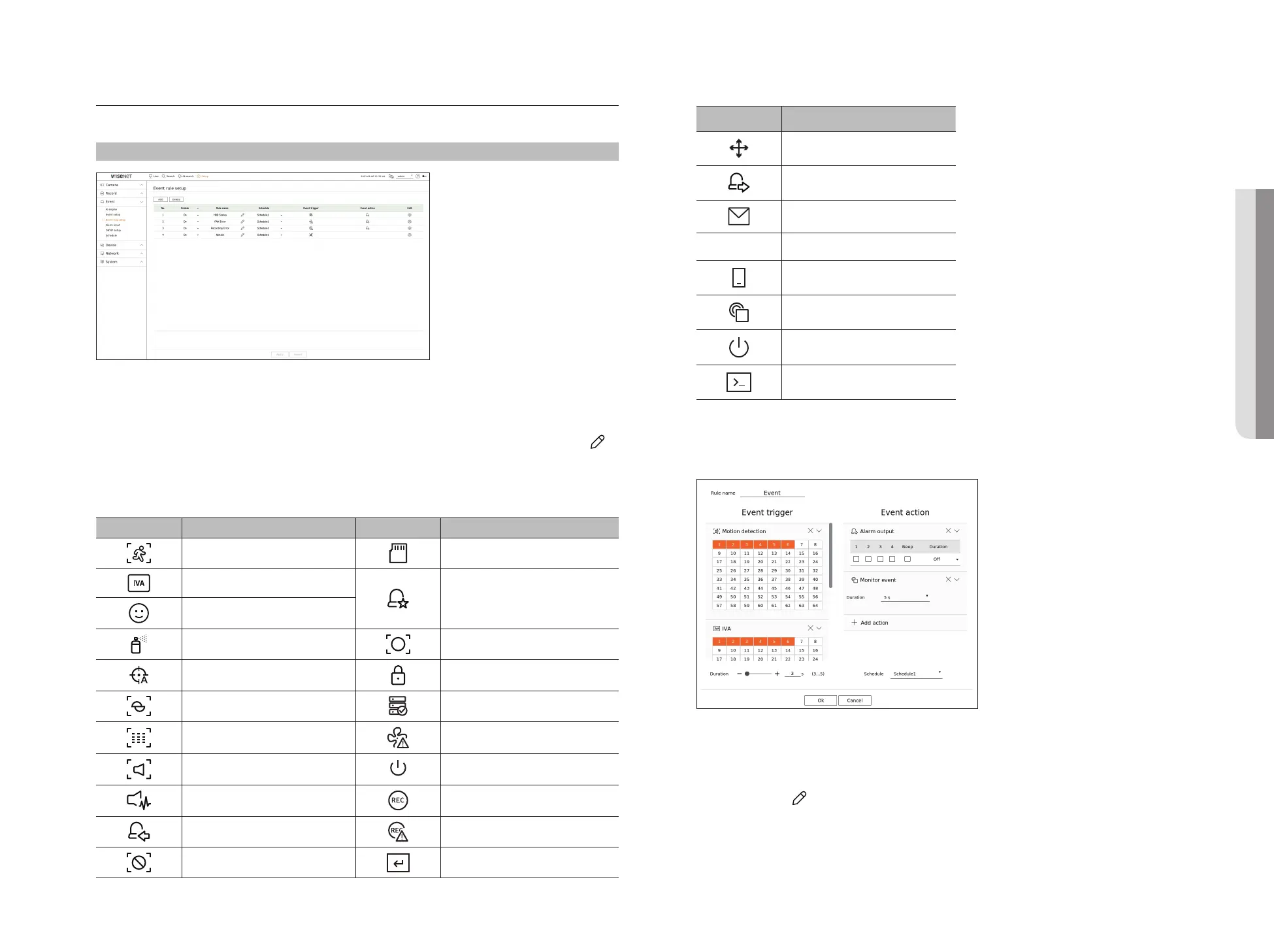
You can set the event trigger and action rule to output an alarm when an event occurs.
Setup > Event > Event rule setup
●
Add : Adds a new event rule by selecting from rule creation or rule copy.
●
Delete : Deletes the selected event rule.
●
Enable : Specify whether to enable the corresponding event rule.
●
Rule name : Displays the name of the event rule. You can change the name of the event rule by clicking < >.
●
Schedule : Displays the schedule set in the event rule.
●
Event trigger : Displays the event trigger set in the event rule.
■
The event trigger will be displayed in the live video window when an event is received, and will be saved as an event log record.
Item Description Item Description
Motion detection SD Card
IVA
Dynamic event
Example) DigitalAutoTracking, Queue,
ShockDetection, MaskDetection
Face detection
Tampering detection ObjectDetection
Auto tracking Change password
Defocusing detection HDD status
Fog detection Fan failure
Audio detection Power On/Off
Sound classification Manual recording
Alarm input (camera), Alarm input (NVR) Recording error
Video loss detection Manual trigger
●
Event action : Displays the event action set in the event rule.
Item Description
Record/Go to preset
Alarm output
E-mail
FTP Transfer images to FTP server
Mobile push notification
Monitor event
Shutdown
User coding
●
Edit : Changes the registered event rule.
Register a new event rule
1. Click <Add> in the <Event rule setup> field.
2. Click <Create rule>.
●
Copy rule : When you select one of the event rules already created, it is added to the events list.
You can click < > to modify the rule name.
• SETUP



 To Next Page