English _109
Record Options
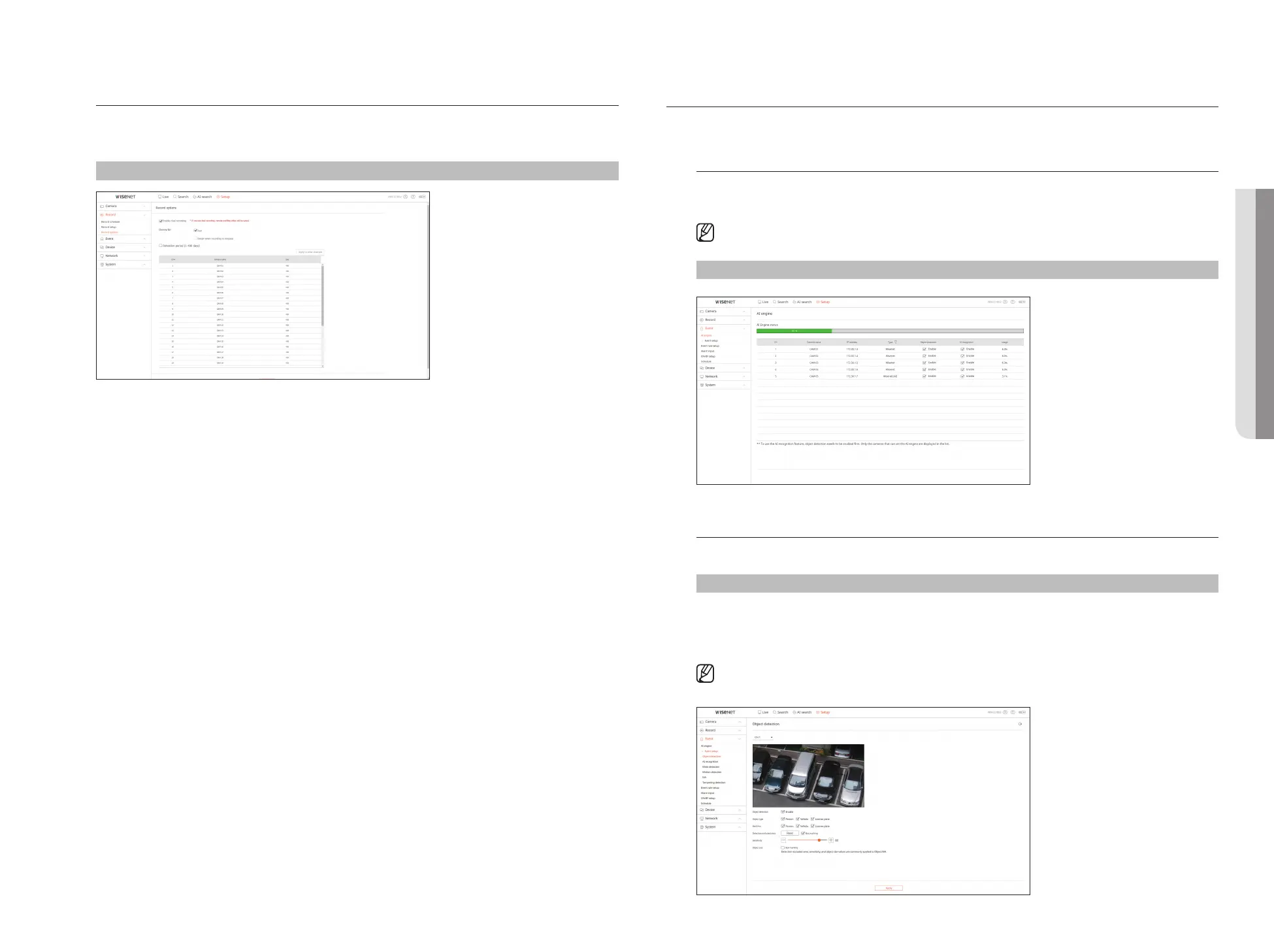
You can set the hard disk recording option.
■
You can set the recording duration separately for each channel.
Setup > Record > Record options
SETTING THE EVENT
For details, refer to the "Setup > Setting the Event" page in the Table of Contents.
AI engine
You can set whether or not to use AI events (object detection, AI recognition) and check the status of AI engine
usage.
■
AI engine settings are only available on recorder models that support AI recognition.
Setup > Event > AI engine
Event Setup
You can set detailed settings for each channel's event detection mode.
Setup > Event > Event setup
Object detection
You can change the AI object detection event setup.
■
The object detection function is displayed only when connected Wisenet AI camera.
• SETUP VIEWER



 To Next Page