English _119
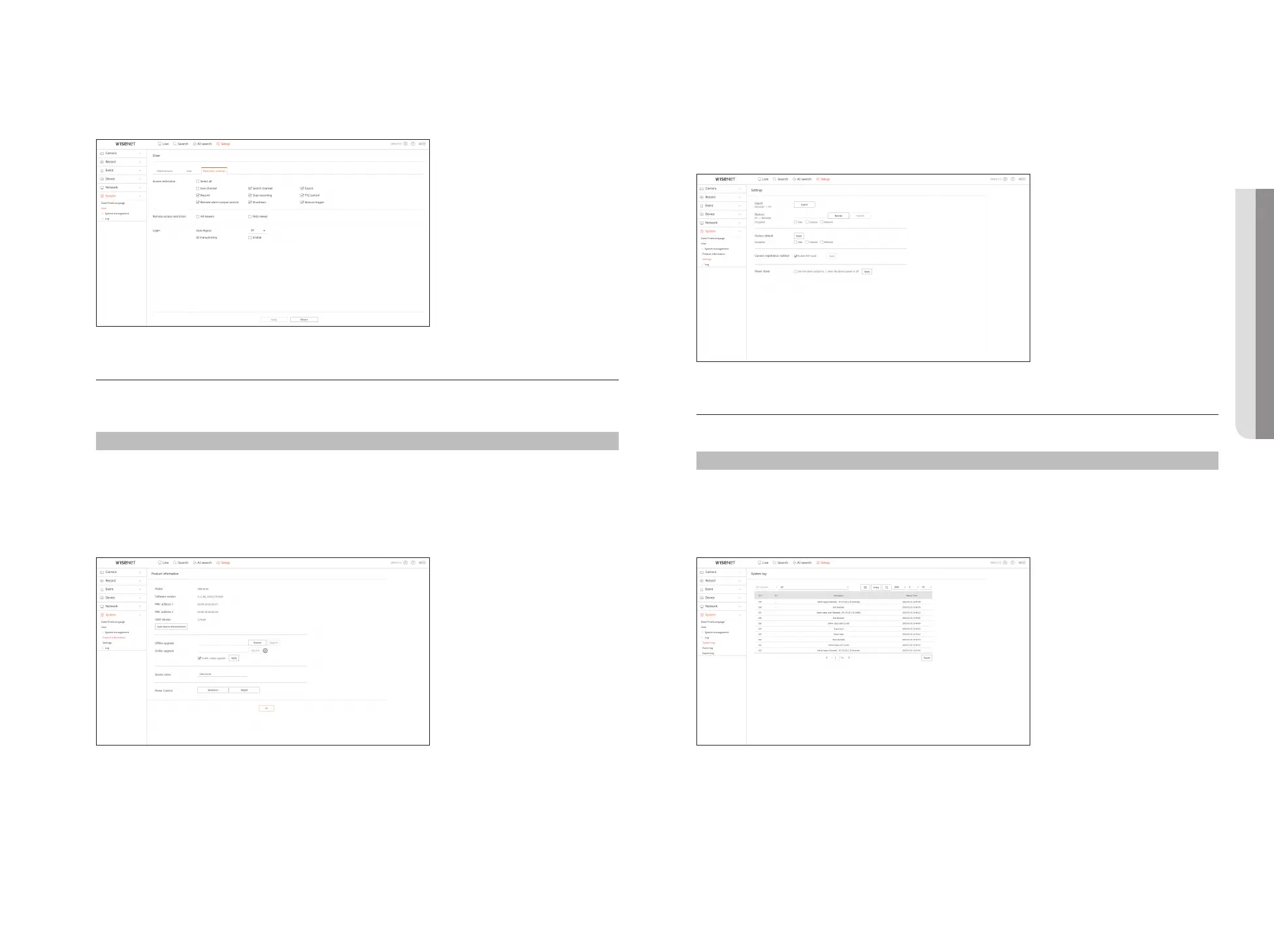
Restriction settings
You can set the user permission.
System Management
You can check the current system version and update to a new version, export data, setting initialization, and
more.
Setup > System > System management
Product information
You can see information of the current system.
Check the model name, software version, and MAC address.
You can search for a file from the recorder connected to the PC to perform an upgrade.
Settings
Using a storage device, you can apply the current configuration of Recorder to another Recorder.
Press the Initialization button to return the network settings to their factory default state. Items in the
<Exception> category are excluded from the initialization.
Log
You can check the log information related to system, events, and export.
Setup > System > Log
System log
System related log information such as system startup, system shutdown, and menu setting change can be
retrieved.
• SETUP VIEWER



 To Next Page