36_ search
search
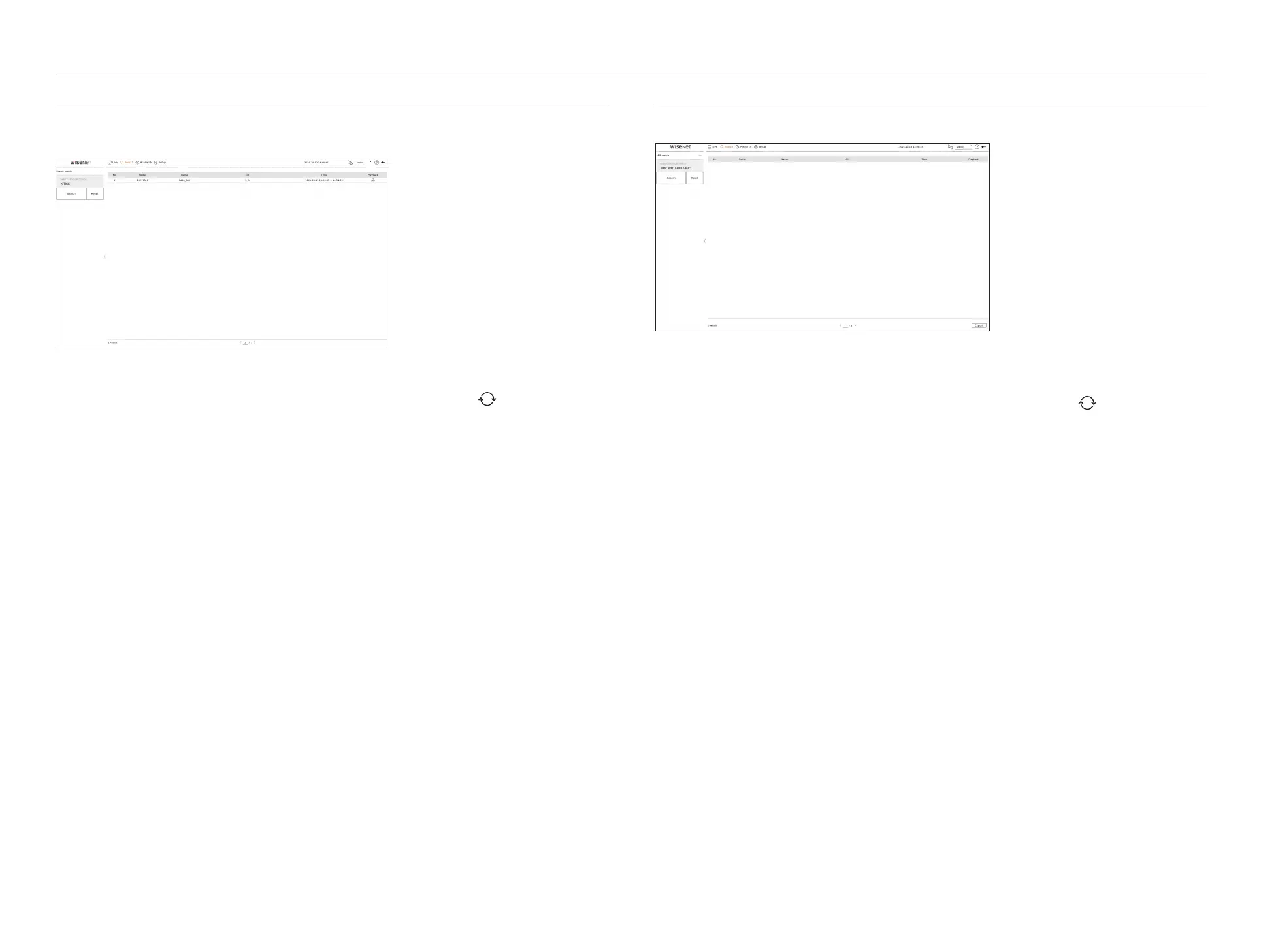
EXPORT SEARCH
You can search the exported data on the connected storage device. Only data saved in recorder file format when
exported will be retrieved.
1. Select <Export search> in the <Search> menu.
2. When you click <Select storage device>, the device search window is displayed. Click <
> to search for storage
device.
3. Click <Search>.
Exported file information will be displayed.
●
Folder : Displays the folder where files are stored.
●
Name : Displays the saved file name.
●
CH : Displays the channel of the recorded video.
●
Time : Displays the start time and end time of the exported video.
●
Playback : Plays the exported video with an instant viewer.
4. If you double-click an item to play in the search list, the recorded video will be played.
ARB SEARCH
You can search auto-recovery backup data stored on ARB storage devices.
1. Select <ARB search> in the <Search> menu.
■
For more information about ARB search, refer to the "Setup > Setting the Device > Storage device" page in the Table of Contents.
2. When you click <Select storage device>, the device search window is displayed. Click <
> to search for storage
device.
The model name of the ARB storage device will be displayed.
3. Click <Search>.
The ARB file information stored on the device will be displayed.
●
Folder : Displays the folder where ARB data is stored.
●
Name : Displays the file name stored on the ARB device.
●
CH : Displays the recorded channel.
●
Time : Displays the start time and end time of the backed up video recording.
●
Playback : Plays the recorded video with an instant viewer.
4. If you double-click an item to play in the search list, the recorded video will be played.



 To Next Page