English _99
BOOKMARK SEARCH
You can search for bookmarked data.
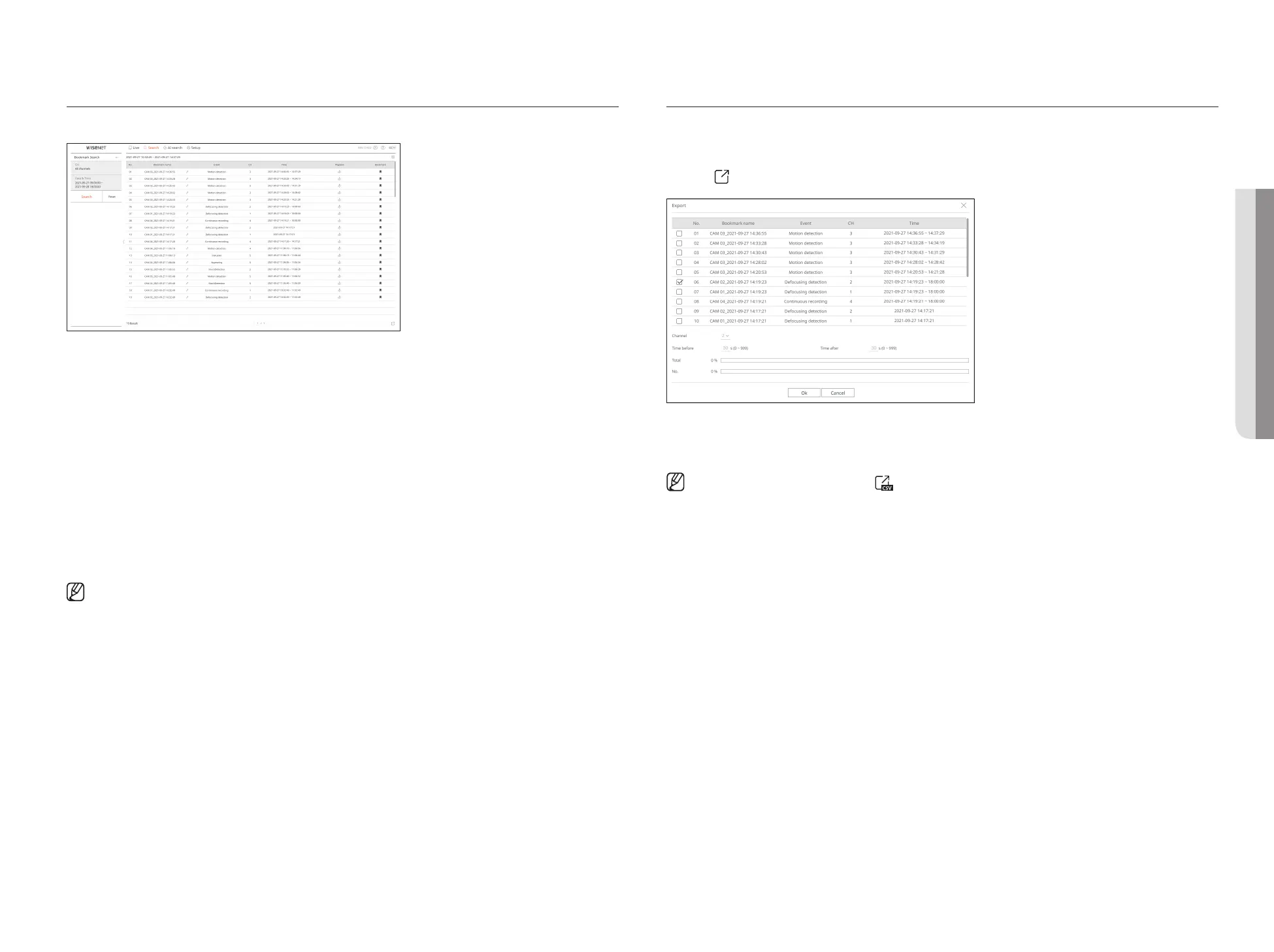
1. Select <Bookmark Search> in the <Search> menu.
2. Select a channel to search.
3. Select the date and time to search.
4. Click the <Search> button.
The search results list will be displayed.
●
Bookmark name: Displays the bookmark name you set.
●
Event: Displays the event type of the recorded video.
●
CH: Displays the recorded channel.
●
Time: Displays the start time and end time of the recorded video.
●
Playback : Plays the recorded video with an instant viewer.
●
Bookmark: Displays whether bookmarks are specified.
■
Bookmarked images will be stored without being overwritten during repeated recording. However, when the automatic deletion is set, it will be deleted
according to the set period.
■
When the bookmark is released, the video will not be saved. If necessary, before releasing the bookmark, export the video.
■
Up to 100 bookmarks can be specified.
SEARCH RESULTS EXPORT
Search results of events, texts and bookmarks can be exported to a file.
Example) Bookmark search result export
1. Click <
> in the search results list.
2. Select the desired list and click <OK>.
■
The exported video is saved as .avi file in the download folder.
■
In the <Text search> results, you can also click < > to export to a .csv file.
• SEARCH VIEWER



 To Next Page