English _13
LOGIN
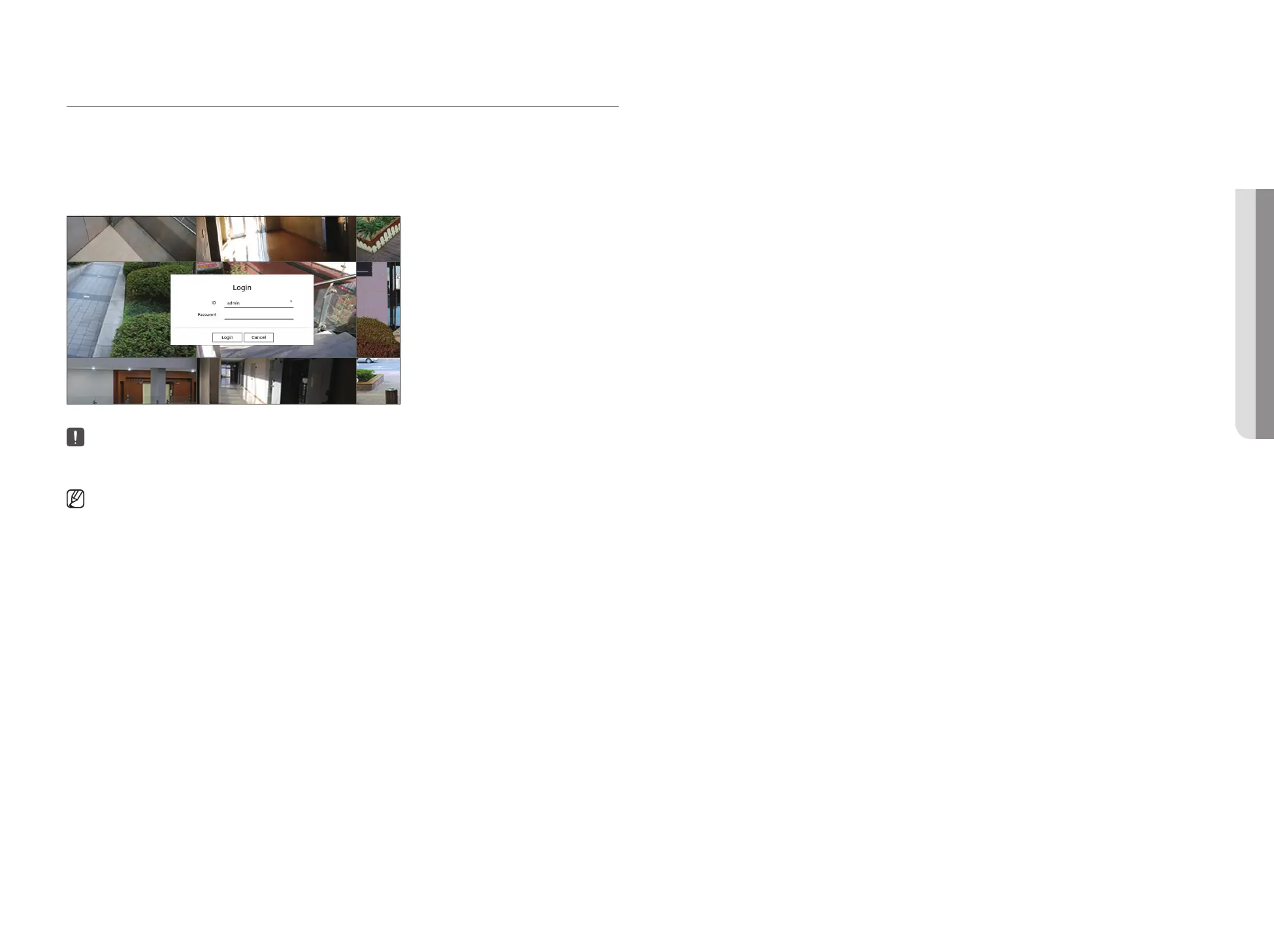
To use the Recorder menu, you are required to login as a user that is authorized to access the applicable menu.
1. Select <Login> at the top right of the screen.
2. The <Login> window will appear.
3. Enter the user ID and password, then click <Login>.
■
The initial administrator ID is "admin" and you will need to configure the password in the installation wizard.
■
Please change your password every three months to safely protect personal information and to prevent the damage of the information theft. Please,
take note that it’s a user’s responsibility for the security and any other problems caused by mismanaging a password.
■
For more information about limited-access permission, refer to the "Setup > Setting the System > User" page in the Table of Contents.
• GETTING STARTED



 To Next Page