English _11
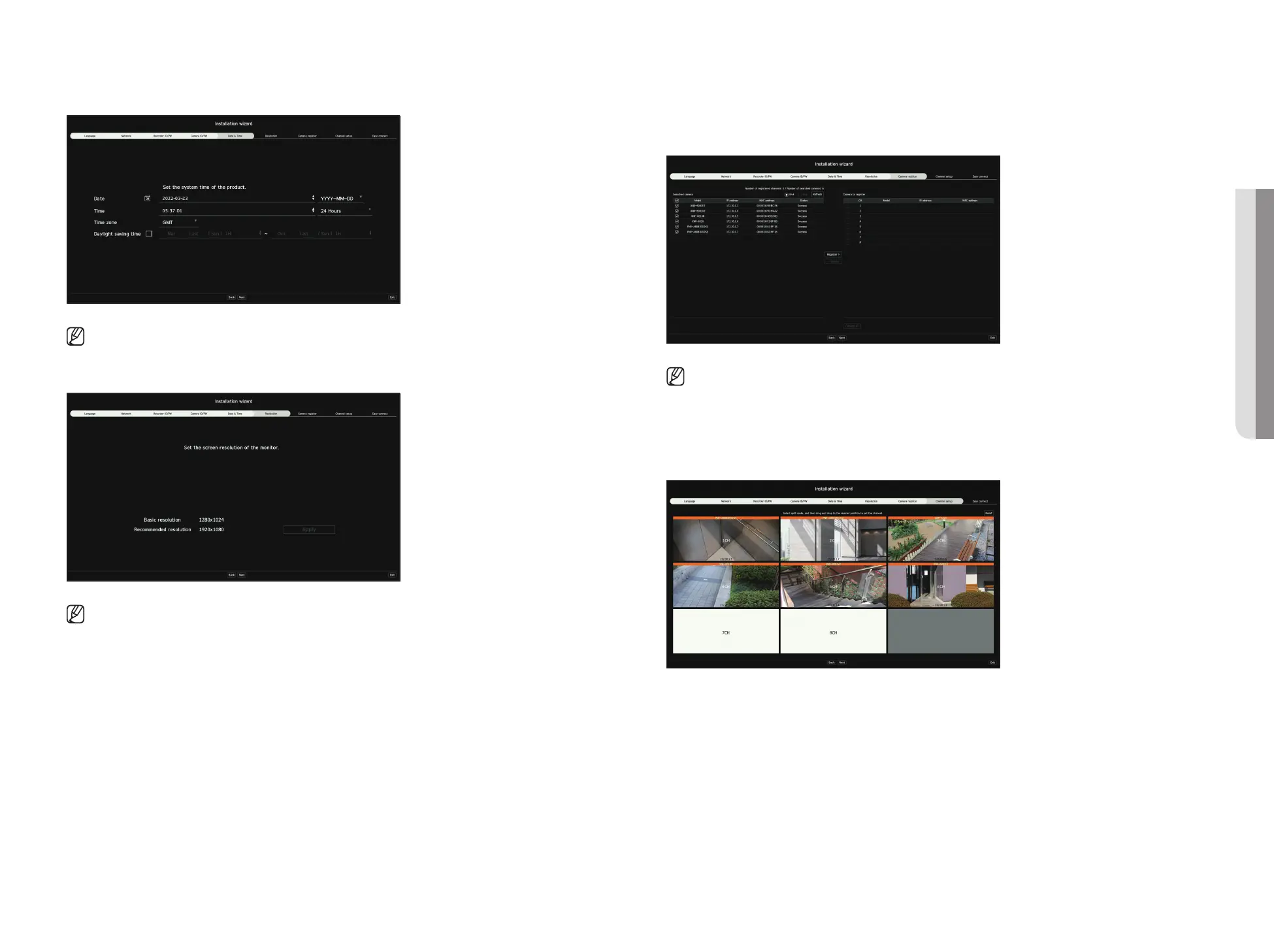
5. Set the date, time, and daylight saving time on the <Date & Time> screen, and then click the <Next>.
■
The time zone setup might differ depending on the region that the product is released.
6. To set the recommended resolution on the <Resolution> screen, click <Apply> followed by the <Next> button.
■
This function is not supported in some models.
7. On the <Camera register> screen, select a camera to register from the searched camera list and click <Register>.
Select a camera to register from the list and click <Change IP>.
After completing camera register click <Next>.
■
After entering the ID and password set in the camera, the connection test must be completed to successfully register.
8. On the <Channel setup> screen, you can view the camera videos registered to each channel in thumbnails along
with thumbnail information. To change the camera video position, select a video and drag and drop it to the desired
location.
After completing channel setup, click <Next>.
• GETTING STARTED



 To Next Page