English _63
Distributed Recording
This function is only available for products that support distributed recording. For products that support
distributed recording, see page 4 “Products supporting each feature” of the Product Specification Manual.
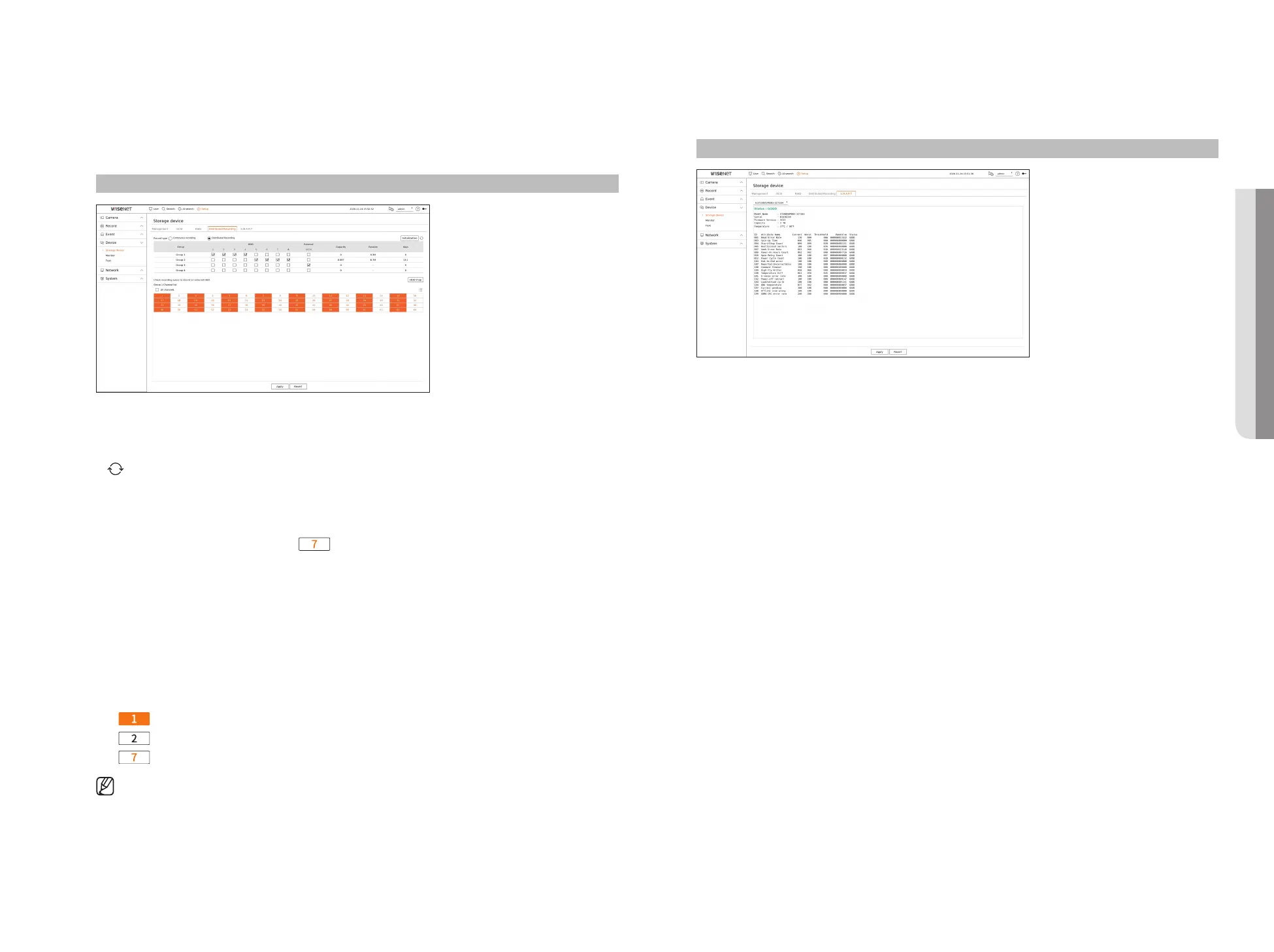
You can save recordings in a distributed manner by distributing HDD(s) of each group.
Setup > Device > Storage device > Distributed recording
●
Record type : Select a storage type from <Continuous recording> or <Distributed recording>.
●
Initialization : Settings that are provided when <Distributed recording> is selected are configured as the
default settings.
●
: Update values such as hard disk capacity, input, and storage date to the latest data.
●
Group : Select a group to distribute the recording. If you select a group, a list to select a camera to assign opens
below.
●
HDD : The number and kind of currently available HDDs are activated.
■
Example) A channel number that is activated like < > is an available HDD.
●
External : Select an external storage device on which recordings will be stored.
●
Capacity : Displays the currently used capacity and entire capacity of an HDD that is selected in the group.
●
Receive : Displays the recording data volume of a channel selected in the group.
■
If the input value exceeds 200 Mbps, it will be displayed in red.
●
Days : Displays the number of storable days for the input from the selected channel in the group on the HDD.
■
Example) 3 days and 12 hours is displayed as 3.5.
●
HDD map : You can check the location according to the assigned number for the HDDs installed inside.
●
Channel list : The button state of the channel list is as follows.
–
: Channel selected in the current group.
–
: Channel selected in other group.
–
: Channel that is not currently selected. Please add this channel to the group.
■
Recording cannot be performed while saving changes in distributed recording settings.
■
To add more HDDs for distributed recording, install them in the order of 1, 5, 2, 6, 3, 7, 4 and 8.
S.M.A.R.T
You can check the connection status and details of the hard disk mounted in the recorder.
Setup > Device> Storage device > S.M.A.R.T
• SETUP



 To Next Page