10
9
8
7
6
5
4
3
2
1
Appendix
Reference
Guides
Alarms and
Emergencies
Patient
Management
Surgical
Implant and
Explant
Monitor
Peripherals
and
Accessories
HVAD
®
Pump Overview
Introduction
96 HVAD® Instructions for Use
5.3 System Screens (continued)
Disable “VAD Stop” Alarm (continued)
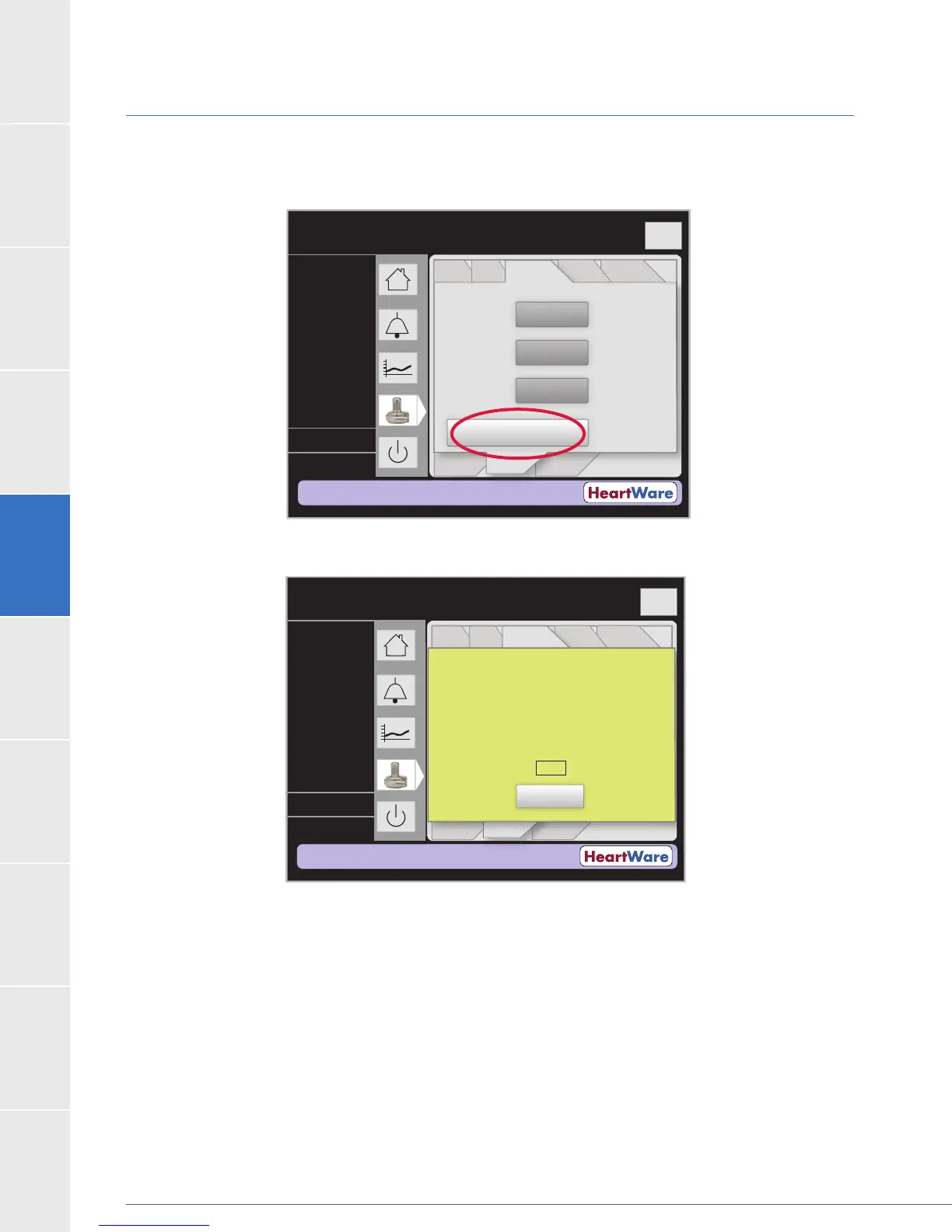
Figure 78: Disable “VAD Stop” Alarm
Figure 79: Pending VAD Stop Command
Flow (L/min)
Time (s)
Logout
8
6
4
2
0
Controller
Date:
Controller
Time:
Disable “VAD Stop”
Alarm
----
Controller
Language:
----
----
PatientVAD
Controller Controller
SW
Monitor
Speed/
Control
Alarm
Settings
Setup
----
----
----
L/min
RPM
Watts
Flow (L/min)
Time (s)
Logout
8
6
4
2
0
Controller
Date:
Controller
Time:
Disable “VAD Stop”
Alarm
----
Controller
Language:
Set
Defaults
----
----
PatientVAD
Controller Controller
SW
Monitor
Speed/
Control
Alarm
Settings
Setup
n
r
l
Settin
s
Setu
The VAD stop alarm is off when a controller is
connected during this message.
This command will automatically cancel in:
Cancel
2:50
----
----
----
L/min
RPM
Watts



 To Next Page