10
9
8
7
6
5
4
3
2
1
Appendix
Reference
Guides
Alarms and
Emergencies
Patient
Management
Surgical
Implant and
Explant
Monitor
Peripherals
and
Accessories
HVAD
®
Pump Overview
Introduction
98 HVAD® Instructions for Use
5.3 System Screens (continued)
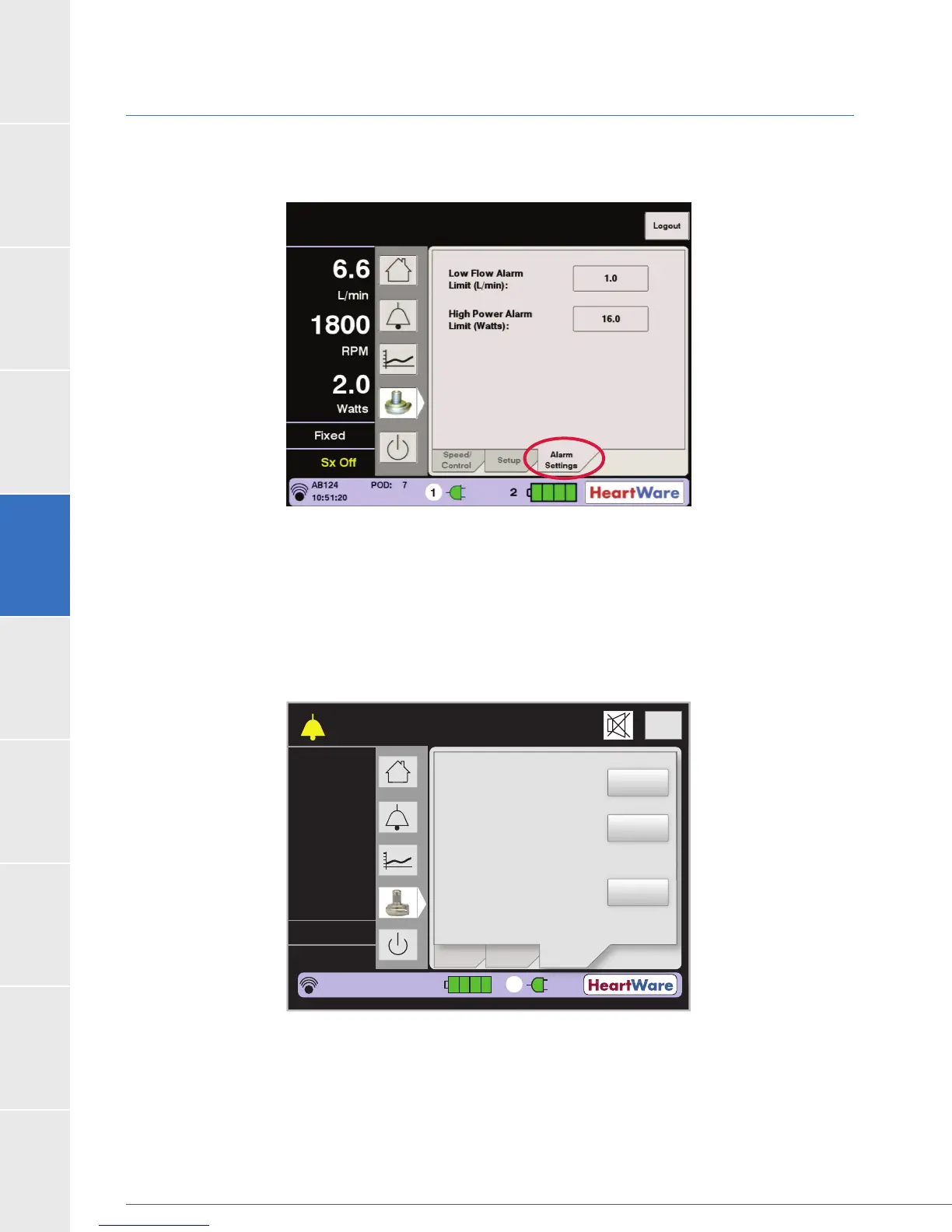
Alarm Settings Tab (continued)
Figure 82: Alarm Settings Tab
When certain alarm or fault conditions exist, the Alarm Settings tab may be used to access
additional controls to silence the audio component of the alarm or fault for extended time
periods. The “Controller Fault Audio” button appears during a medium priority [Controller Fault]
alarm (Figure 83). The “Controller Fault Audio” button can be used to permanently silence
a [Controller Fault] alarm. However, the controller and monitor will continue to display the
[Controller Fault] alarm until the condition resolves.
Figure 83: [Controller Fault] Audio
Permanently silencing the [Controller Fault] audible alarm is a two-step process. Pressing
(Figure 84).
Pressing the “Yes” button will silence all current medium priority [Controller Fault] alarms.
Subsequent controller faults will produce new audible alarms.
Flow (L/min)
Time (s)
Logout
8
6
4
2
0
Speed/
Control
CONTROLLER FAULT
Call: ALARMS OFF
S
ee
/
n
r
l
Low Flow Alarm
Limit (L/min):
High Power Alarm
Limit (Watts):
Controller Fault
Audio:
Setup
Alarm
Settings
2
5.4
2500
5.0
L/min
RPM
Watts
Fixed
Sx Off
HW1234567
POD: 0
00:01:31
1
1.0
16.0
ON



 To Next Page