91Using the HeartWare® Monitor
10
9
8
7
6
5
4
3
2
1
Appendix
Reference
Guides
Alarms and
Emergencies
Patient
Management
Surgical
Implant and
Explant
Monitor
Peripherals
and
Accessories
HVAD
®
PumpOverviewIntroduction
5.3 System Screens (continued)
Patient Tab
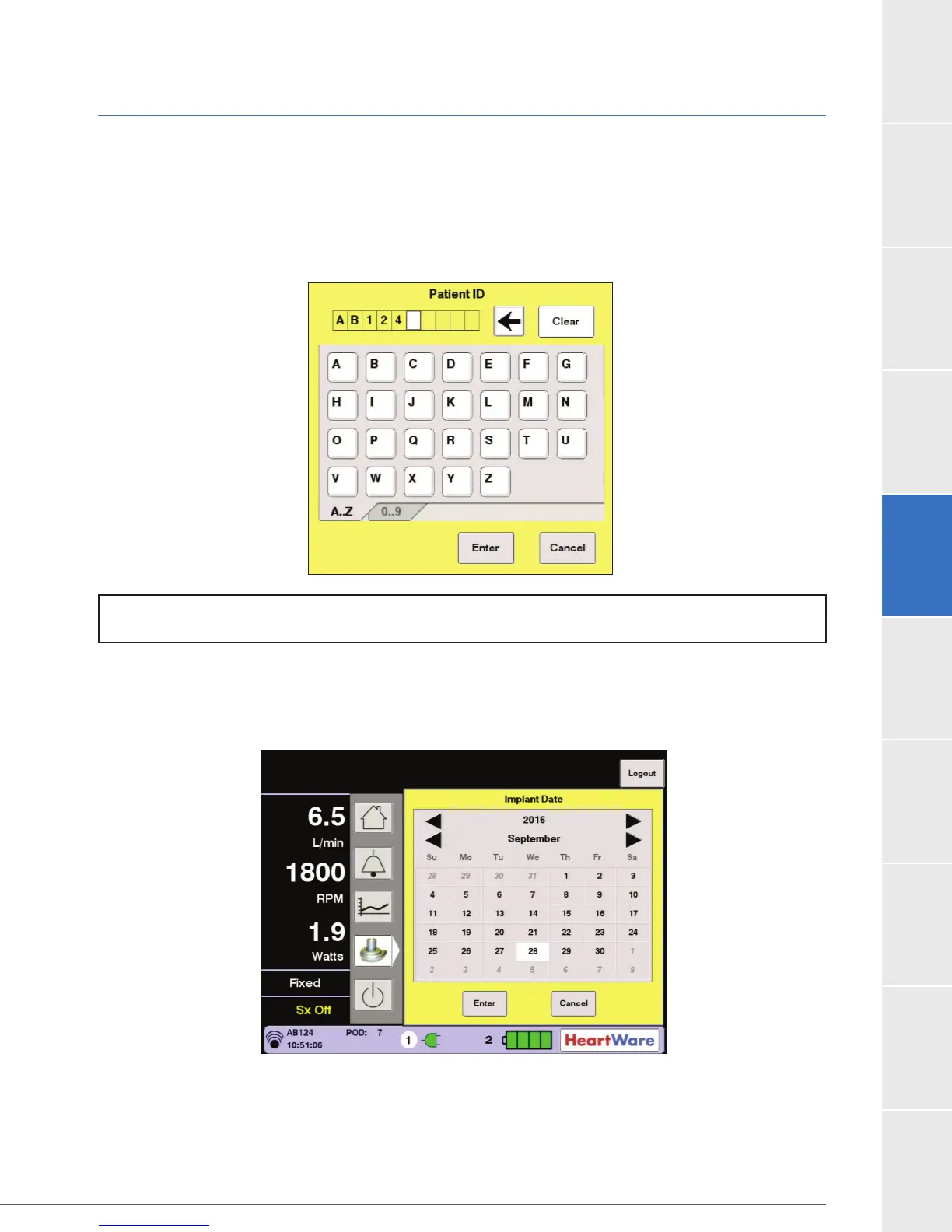
The Patient tab is used to enter Patient ID, Implant Date and Hematocrit. Press the Patient ID
(Figure 71).
The A to Z and 0 to 9 tabs allow entry of numbers or letters.
Figure 71: Patient ID Dialog Box
Press the “Implant Date” button and enter the HVAD
®
Pump implant date using the keypad. Use
(Figure 72).
Figure 72: Implant Date Screen
The hematocrit can be changed using the “Hematocrit (%)” button (refer to Figure 70). This
method allows the clinician to manually input the patient’s hematocrit using a measurement
obtained from a blood sample. The default hematocrit value is 30%.
NOTE: Patient ID must be entered for patient’s alarms to be displayed in the monitor’s alarm log.



 To Next Page