93Using the HeartWare® Monitor
10
9
8
7
6
5
4
3
2
1
Appendix
Reference
Guides
Alarms and
Emergencies
Patient
Management
Surgical
Implant and
Explant
Monitor
Peripherals
and
Accessories
HVAD
®
PumpOverviewIntroduction
5.3 System Screens (continued)
VAD Tab (continued)
The “Suction Response” button includes two options for suction detection:
Suction Response “Off”. This is the default setting.
Suction Response on with “Alarm”. An alarm will sound if a suction event is detected.
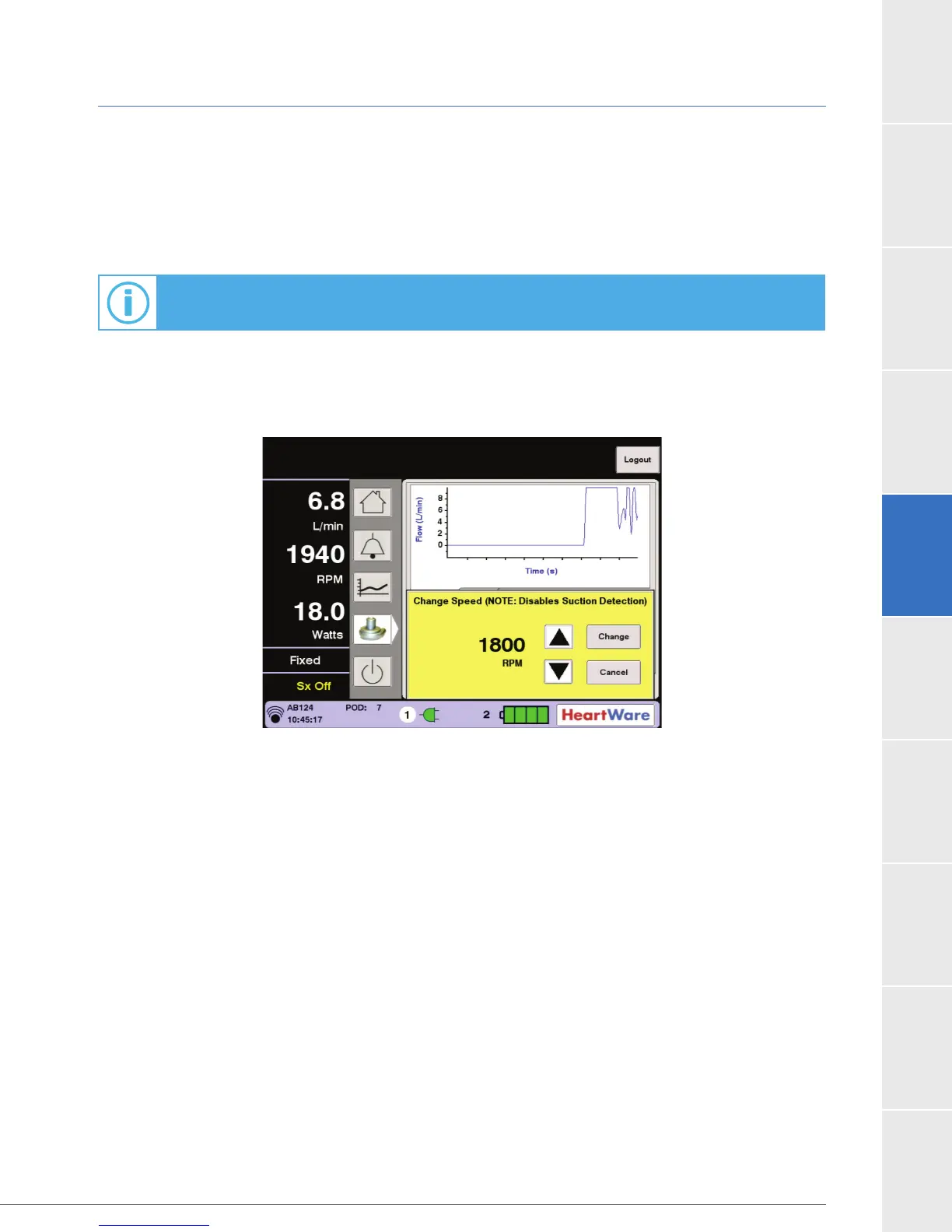
When the pump speed is changed by accessing the Speed/Control tab, the dialog box reminds
users that this will disable the suction detection alarm (Figure 75).
Figure 75: Dialog Box for Pump Speed Changes
For additional information on suction detection, see Section 3.2.2.



 To Next Page