10
9
8
7
6
5
4
3
2
1
Appendix
Reference
Guides
Alarms and
Emergencies
Patient
Management
Surgical
Implant and
Explant
Monitor
Peripherals
and
Accessories
HVAD
®
Pump Overview
Introduction
94 HVAD® Instructions for Use
5.3 System Screens (continued)
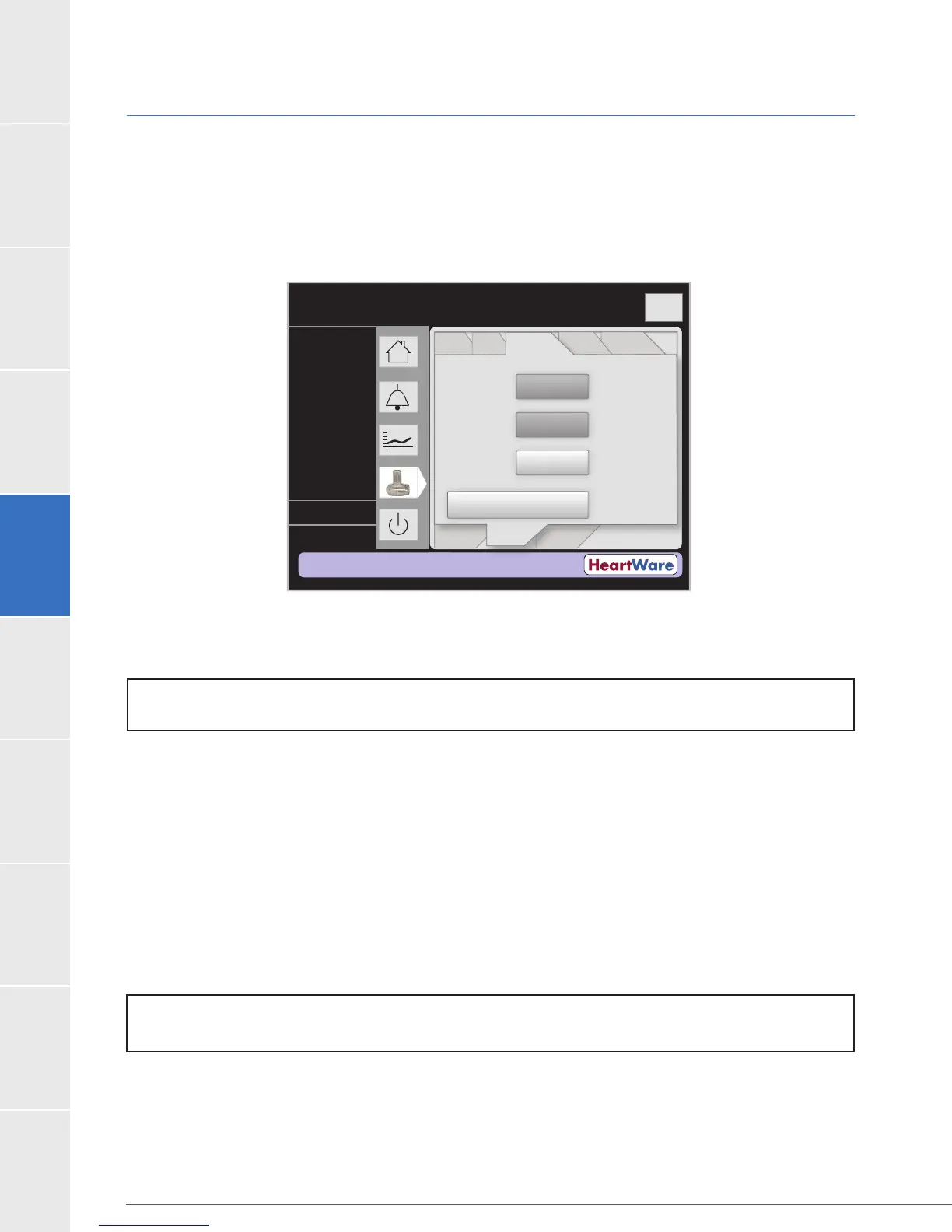
Controller Tab
The Controller tab (Figure 76) allows the user to enter the controller date, time and language
and activate the ‘Disable “VAD Stop” Alarm’ feature. Monitor REF1510 also allows the user to set
the controller default values.
Figure 76: Controller Tab
Press the “Controller Date” and “Controller Time” buttons to enter the controller date and time,
respectively. Press the “Controller Language” button to change the language in the controller.
Set Defaults (Monitor REF1510 only): The “Set Defaults” (Figure 77) button on monitor REF1510 sets
the controller parameters to the original manufacturer settings listed below:
Set Speed is 2500 RPM
[Low Flow] alarm threshold is 1.0 L/min
[High Power] alarm threshold is 16.0 Watts
Suction Response is “Off”
Data Log Interval: 15 minutes
Hematocrit is 30%
Flow (L/min)
Time (s)
Logout
8
6
4
2
0
Controller
Date:
Controller
Time:
Disable “VAD Stop”
Alarm
----
Controller
Language:
----
----
PatientVAD
Controller Controller
SW
Monitor
Speed/
Control
Alarm
Settings
Setup
----
----
----
L/min
RPM
Watts
NOTE: A controller reset (removal of both power sources) is required following a “Set Defaults”
command for the command to take effect.
NOTE: Monitor REF1510 does not provide access to controller language options.



 To Next Page