EN
57/165
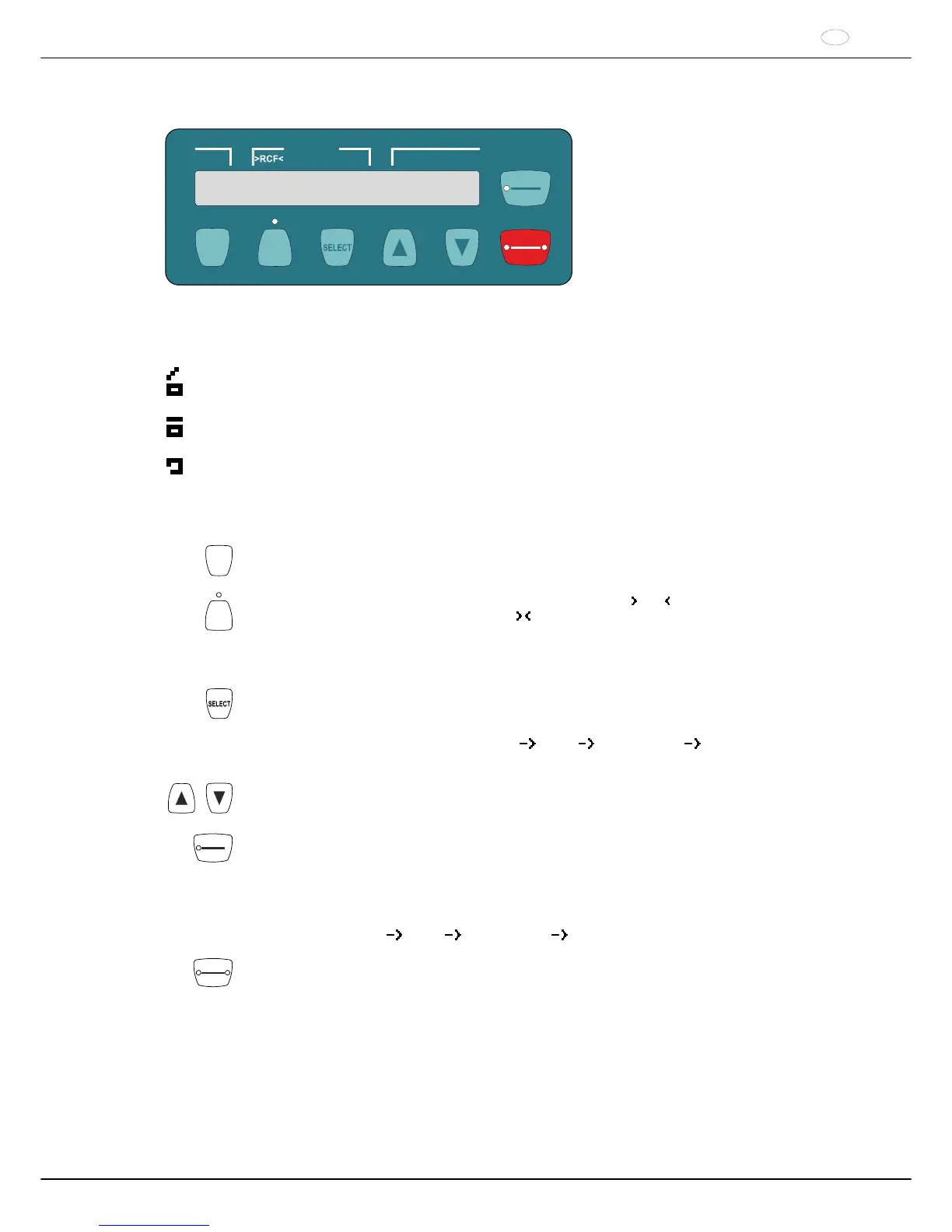
14 Operating and display elements
PROG
PROG
START
PULSE
t/min:s
RCF
RPM
STOP
OPEN
14.1 Displayed symbols
Lid unlocked.
Lid locked.
Rotation display. The rotation display lights up, rotating counter clockwise, as long as the rotor is turning.
14.2 Control panel keys
PROG
Calling up programs
Save program.
RCF
Switching between the RPM display (RPM) and RCF display (
RCF ).
RCF values are displayed in parentheses
.
The LED above the key will light up if the RCF display is activated.
RPM Speed
RCF : Relative centrifugal acceleration
Selection key for activating the individual parameters.
Every time the key is pressed, the next parameter is activated.
Call up the "MACHINE MENU" (keep the key pressed for 8 seconds).
In the "Machine Menu", select the menus "
Info", " Settings" and " Time & Cycles".
Scroll forward in the menus.
Change the value of a previously selected parameter.
If the key is kept pressed, the value changes with increasing speed.
START
PULSE
Start the centrifugation run.
The LED in the key will be illuminated during the centrifugation run as long as the rotor is turning.
Short-term centrifugation.
Centrifugation is run as long as the key is kept pressed. The LED in the key will be illuminated during
the centrifugation run as long as the rotor is turning.
Save inputs and changes.
Call up the menus "
Info", " Settings" and " Time & Cycles".
STOP
OPEN
Finish the centrifugation run.
The rotor runs down with a pre-selected brake stage. The right LED in the button is illuminated until
the rotor is still. After the rotor stops, the left LED in the key will light up.
Pressing the key twice triggers the Emergency Stop.
Unlock the lid.
The left LED in the key will go out.



 To Next Page