EN
63/165
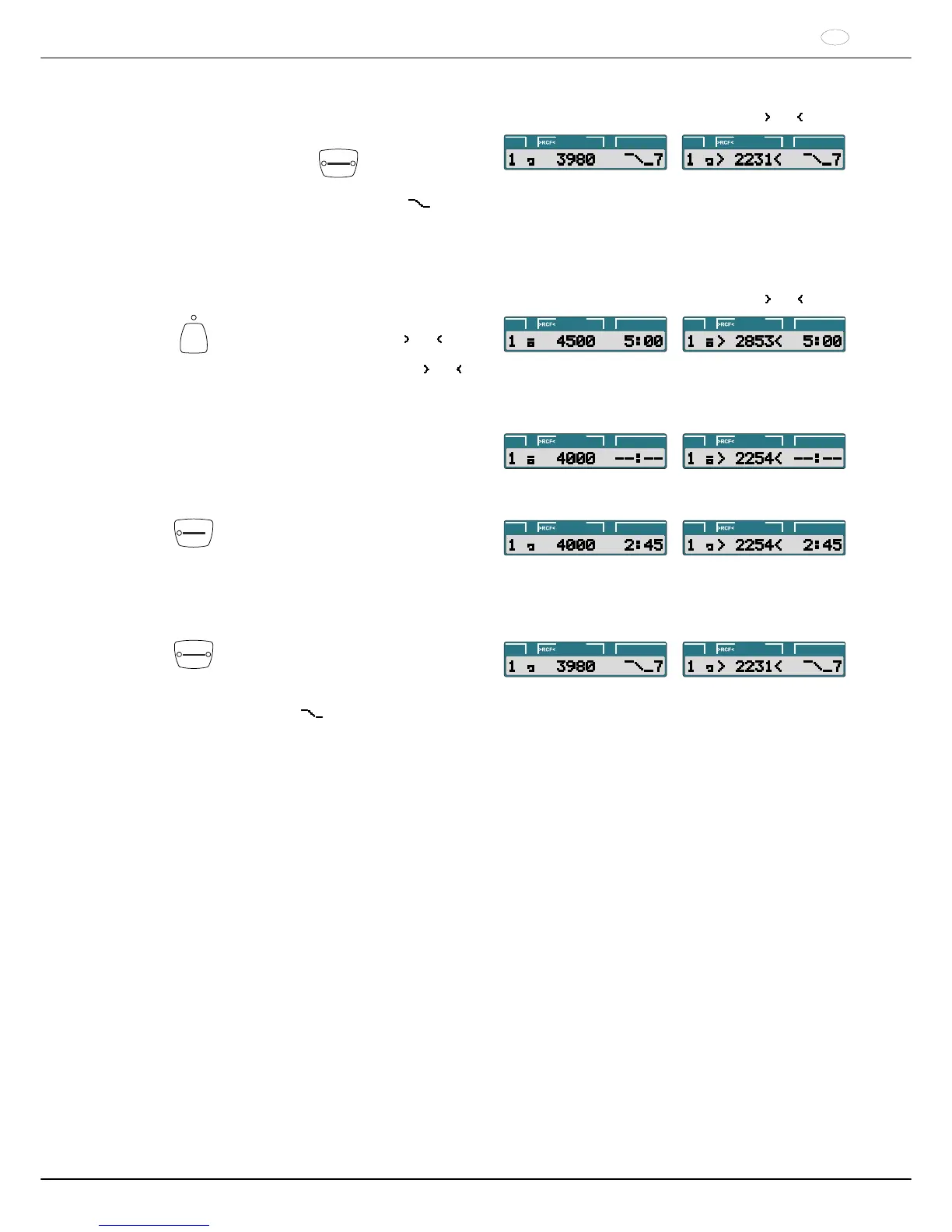
Example:
RPM display (RPM)
Example:
RCF display (
RCF )
After the time elapses or if the centrifugation run is
aborted by pressing the
STOP
OPEN
key, the run-out
occurs with the set brake stage.
The brake stage is displayed. Example
7
PROG t/min:sRPM
PROG t/min:sRPM
16.2 Continuous run
Example:
RPM display (RPM)
Example:
RCF display (
RCF )
RCF
Press the key to activate the RPM display
(RPM) or the RCF display ( RCF ) as
needed. The LED above the key is
illuminated if the RCF display ( RCF ) is
activated.
PROG t/min:sRPM
PROG t/min:sRPM
Input the desired centrifugation parameters. Set the
parameters t/min and t/sec to zero (see the
"Programming" chapter).
PROG t/min:sRPM
PROG t/min:sRPM
START
PULSE
Press the key.
The centrifugation run is started.
During the centrifugation run, the rotor
speed or the resulting RCF value and
elapsed time are displayed.
PROG t/min:sRPM
PROG t/min:sRPM
STOP
OPEN
Press the key.
The centrifugation run is ended.
The run-out occurs with the set brake
stage. The brake stage is displayed.
Example
7
PROG t/min:sRPM
PROG t/min:sRPM



 To Next Page