Hex ezCAN for CAN-bus-equipped Motorcycles
_________________________________________________________________________________________________
_________________________________________________________________________________________________
© Hex Innovate (UK) Ltd. Page 33 of 60 ezCAN 2408.x
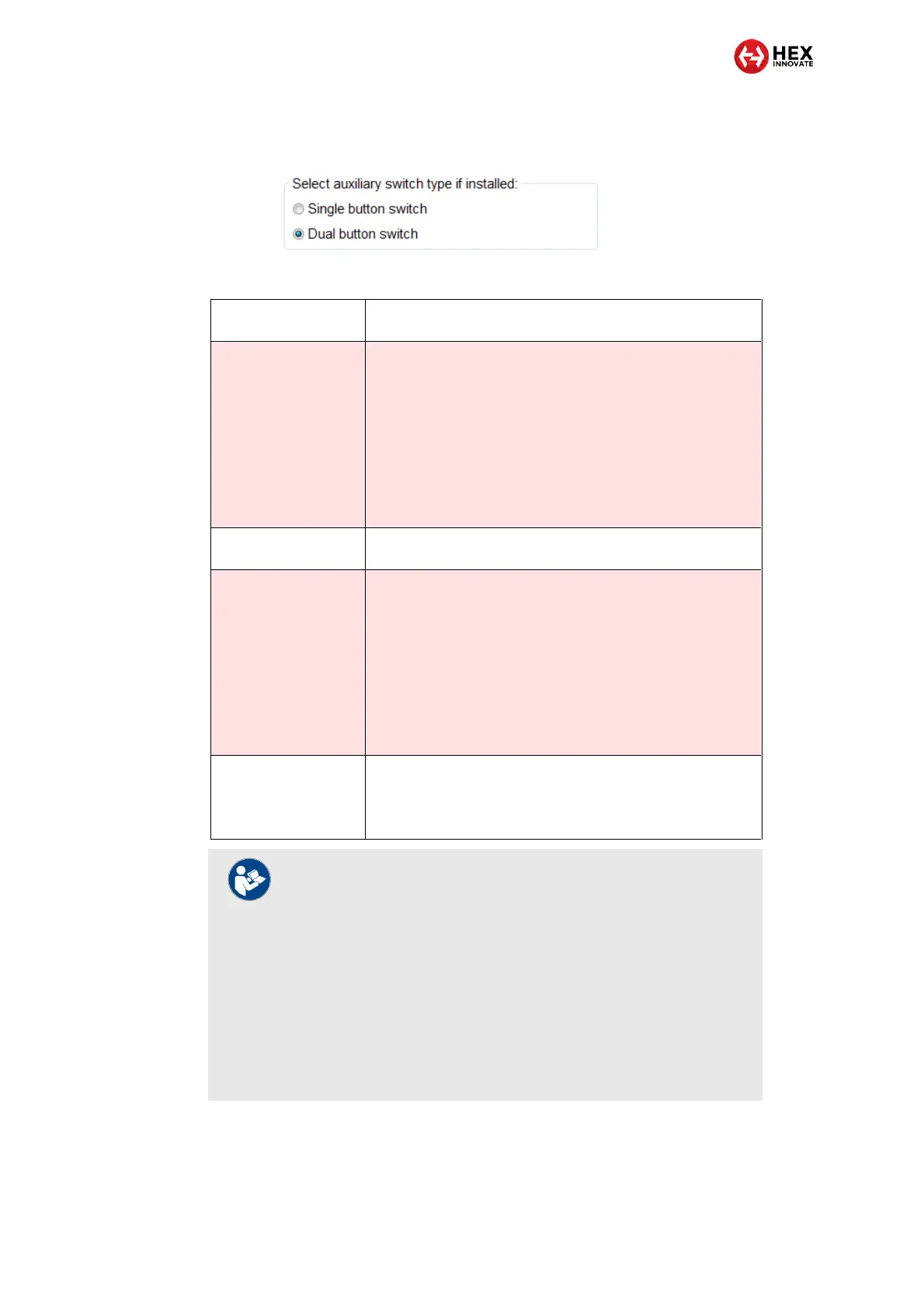
3. Configure the ezCAN to accept control input from the Hex UP-
DOWN switch by selecting the Dual button switch option (below).
4. Click OK.
Switching the Aux 1
lights on and off
Briefly press and release the UP button.
Adjusting Aux 1 lights
only
1. Press and hold the UP button until the Aux 1 lights flash
twice.
The Aux 1 lights are now in brightness-adjustment
mode.
2. Briefly press and release the UP button to increase Aux
1 light brightness by 10% per press (to a maximum of
100%), or the DOWN button to decrease brightness by
10% per press (to a minimum of 0%).
3. Exit brightness-adjustment mode by not operating the
switch for more than 5 seconds.
Switching the Aux 2
lights on and off
Briefly press and release the DOWN button.
Adjusting Aux 2 lights
only
1. Press and hold the DOWN button until the Aux 2 lights
flash twice.
The Aux 2 lights are now in brightness-adjustment
mode.
2. Briefly press and release the UP button to increase Aux
2 light brightness by 10% per press (to a maximum of
100%), or the DOWN button to decrease brightness by
10% per press (to a minimum of 0%).
3. Exit brightness-adjustment mode by not operating the
switch for more than 5 seconds.
Strobing Aux lights on
‘Flash-to-pass’
Click the motorcycle’s ‘Flash-to-pass’ button three times.
Note that to be active, this function must be enabled using
the ezCAN configuration interface.
5.1.3.3.4 If an aftermarket single-button switch is installed (non-Gobi KTM models only)
In context of ezCAN for KTM, a single-button switch is any off-the-shelf
normally open (push-to-make) switch.
NOTES
If all front and rear auxiliary lights are temporarily switched
off (see table above), these lights will be switched back on
when the ignition is cycled.
Alternatively, Aux1 and/or Aux 2 lights can be switched
back on using the Toggling Aux 1/2 lights On and Off
functions (see table above).
When using the Toggling Aux 1/2 lights On and Off
functions, note that any rear auxiliary (Run/Brake) lights will
be switched back on whenever Aux 1 and/or Aux 2 lights
are switched back on.



 To Next Page