RDS Software Package
H00007091 - Absolute Arm User Manual │Version 5.2.0 (2019-03-07) │70
C.3.3 SHORTCUTS
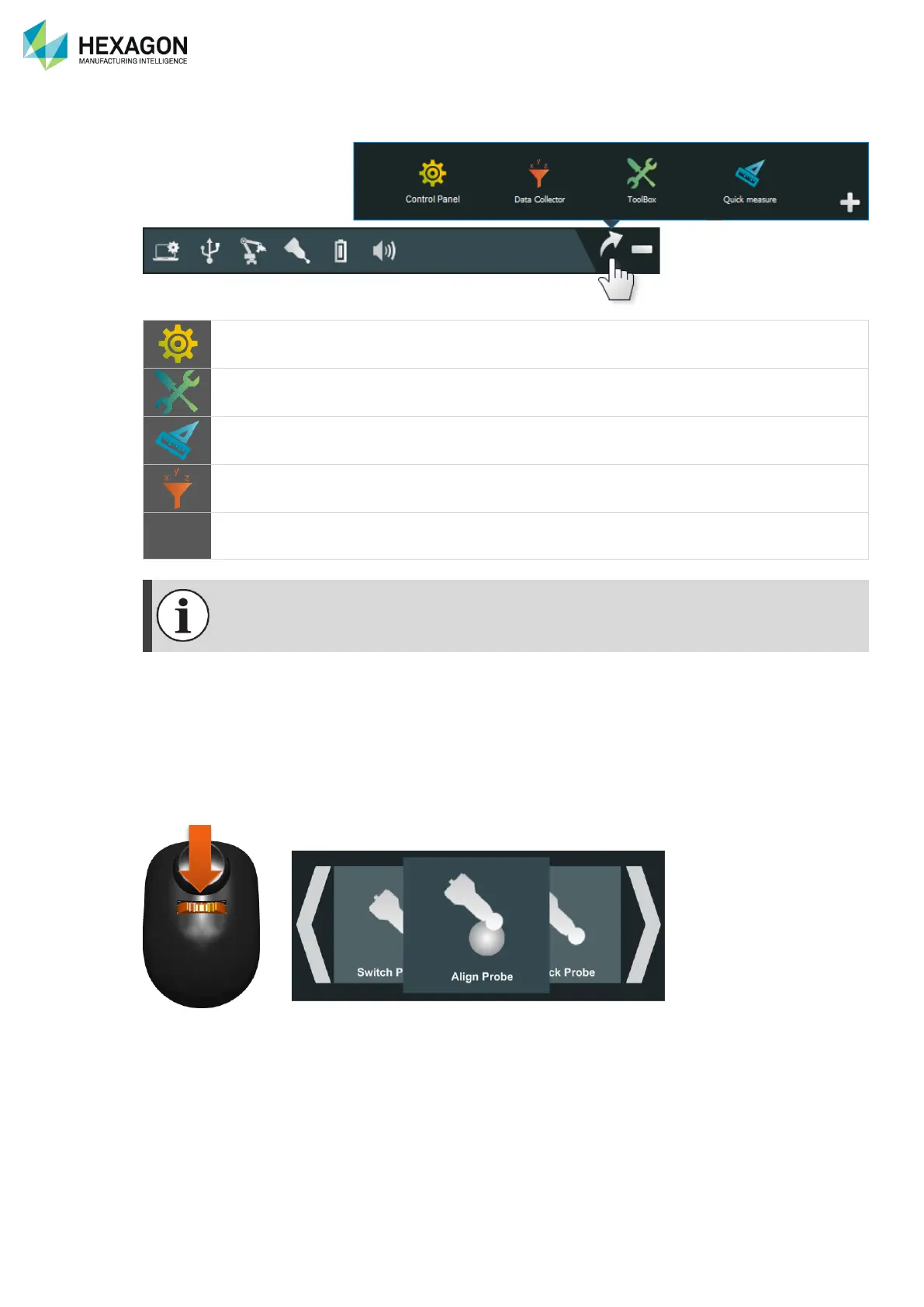
To access the RDS software components, click on the Shortcuts icon.
Full arm and RDS configuration.
Main interface for the configuration and maintenance.
Tools to do basic measurements.
Arm and accessories verification, calibration (arm) and alignment
(probes).
Gives the possibility to add a customized shortcut.
For more information, please read the RDS User manual or RDS Data Collector manual.
C.3.4 QUICK ACCESS MENU
With a simple press on the 3-State button of the arm, the RDS Agent provides to the operator a menu for
main operations. This quick access menu (Q.A.M.) is displayed both on the computer and on the Wrist
display on 7-axis arms.
Thus, main settings can be very easily reached with this menu.
For more details, please refer to chapter G.3


 To Next Page
 Loading...
