Chapter 3 Installaon
3.1 Installaon Environment
• Avoid backlight, direct sunlight, and indirect sunlight.
• For beer recognion, there should be light source in or near the installaon environment.
Note
For details about installaon environment, see Tips for Installaon Environment.
3.2 Flush Mounng
Steps
Note
The addional force shall be equal to three mes the weight of the equipment. The equipment ad
its associated mounng means shall remain secure during the installaon. Aer the installaon,
the equipment, including any associated mounng plate, shall not be damaged.
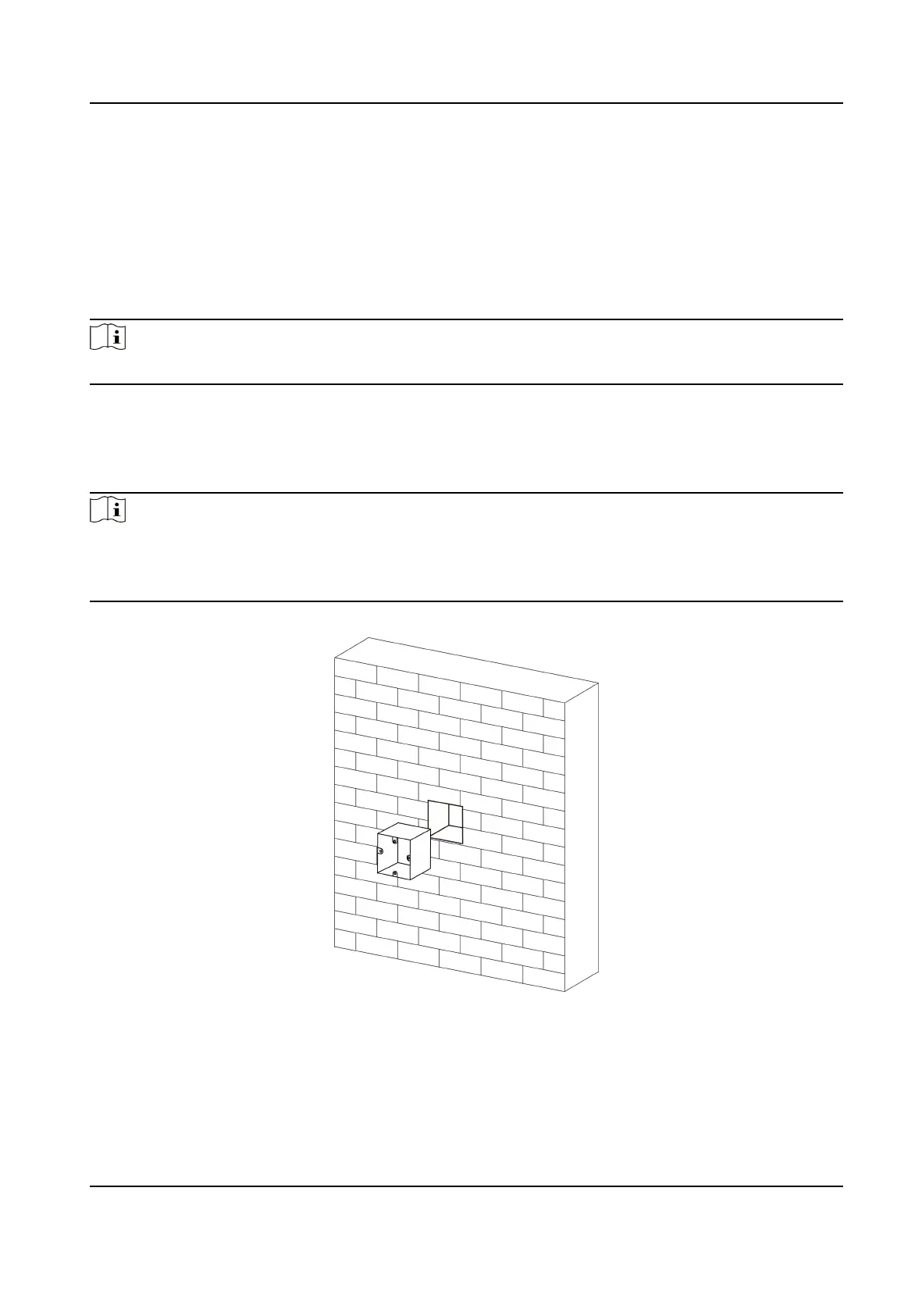
1. Make sure the gang box is installed on the wall.
Figure 3-1 Install Gang Box
2. Use supplied screws to secure the mounng plate on the gang box.
3. Use another one supplied screw to secure the
mounng plate on the wall.
DS-K1T341B Series Face Recognion Terminal User Manual
4



 To Next Page
 Loading...