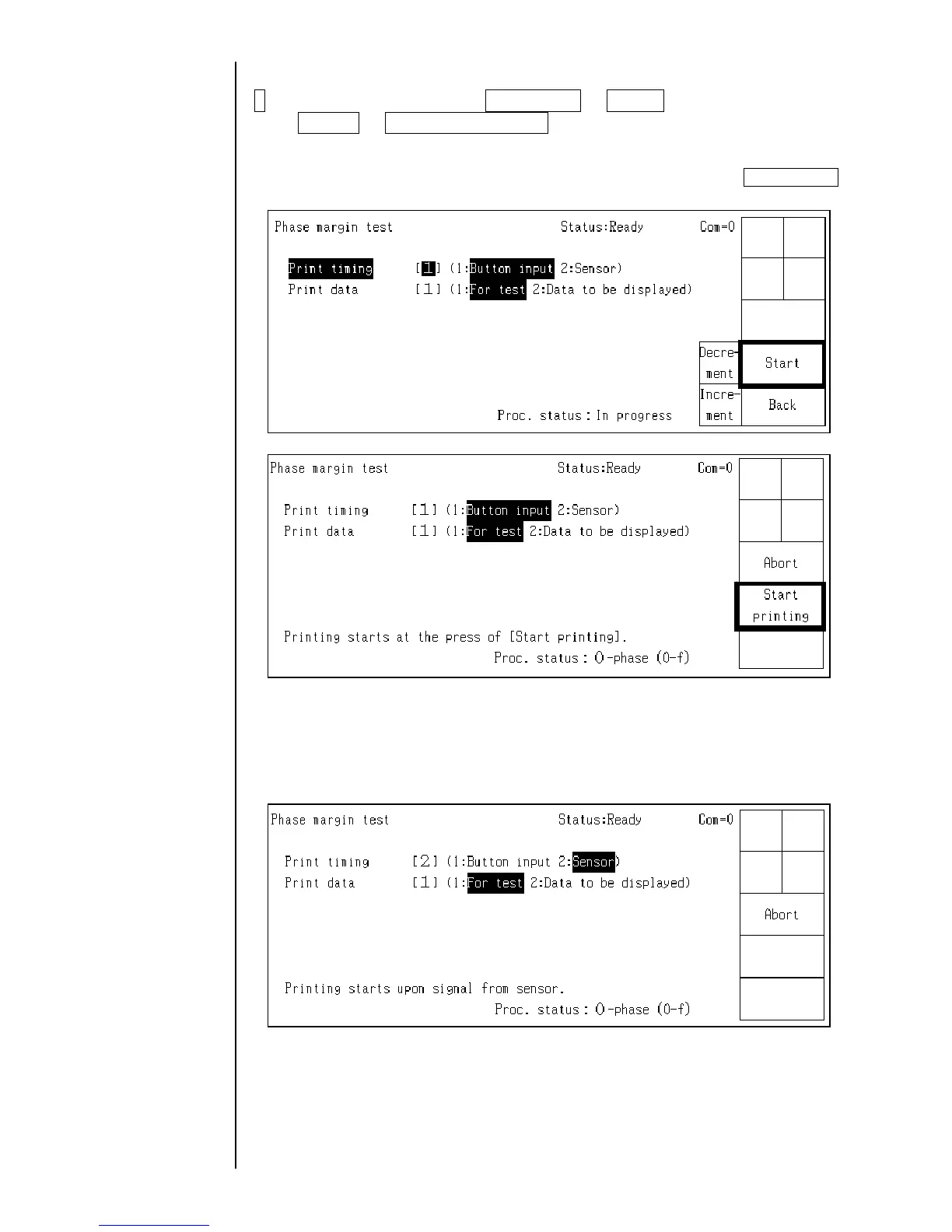
3 Select the print timing from Button input or Sensor and the print data from
For test or Data to be displayed on the screen, respectively.
・When the “Button input” is selected, the following figure is displayed and the printing
phase is sequentially printed from 0 phase to 15(f) phase every time Start Printing
is pressed. (16 printings in total form one cycle)
・When the “Sensor” is selected, the printing phase is sequentially printed from
0 phase to 15(f) phase every time the sensor is input. (16 printings in total form
one cycle)
2-10



 To Next Page