2-26
2.9 Back up
- Copy “Printing data”, “User pattern” and “Unit-specific data” on a memory card.
- Backup data can be copied on an IJ printer.
- Backup on a memory card
Copy data of backup
Mode Copy data
User mode Print data, substitution rules, user patterns, alphanumeric
patterns, Unit-specific data
Print data, substitution rules, user patterns, alphanumeric
patterns, Unit-specific data
Service personnel
maintenance mode
Log management, Viscometer information,
Internal communication error analysis data etc.
* Data of up to 100 IJ printer units can usually be stored on one memory card.
However, data exceeding the capacity of memory card cannot be stored.
* The capacity of the data when saving at a memory card is approx. 220 k bytes in
the state at the time of shipment. And the capacity of data to save increases
about 8 k bytes per one message.
- At the Service personnel maintenance mode, the copy data type can be select.
Copy data from memory card to IJP
Data type Copy data
User pattern User patterns, alphanumeric patterns
Print data Print data, Substitution rules
User data Print data, Substitution rules, User patterns,
alphanumeric patterns
Unit-specific data Unit-specific data
(Ink viscosity coefficient, APH gain, User environment
setup, etc)
- When “Maintenance” is protected, release the protection before “backup” and protect
again after “backup”.
Copy from a memory card onto an IJ printer
1 Be sure to turn off the power.
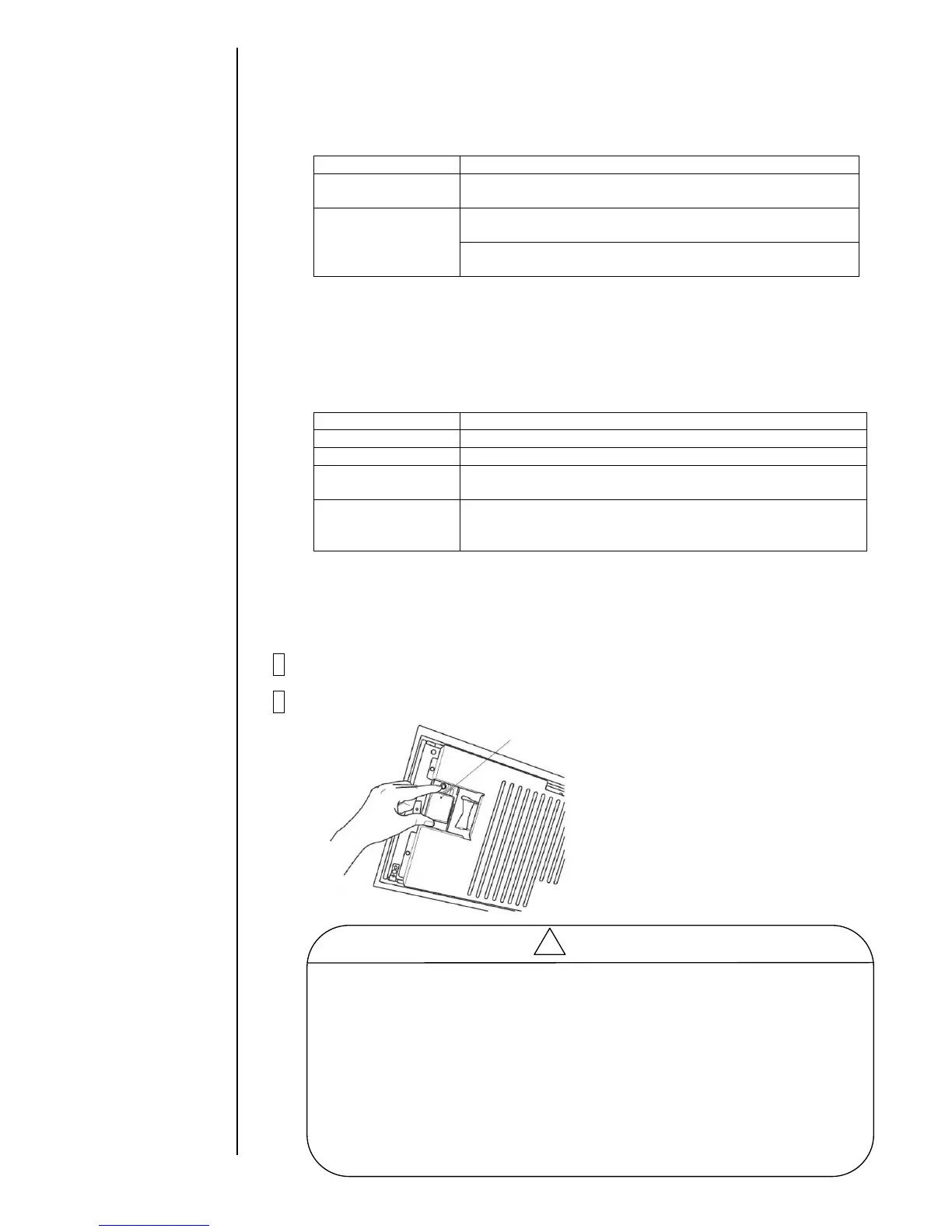
2 Insert a memory card into a slot.



 To Next Page