2-27
3 Turn on the power.
4 Put it into the Service personnel maintenance mode by using
Password protection.
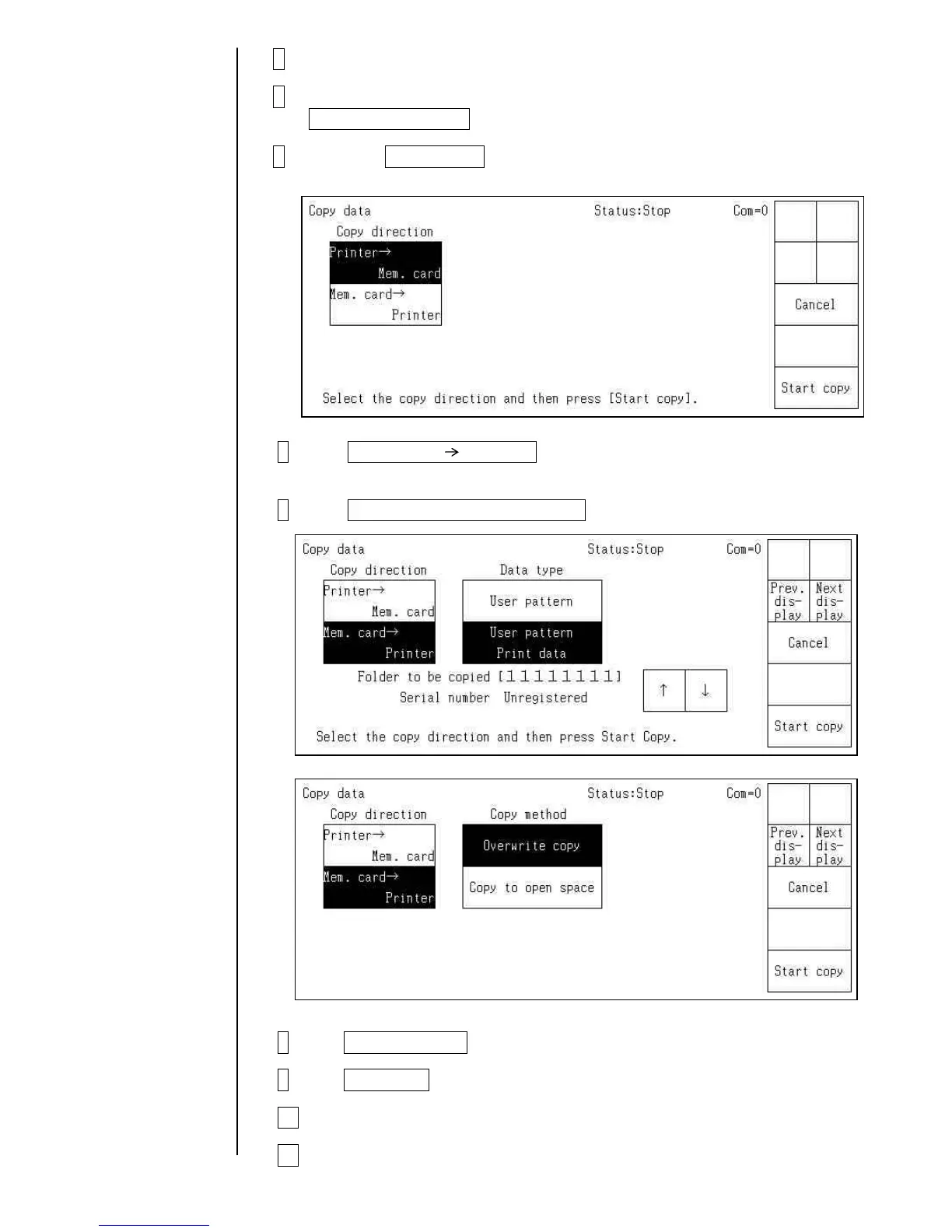
5 Press the Copy data on the Auxiliary function menu screen.
The “Copy data” screen then opens.
6 Press Mem. card Printer
and select a direction of copy.
7 Press User data, Unit-specific data .
8 Press Overwrite copy .
9 Press Start copy .
10 After the copying is over, turn off the power.
11 press the ejector (button) and take the memory card out of the slot.



 To Next Page