2-37
4 Turn off the power when the download is completed
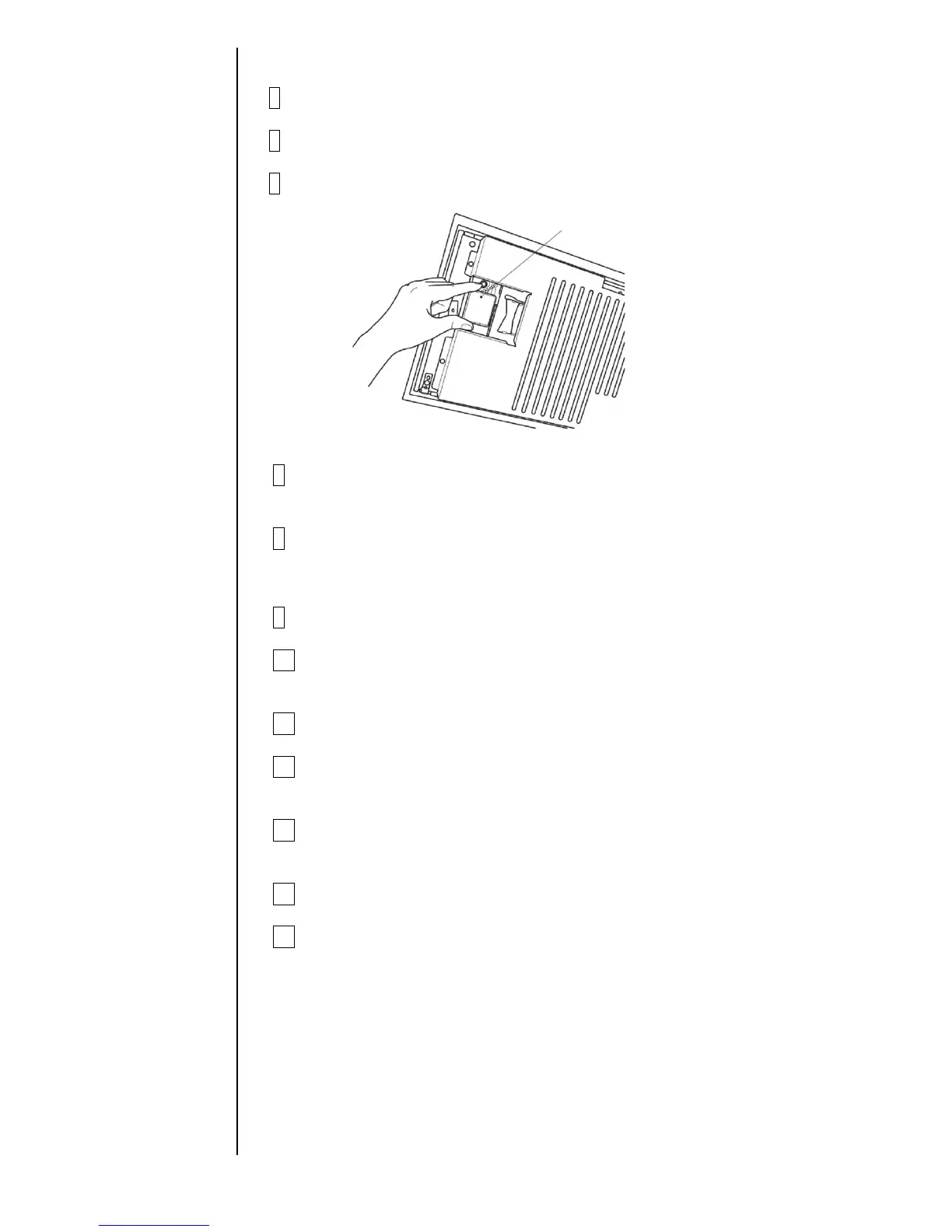
5 Press the ejector (button) and take the rescue memory card out of the slot.
6 Insert a memory card with the IJP system data into the slot.
7 Register screen languages after reference to
"2.12 language registration"
8 Input the serial number.
Input machine serial number from Unit information screen.
*Go to step 9 when the memory card include back up data.
9 Turn off the power.
10 Press the ejector (button) and take the system data memory card out of
the slot.
11 Insert a memory card into the slot.
12 Copy data from memory card to IJ printer after reference to
"2.9 back up"
13 Reinstall all items which are not include of back up data on the list
of previous page.
14 Turn off the power.
15 Press the ejector (button) and take the memory card out of the slot.



 To Next Page