User manual C4 – C6
67
6.7.10. Extend/retract ballast.
Stay away from the ballast, particularly during
retraction of the ballast (risk of crushing).
If the crane is raised on the outriggers and is set to crane operation, the ballast can be
extended.
Press the button on the transmitter (figure 36) to extend the ballast.
Slide the ballast all the way out (if the ballast is not extended all the way, the crane will
operate as if the ballast were completely retracted! ).
Press the button on the transmitter (figure 36) to retract the ballast.
The picture on the transmitter display also shows whether the ballast is retracted or
extended.
6.8. Pick and carry
If your C6 compact crane has the pick-and-carry option, it is fitted with wider crawler tracks. It is
also possible to lift without setting the outriggers. However, the amount of weight that can be lifted
is then much less than if the compact crane were standing on the outriggers.
With the pick-and-carry option it is also possible to switch between the crane operation
and driving functions from the remote control (see figure 18,
button ). Normally this must be done with the key switch
(figure 30).
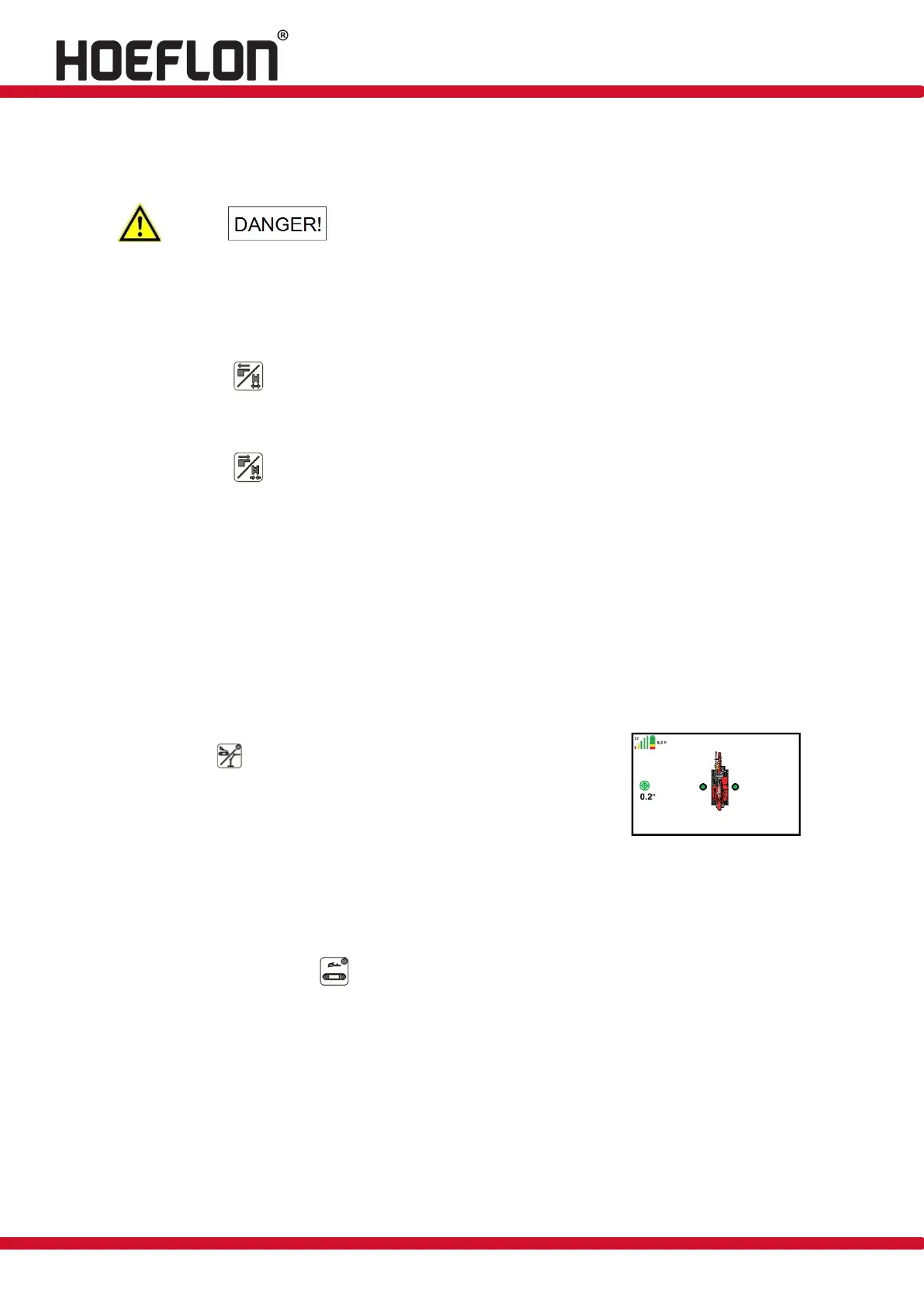
To be able to lift, the tracks must be fully extended. When the
tracks are extended, a green dot appears next to each track to
indicate that it is fully extended ( see figure 86).
If an attempt is made to lift a load that is too heavy for the pick-and-carry mode while this
mode is active, the compact crane will not lift it. The compact crane will be capable of
lifting at its maximum capacity again once it is raised on the outriggers.
It is also possible to drive faster by activating the 3
rd
driving speed on the remote control
(see figure 18, button ).



 To Next Page