User manual C4 – C6
33
*110% button
This button may only be used when the crane is in an unsafe situation. Pressing this button will
bring the crane back to a safe situation. The LML is temporarily (30 seconds) increased by 110%
when this button is pressed.
Never use to increase the crane’s outreach or to continue winching.
6.2.2. Function mapping
This function allows you to assign different functions to the levers. As standard, it is set to default.
If you set it to custom, then it is set the same as many lorry loader cranes.
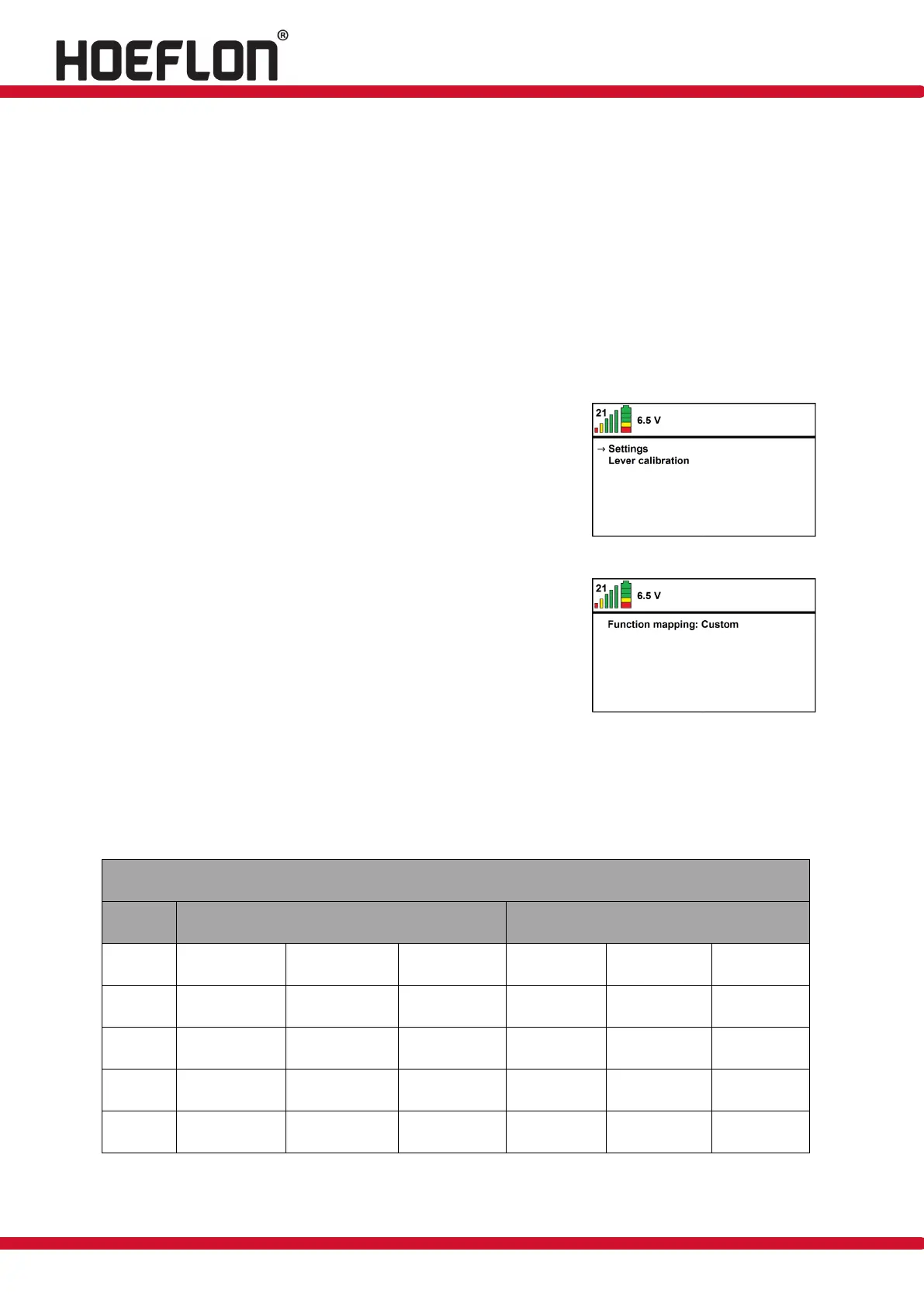
Switch on the remote control and activate the remote
control menu by pressing the ✓ button (see figure 20).
Figure: 20
Then open settings by pressing the ✓ button and use the
button to go to function mapping (see figure 21).
Figure: 21
Now press the button to set the function to custom (see
figure 21).
The table below shows the levers new functions.
Levers functions in 'custom' mode



 To Next Page