11. Maintenance Procedures
97
Coding digital speed display when switching to different
tires/wheels
This procedure provides instructions on how to code the digital speed display when you install different
from previously used type or size of tires/wheels.
To code the digital speed display when switching to different tires/wheels:
Caution: The instrument panel is fragile.
1. Grasp the instrument panel and carefully pull it outwards. The retaining clips unlatch audibly.
2. If the instrument panel is not coming out easily, readjust the instrument panel and try to pull it out
again.
3. Remove the rear cover from the combination switch located on the rear side of the instrument
panel.
4. Using any tool that allows you to reach the toggle switches, e.g. a pencil, move the first six toggle
switches numbered from 1 to 6 into the positions corresponding to the size of the tires or wheels
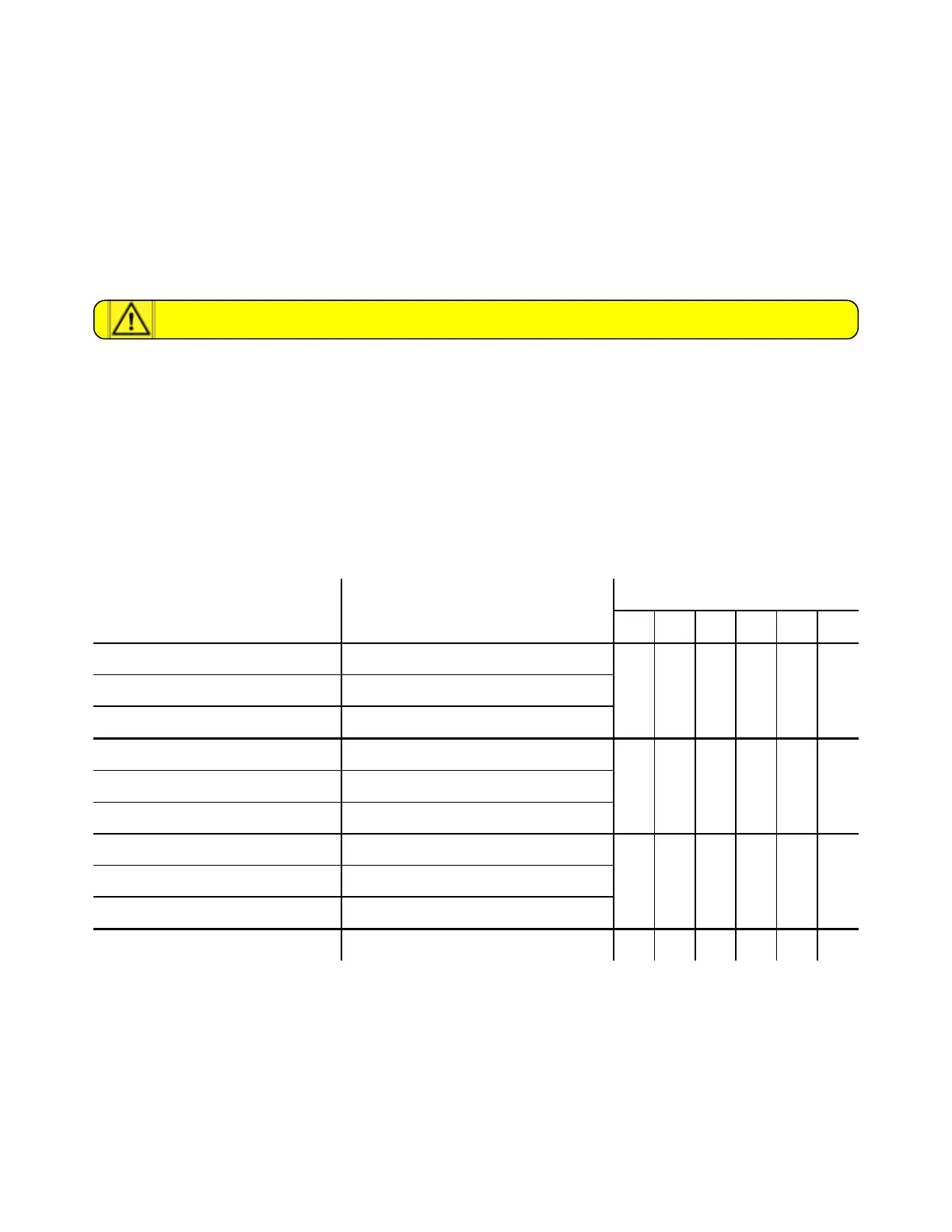
to be installed according to the table below.
Tire/wheel size Tire/wheel Type
Toggle switches
1 2 3 4 5 6
280/80 R18 532-31-08 / -09
1 1 1 0 1 036 x 13.50 - 15 524-31-8
10.5 - 18 MPT 524-31-1 / -6
425/55 R17 532-31-01 / -02
1 0 0 1 1 0400 / 60 - 15.5 524-31-5
33 x 12.50 - 15 524-31-4
33 x 12.50 R15 524-31-7
0 1 0 1 1 033 x 15.5 -15 524-31-3
33 / 18LL - 16.1 524-31-9
31 x 15.5 - 15 524-31-2 0 1 1 1 1 0
Table 11-1. Coding digital speed display
5. Close the back cover and reinstall the instrument panel.
Shutting down tractor
This procedure provides instructions on how to shut down the tractor.



 To Next Page