34
TO ERASE WAYPOINT MARK
To erase waypoint mark by color
All waypoint marks which have selected by each
color are erased.
Select [2.WAYPOINT][3.ERASE WAYPOINT]
[1.ERASE BY COLOR] on the menu.
Select and designate color among[1.ERASE BY
COLOR].
All waypoint marks which were designated by color
are erased by pressing [SET] key.
1
2
3
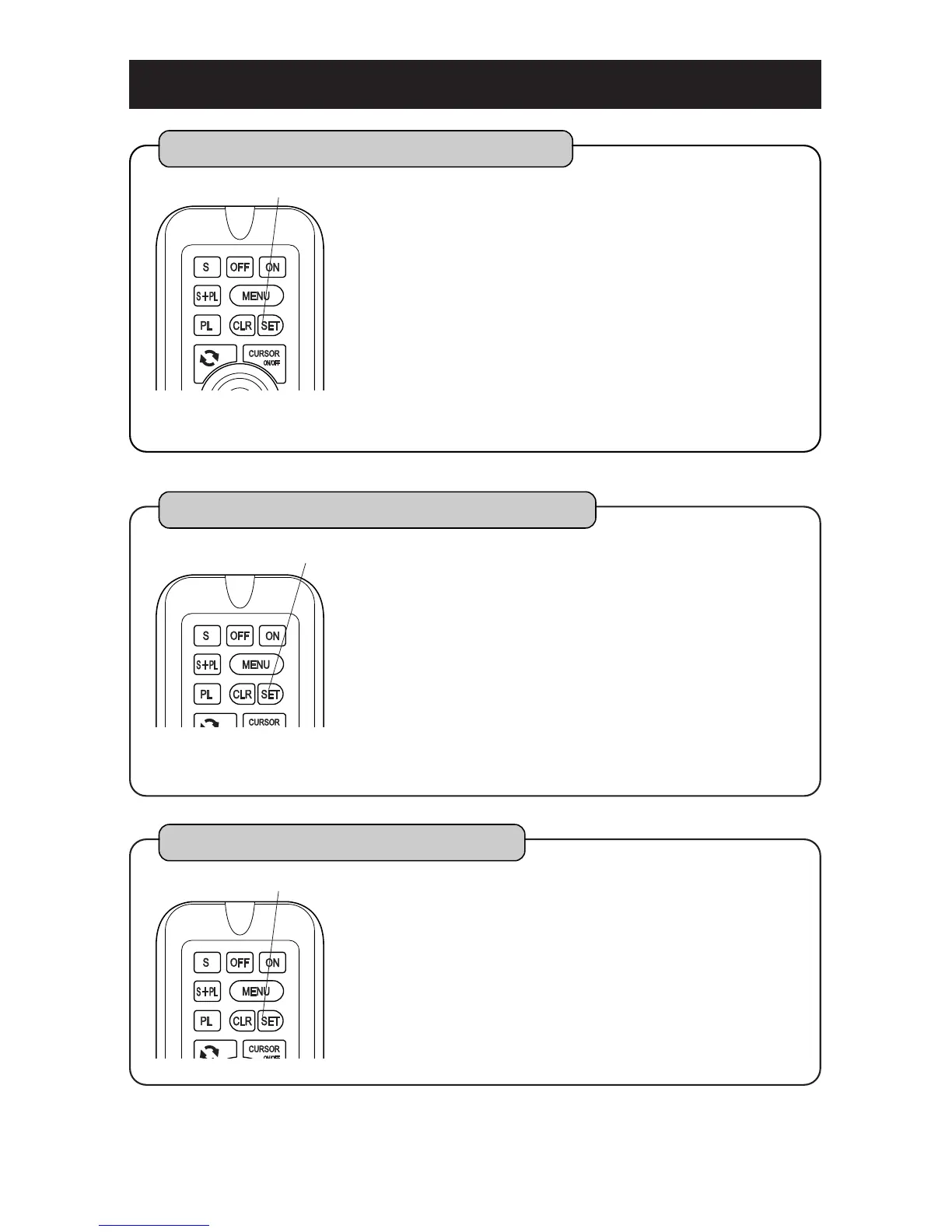
SET key
Please refer to [HOW TO OPERATE MENU] ( page12 ) for operation of menu.
To erase all waypoint marks
All waypoint marks are erased.
Select [2.WAYPOINT][3.ERASE WAYPOINT]
[2.ERASE ALL] on the menu.
All waypoint marks are erased by pressing [SET]
key.
1
2
SET key
To erase waypoint mark by shape
All waypoint marks which have selected by each
shape are erased.
Select [2.WAYPOINT][3.ERASE WAYPOINT]
[2.ERASE BY SHAPE] on the menu.
Select and designate shape among [1.ERASE BY
SHAPE].
All waypoint marks which were designated by
shape are erased by pressing [SET] key.
1
2
SET key
3



 To Next Page