71
Please refer to [HOW TO OPERATE MENU] ( page12 ) for operation of menu.
TO SHOW DUAL FREQUENCY DISPLAY
Change of display
TO SET SWEEPING SPEED
Select [9. SOUNDER][2.SWEEP SPEED] on
menu.
Establish [2.SWEEP SPEED].
(5 steps: 1/1, 1/2,1/4, 1/8, FREEZE)
“Mark” of sweeping speed is indicated only at
fish finder display.
[Sweeping Speed]
On echo sounder/fish finder, the newest display (display just under the boat) is shown on
the right edge of screen. At the same time previous display moves leftward. Display of
echo sounder/fish finder is formed by repeating such movement.
Sweep speed is speed that display forwards. Display expands or reduces horizontally by
changing the sweeping speed.
[Relation of sounding rates and sweeping speed]
5 sweeping speed can be selected on the menu. Ratio of sweeping speed vs.sounding
rates at each speed is shown on the below table.
1
2
Sweeping Speed
Select [9.SOUNDER][1.DISPLAY] on menu.
Establish [1.DISPLAY].
1. LOW :Low frequency image is displayed on
whole screen.
2. HIGH :High frequency image is displayed on
whole screen.
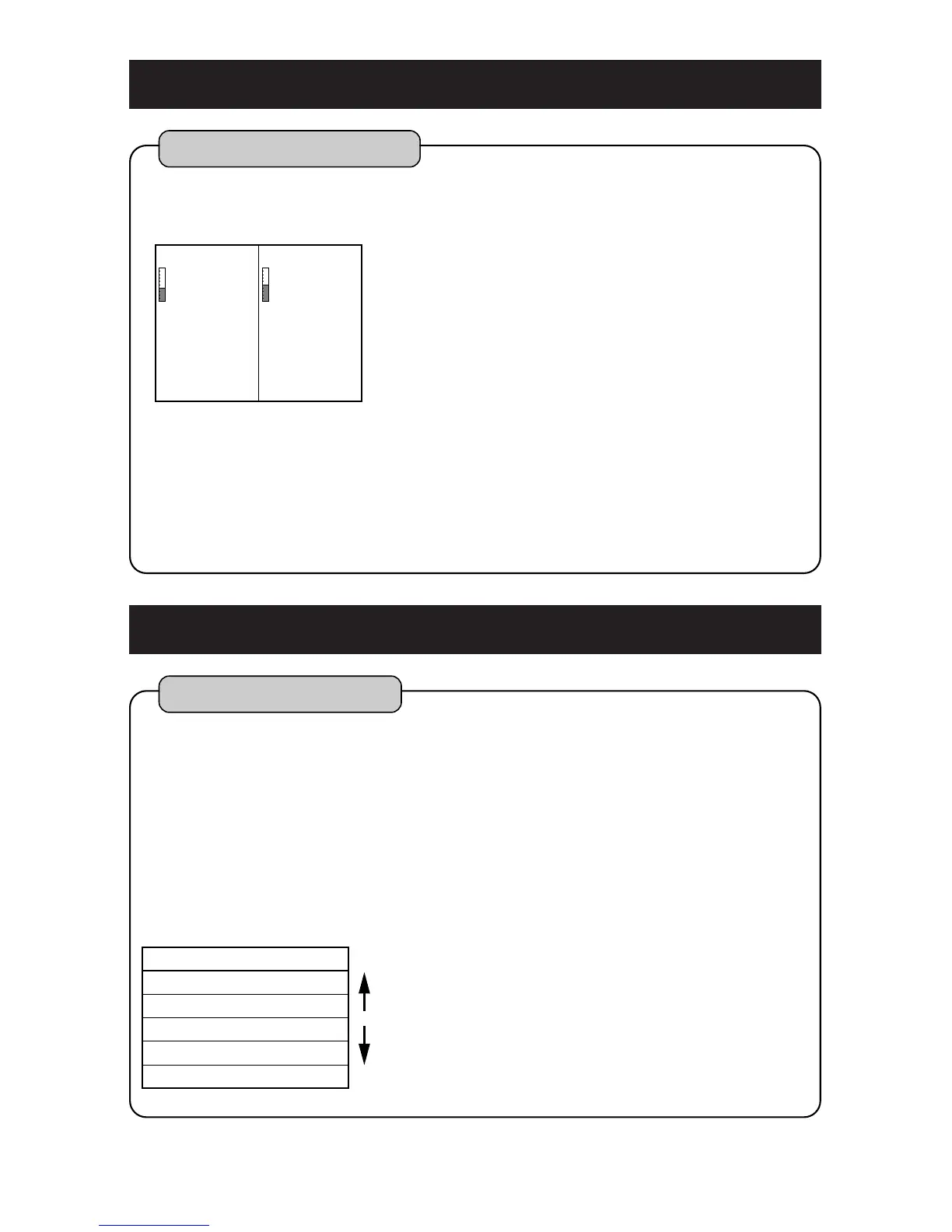
3. LOW+HIGH :
Low frequency image is displayed on the left
half of screen and high frequency image is
displayed on the right half of screen.
4. HIGH+LOW :
High frequency image is displayed on the left
half of screen and low frequency image is
displayed on the right half of screen.
In case of selecting 3 or 4, LOW: low frequency
and HIGH: high frequency are shown on the
screen.
Following dual frequency display can be selected.
1
2



 To Next Page