67
TO MOVE EXPANDED AREA
Select [9.SOUNDER][5. EXPANSION][1.EXP.
MODE] on menu. (page 68,78)
Set [1.EXP. MODE] to MANUAL EXPANSION.
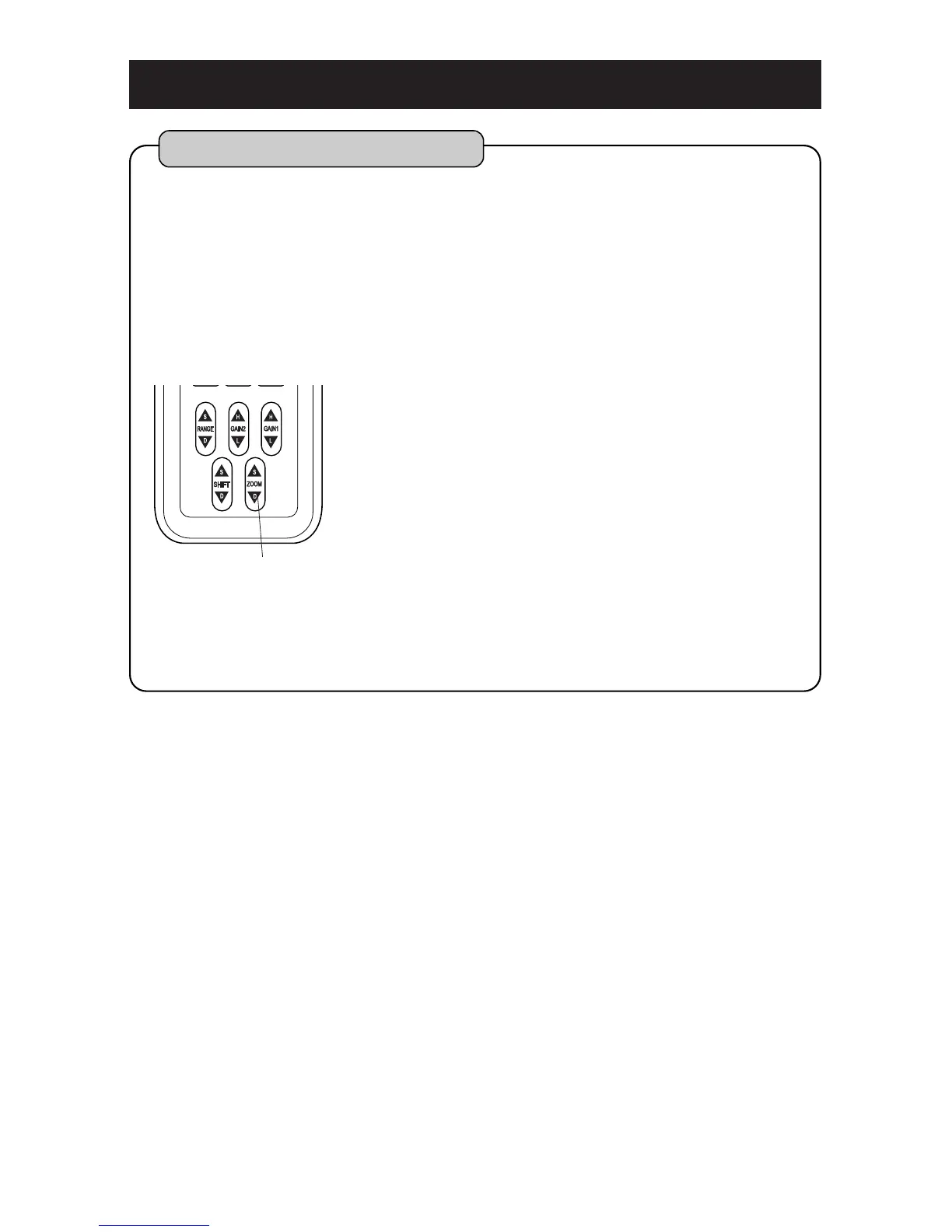
Move expanded area up or down by [ZOOM] key.
Each time when you press [S], it approaches to
sea surface.
Each time when you press [D], it approaches to
sea bottom.
To cancel Expansion display, set [1.EXP. MODE]
to OFF. (page 68,70)
You can move and see expanded area to top or bottom of display.
You can not operate [ZOOM] key except for manual expansion mode.
Expansion rate is selected among 2 times, 4 times and 8 times. (Expansion Rate
page 68)
Expansion rate is set to 4 times when the unit is delivered from factory.
Displayed range varies depending on “Expansion Rate.”
(Please refer to “TO SHOW/SET THE EXPANSION MODE” (page 68) in detail.)
1
2
3
To move expanded area
ZOOM key



 To Next Page