40
TO ERASE LINE
To erase line by color
All lines which have selected by each color are
erased.
Select [8.OTHERS][1.DRAW LINE][4.ERASE
LINE][1.ERASE BY COLOR] on the menu.
Select and designate color among [1.ERASE BY
COLOR].
All lines which were designated by color are
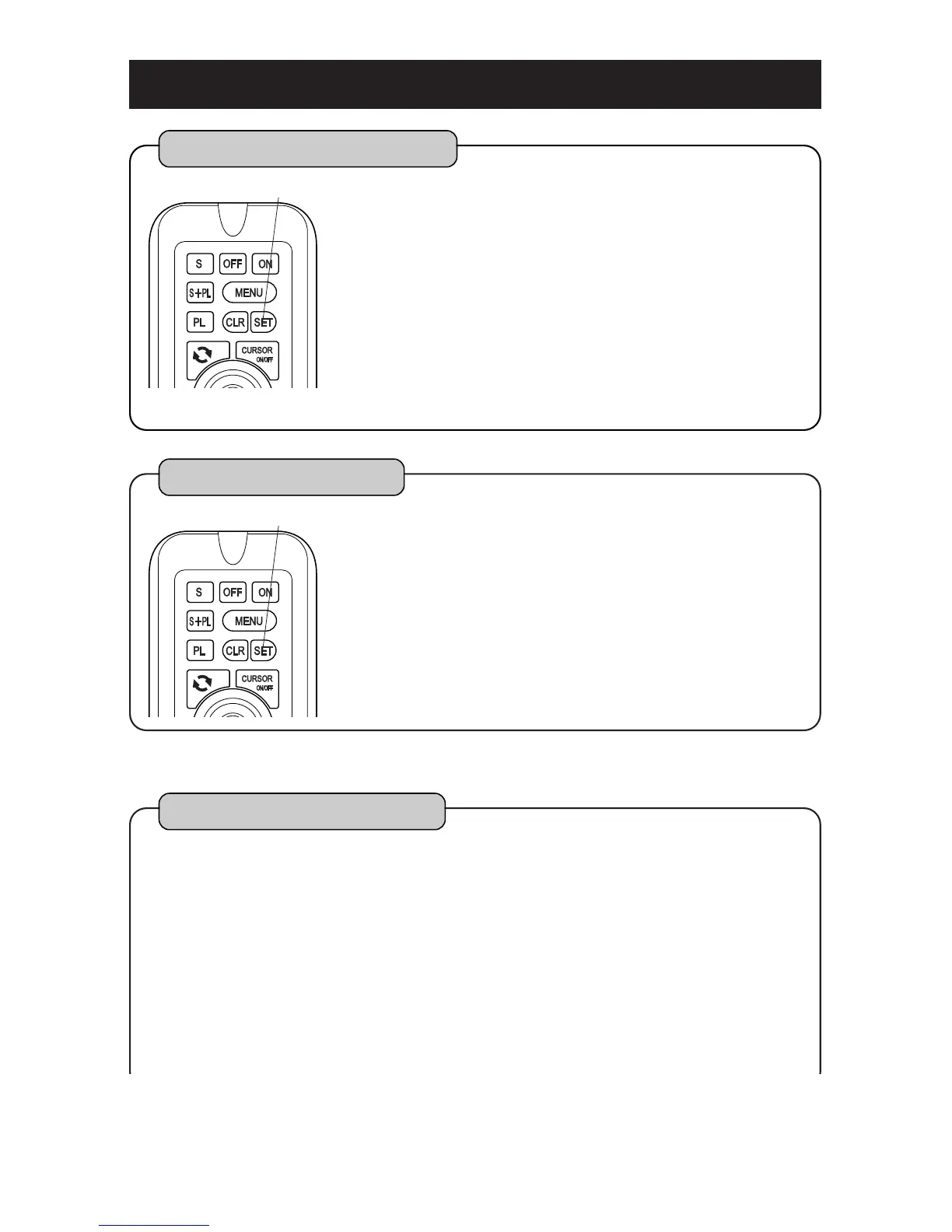
erased by pressing [SET] key.
1
2
3
SET key
Please refer to [HOW TO OPERATE MENU] ( page12 ) for operation of menu.
To erase all lines
All lines are erased.
Select [8.OTHERS][1. DRAW LINE][4. ERASE
LINE][1.ERASE BY COLOR] on the menu.
Select [ERASE ALL] by turning [CENTER] key
left/rightward.
All lines are erased by pressing [SET] key.
1
2
3
SET key
Erase line by cursor
By stacking cursor on line, erase line respectively.
It is necessary to make effective of function
[ERASE BY CURSOR] on the menu beforehand in
order to activate this function. (page57)
Select [8.OTHERS][1.DRAW LINE][4. ERASE
LINE][3. ERASE BY CURSOR] on the menu.
Set to [3.ERASE BY CURSOR]. (page 57)
1
2



 To Next Page